1.8.1 Adding and Deleting Rows
The Add row and Delete row icons are used to enter or fill up rows of data in a screen.
For example, the Bills Document Code Maintenance screen, loaded by providing the function id BCDDOCCD.
Add various clause codes to the Document Code. Select the Clause Code from the option list. Both Clause code and description are populated.
Now the first row is complete. Click add icon. Saving the data in the first row and take user to the next row.
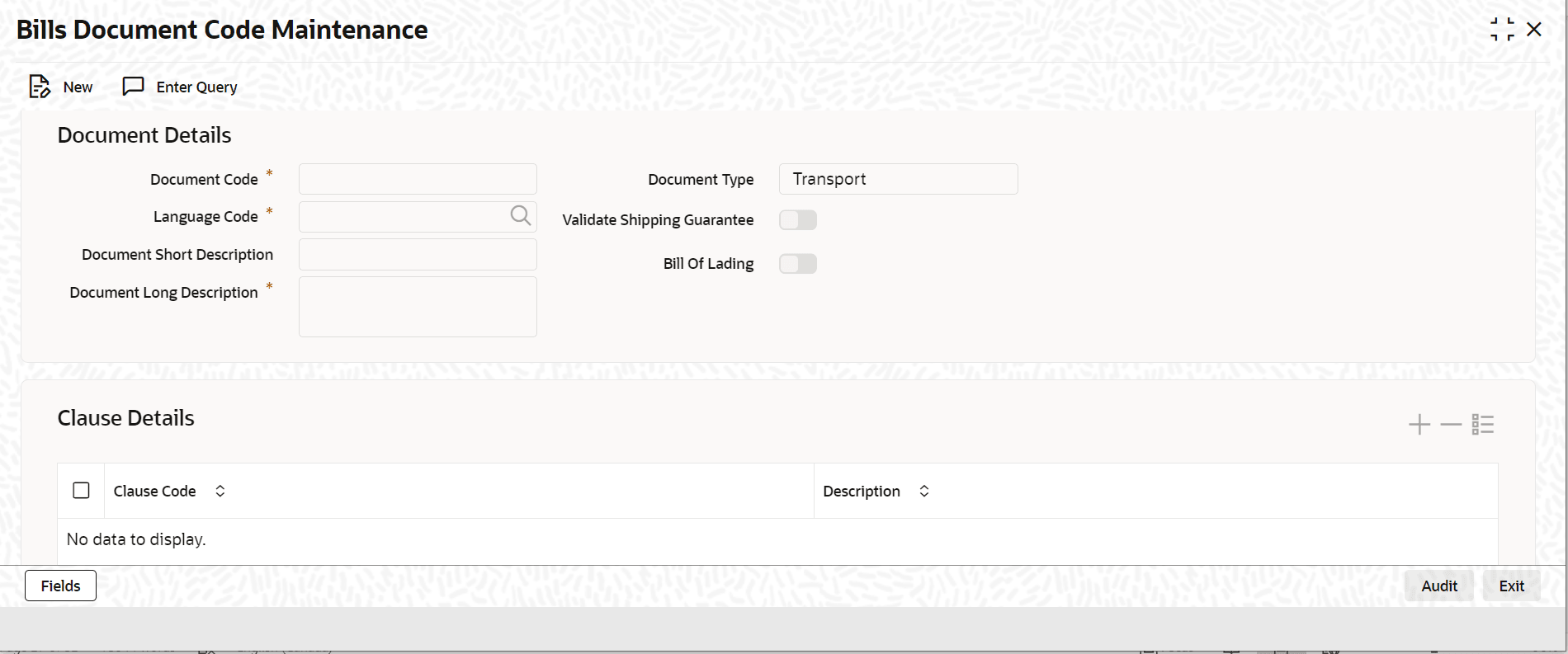
Description of the illustration bcddoccd_cvs_main.png
If the wrong Clause is allotted and the data in the first row is not saved, click the delete icon. The data is removed from the row, and the row can be filled with the correct data.
Parent topic: Some Common Icons and their Usage