18.7 Linked Entities
This topic describes the systematic instruction to capture linked entities.
- On the Securities Instrument Definition screen, click
Linkages.The Linked Instruments screen displays.
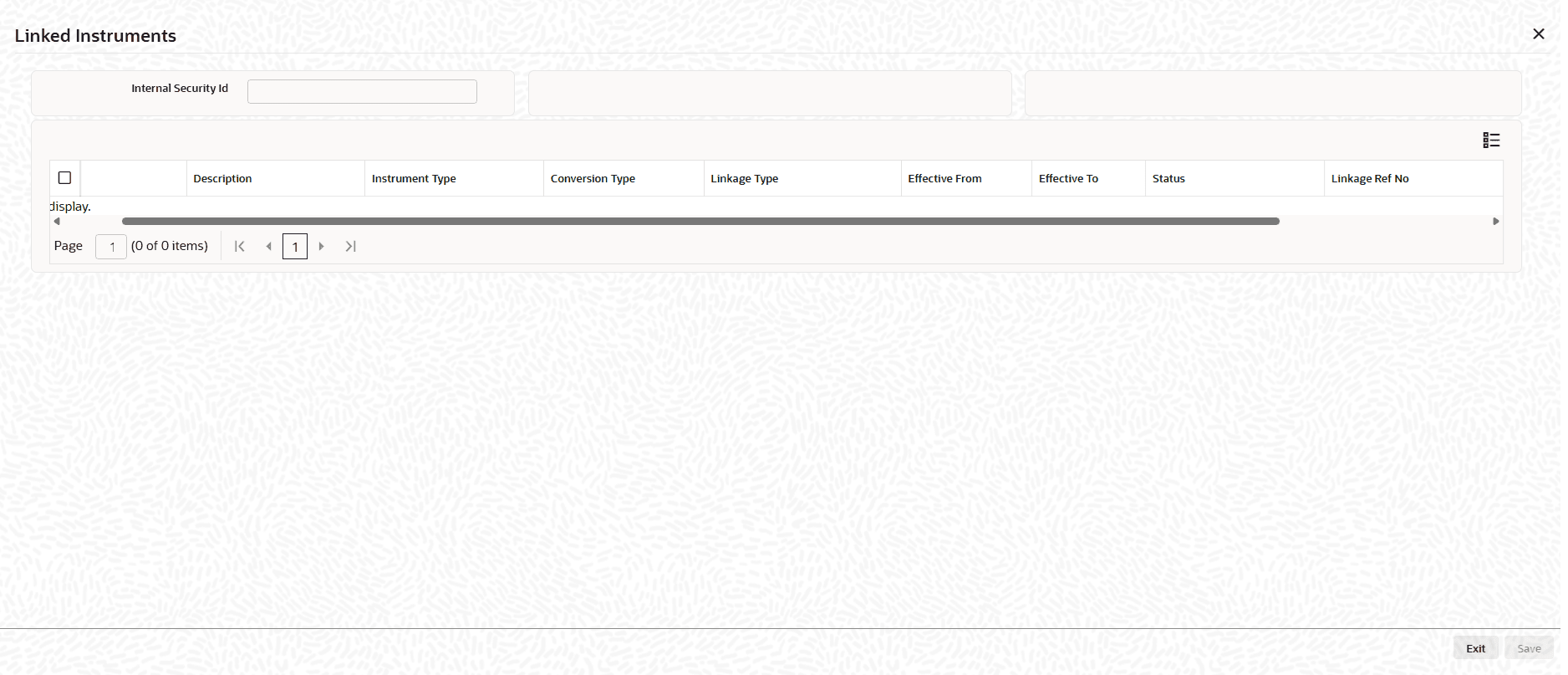
- On the Linked Instruments screen, specify the details as
required.For more information on fields, refer to the field description table.
Table 18-12 Linked Instruments - Field Description
Field Description Internal Security Id Specify the unique internal identifier of the security for which linked/related instruments are being viewed or maintained. Typically selected/entered to fetch existing linkages. Instrument Displays name of the instrument. Description Displays the description of the linked instrument/security. Instrument Type Displays the classification of the linked instrument used to drive processing and validations. Conversion Type Displays the type of conversion relationship. Determines how the linkage is interpreted in lifecycle events. Linkage Type Displays the nature of the linkage between the current security and the linked instrument. Effective From Displays the start date from which the linkage is valid/active for processing and inquiries. Effective To Displays the end date until which the linkage remains valid. Status Displays the state of the linkage record. Linkage Ref No Displays the system-generated or user-maintained reference number uniquely identifying the linkage record for audit/tracking.
Parent topic: Maintain a Security
