27.6 Securities Status Change Summary
This topic describes the systematic instruction to view the securities status change.
- On the Homepage, type SESMANST in the text box, and click the next arrow.
Securities Status Change Summary screen is displayed.
Figure 27-9 Securities Status Change
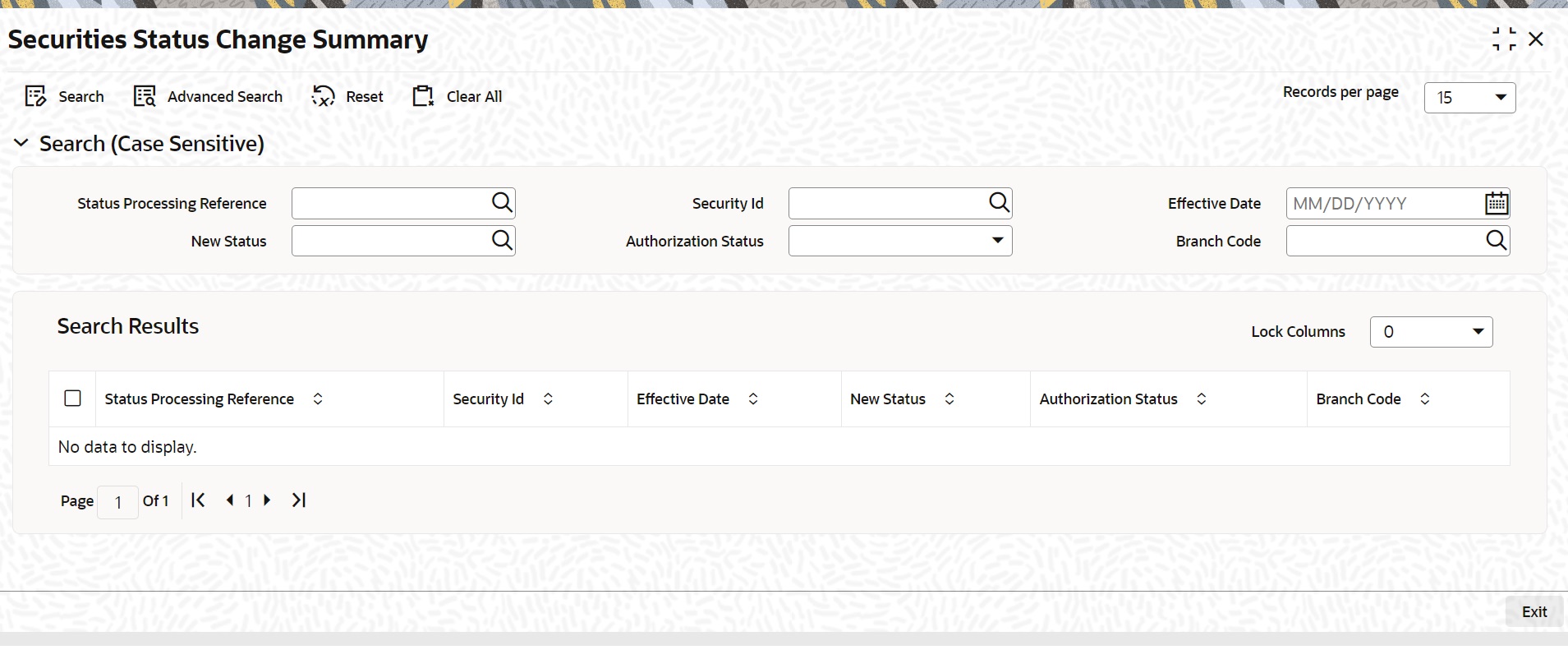
Description of the illustration sesmanst-cvs-main.jpg
Parent topic: Bonds Status Change