3.3.1 ISDA Confirmation Preferences
This topic provides the systematic instructions to capture details of the ISDA Confirmation.
- On the Foreign Exchange Product Definition screen, click ISDA.
ISDA Confirmation Preferences screen is displayed.
Figure 3-4 ISDA Confirmation Preferences
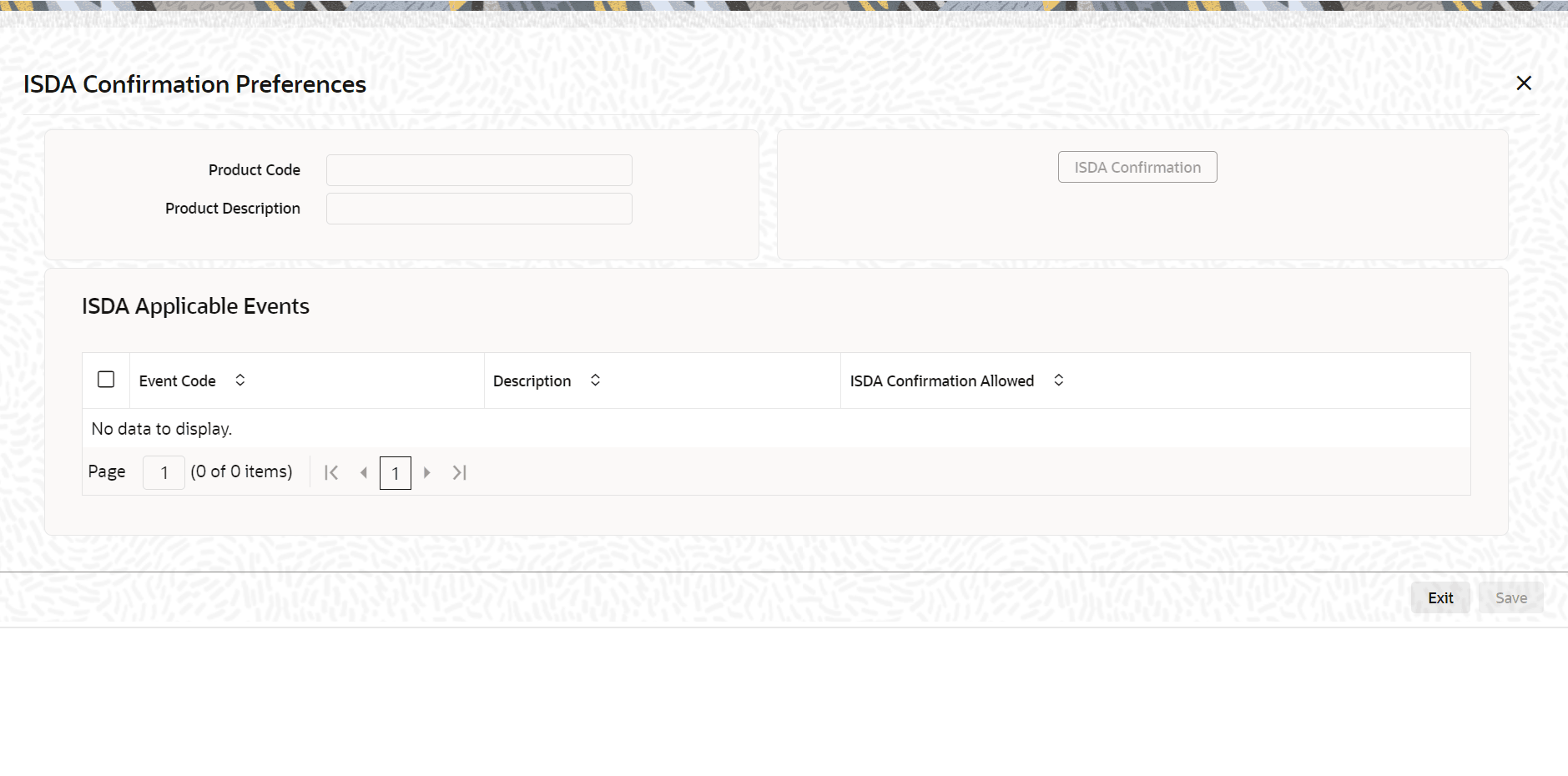
Description of the illustration fxdprmnt-cvs-isda.png
Parent topic: ISDA