3.18 Amend Money Market Transactions
This topic provides the instructions to amend Money Market Transactions, authorize Money Market contracts and split settlements.
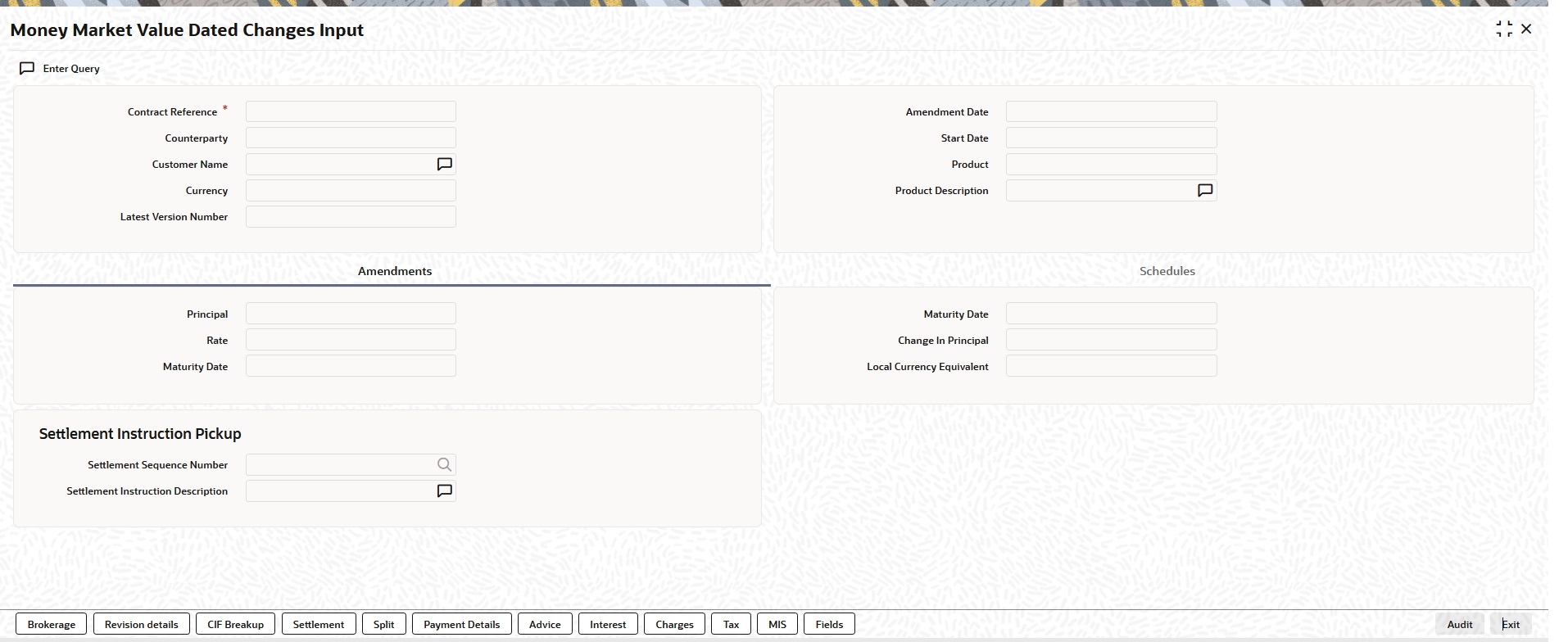
Once a MM contract is authorized, changes to this is done through the Money Market Value Dated Changes Input screen.
- On the Home page, type MMDVAMIN in the text box, and click the next arrow.
Money Market Value Dated Changes Input screen is displayed.
Figure 3-27 Money Market Value Dated Changes Input
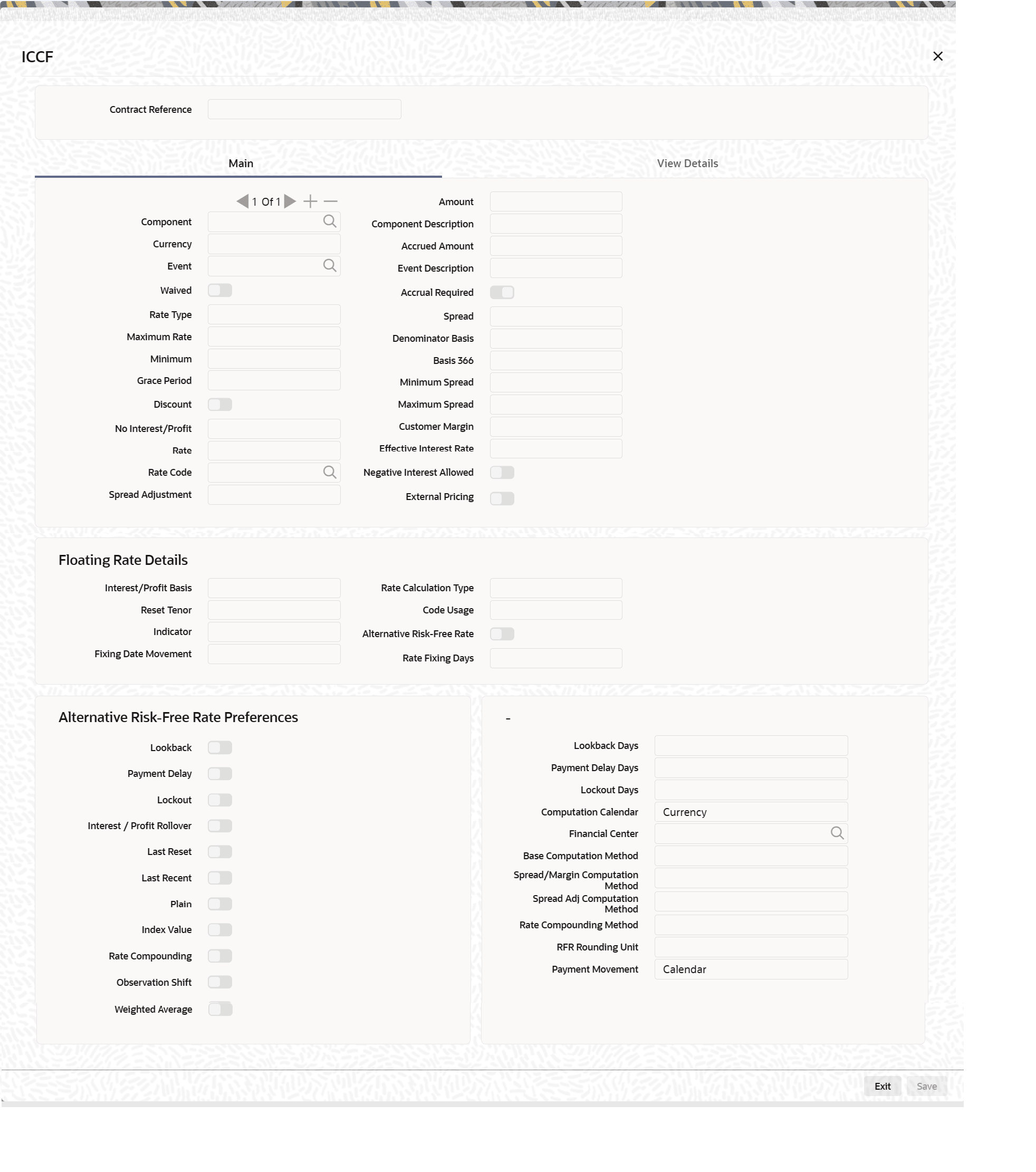
Description of the illustration mmdvamin--cvs-main--tab-amend.jpg - On the Money Market Value Dated Changes Input screen, click Interest.