2.2.2 Quick Search section
Quick Search enables to search for an account using any one of the following values - Account Number, Customer ID, SSN, Identification Number or Queue.
To load an account using the Quick Search section:
- On the Oracle Financial Services Lending and Leasing Application home screen, click the Servicing master tab.
- In the Quick Search section’s Acc # field, specify the account number you want to load and click Submit.
You can also load the account by specifying the last 4 digits of the SSN Number. System retrieves only those accounts where the searched SSN is of the Primary Applicant. If multiple matches are found, system displays an error message as ‘Multiple Matches found for the SSN, Please use normal Search’.
Note:
Search cannot be performed using wild card characters in the Quick Search section.
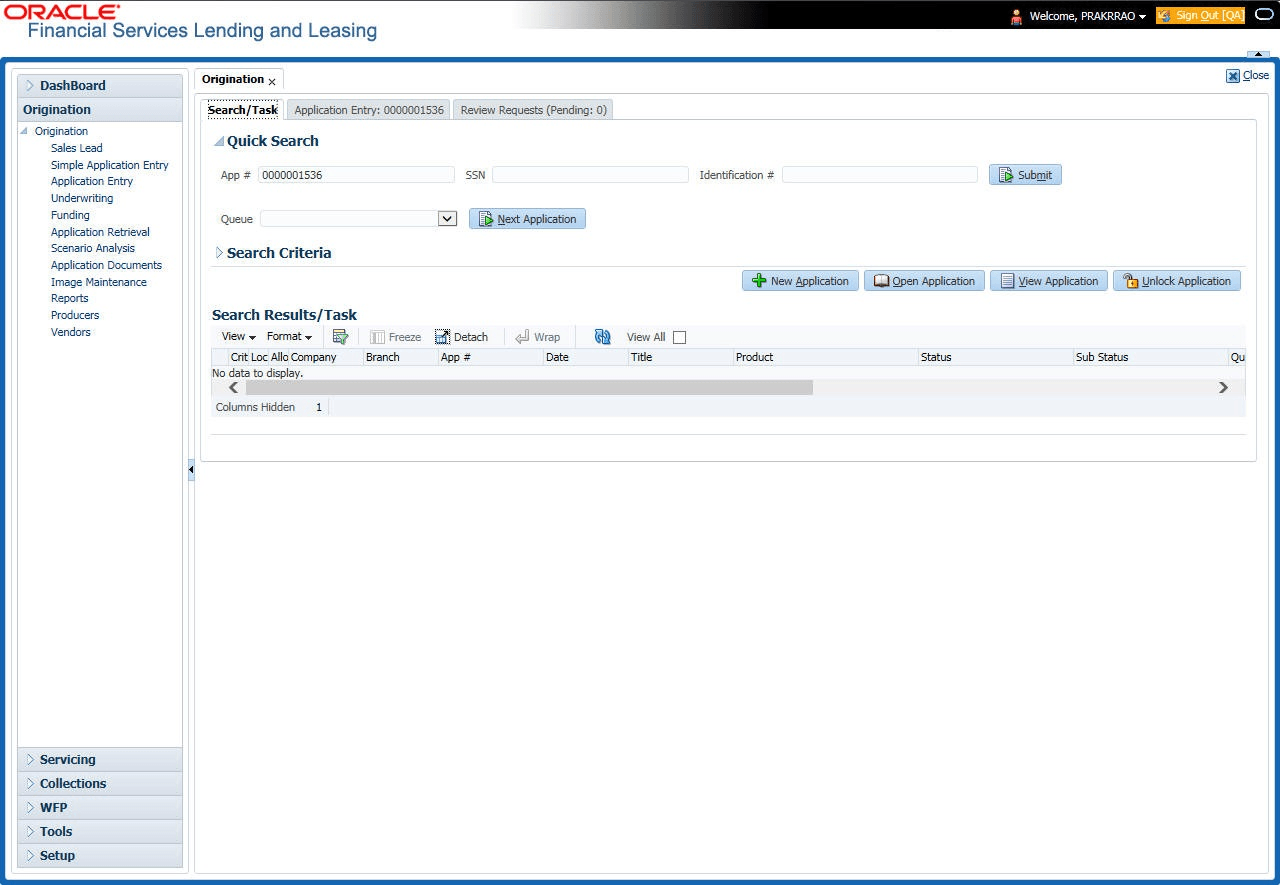
The system loads the selected application.
To load an account from a queue during application entry
- On the Oracle Financial Services Lending and Leasing Application home screen, click the Servicing master tab.
- In the Quick Search section’s Queue field, select the queue you want to work with and click Next Account.
This section consists of the following topics: