4.20.3 Reviewing a Request
This topic provides information on the reviewing a request function, which enables users to assess requests, provide comments, and finalize review decisions.
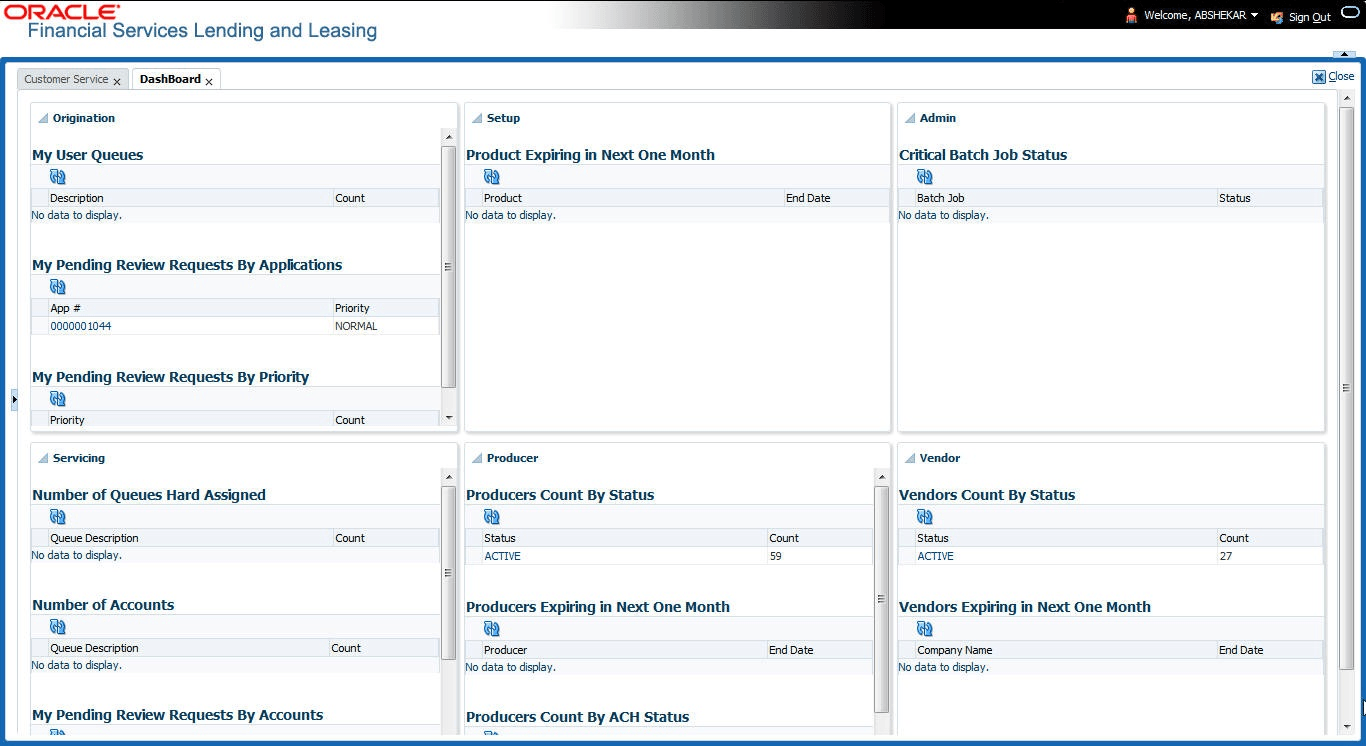
When user receive a review request, the system notifies user by creating an
entry in My Pending Review Requests By Priority section in Dashboard with the
number of unseen messages. Clicking on the Account # link opens the Review Request tab.
To review requests
- On the Servicing, click
Servicing. Under
Servicing, click Customer
Service screen and select Review
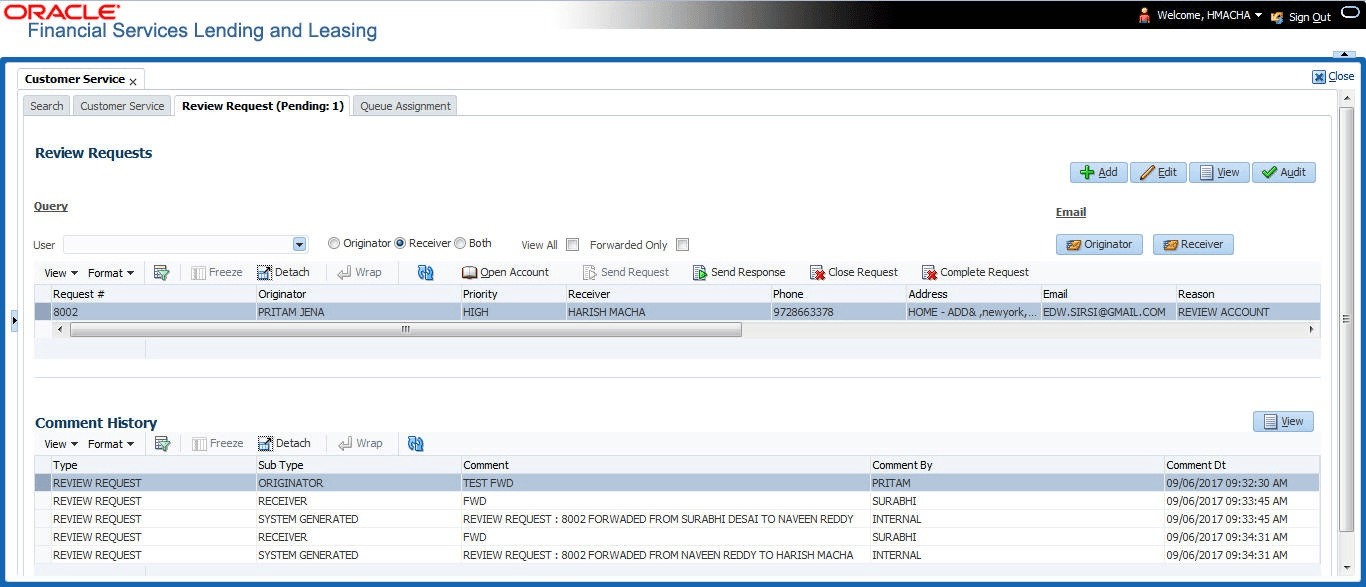
Requests tab.The Review Requests screen displays.
Parent topic: Review Request