7.7 Request Tab
This topic provides information on the request tab.
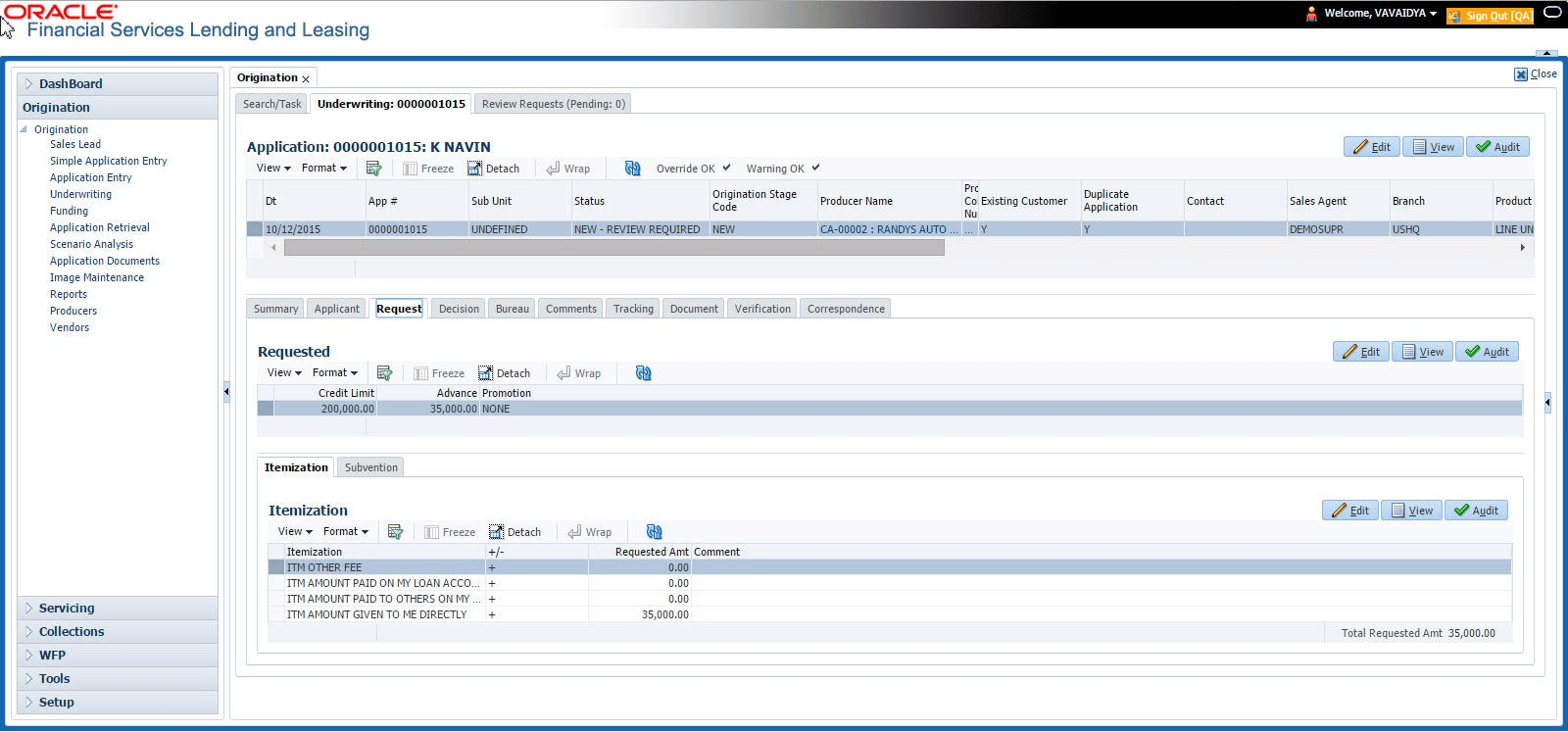
In the Request tab user can define the required Line of credit parameters . By default, system calculates for monthly repayment term basis. The payment frequency can be changed only in the Underwriting tab during decisioning.
To complete Request section:
- On the Origination, click Origination. Under Origination, click Underwriting.
- Under Underwriting, click
Request.
The Request displays.
- Perform any of the Basic Operations mentioned in Preface.
A brief description of the fields are given below:
Table 7-24 Request
Field Description Credit Limit Specify the value of the credit limit. Advance Specify the value of advance amount paid. Promotion Select the promotion type from the drop-down list. - Perform any of the Basic Actions mentioned in Preface.
- Itemization Sub Tab
This topic provides information on the itemization tab. - Trade-In Sub Tab
This topic provides information on the trade-in section. It enables users to capture, view, and manage trade-in details. - Subvention Sub Tab
This topic provides information on the subvention section. It enables users to view and manage subvention details.
Parent topic: Underwriting