1.1.1 Home Screen
This topic describes the information about the home screen.
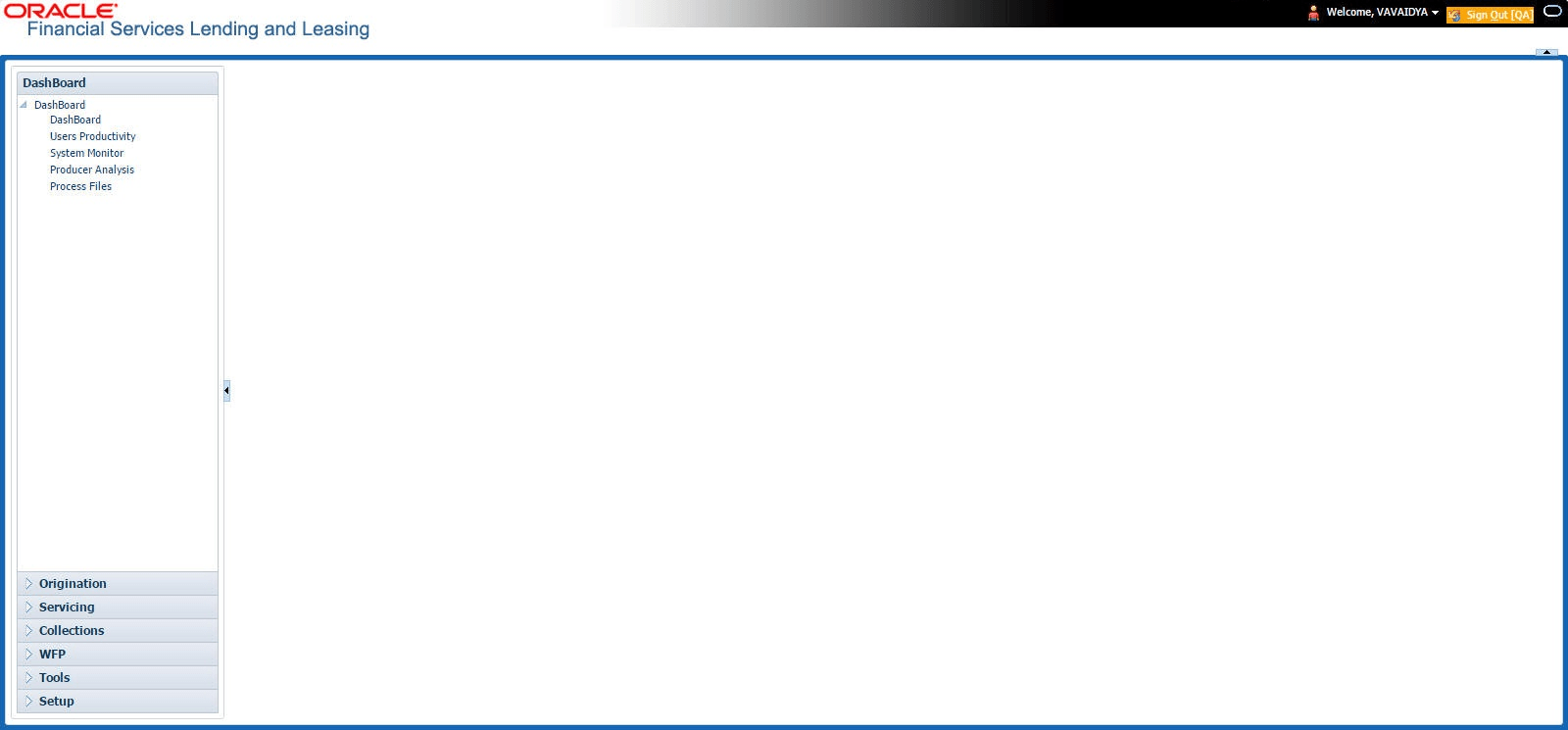
Once user login to the application with valid credentials, the system authenticates the details and displays the Home screen.
- Header
- Left Pane
- Right Pane/Work Area
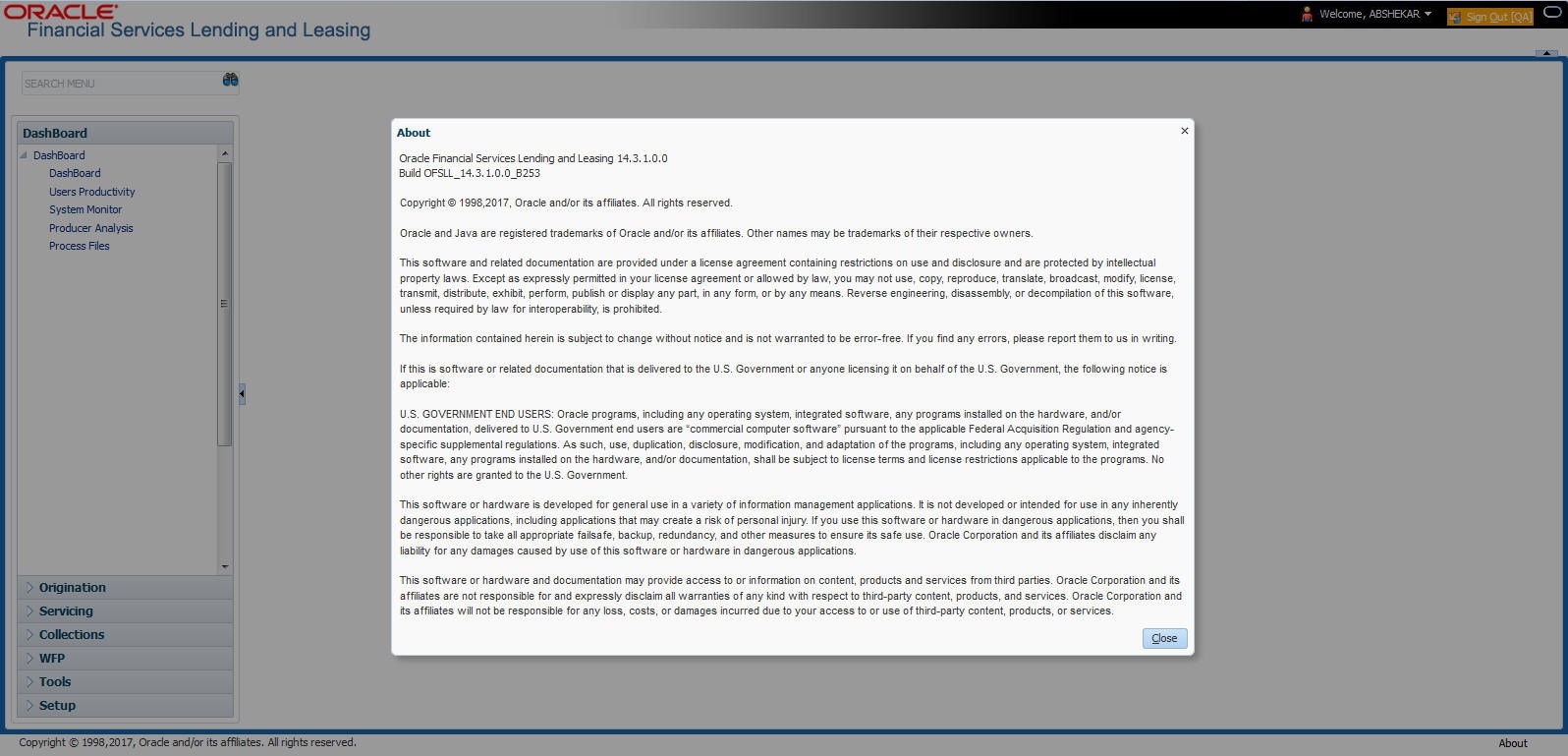
The About screen displays.
Header
- Sign Out - Sign Out option along with the application environment details based on information maintained in ENVIRONMENT_TYPE_CD lookup code.
- User ID that user have currently logged/Signed in. Click the adjoining
drop-down arrow, the system displays the following options:
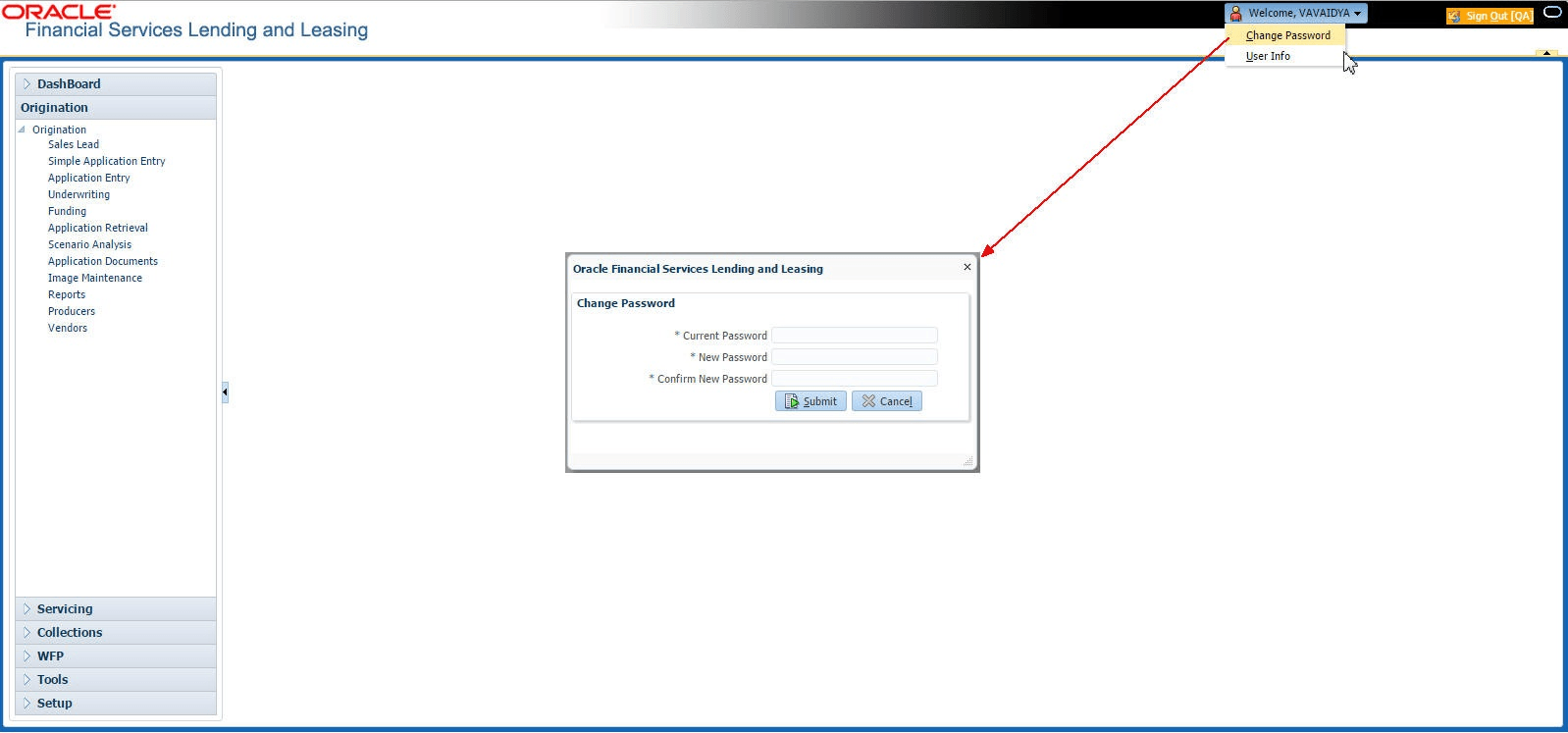
- Click the Change Password to change
the current
password.
The Change Password screen displays.
For more information on fields, refer to the field description table.
Table 1-1 Change Password - Field Description
Field Description Current Password Specify the current password. New Password User wish to maintain as a new password. Confirm Password Re-enter the new password. - Click Submit to change the password.
- Click the User Info to view the
current user
information.
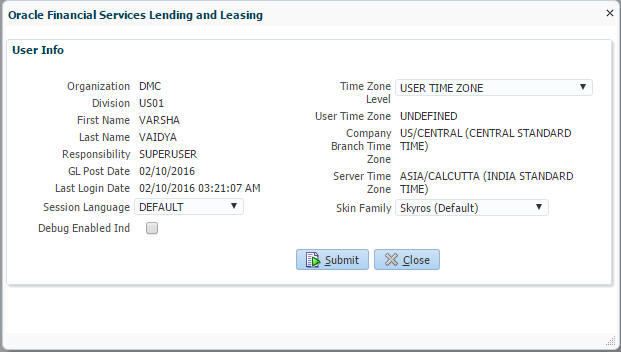
The User Info screen displays.
For more information on fields, refer to the field description table.Table 1-2 User Information
Field Description Organization Displays the organization name. Division Displays the specific subdivision or department within the organization. First Name Displays the user's first name. Last Name Displays the users last name. Responsibility Displays the users role or access level within the system. GL Post Date Displays the General Ledger posting date assigned to the user. Last Login Date Displays the last time and date the user logged into the system. Session Language Select a language that user need to set for the session, from the drop-down list. Debug Enabled Ind Check this box to enable the debug indicator. Time Zone Level Select the time zone level from the drop-down list. The available options are:- Application Server Time Zone
- Company Branch Time Zone
- User Time Zone
User Time Zone The specific time zone setting for the user session. Company Branch Time Zone Displays the company branch time zone. Server Time Zone Displays the time zone in which the application server is running. Skin Family Select the skin family from the drop-down list. In this screen, apart from viewing the user info, user can also set Session Language, enable error log, and specify the time zone preference.
Debug Enabled Ind – Check this box to enable the debug indicator.
On selection, system records all the debugs into logs files depending on the following two types of system parameters:Table 1-3 System Parameter
System Parameter Condition to record debug data CMN_DEBUG_METHOD If parameter value is 1, then debug data is recorded into a file in Database Server.
If parameter value is 4, then debug data is recorded into the table LOG_FILES_HEADER.
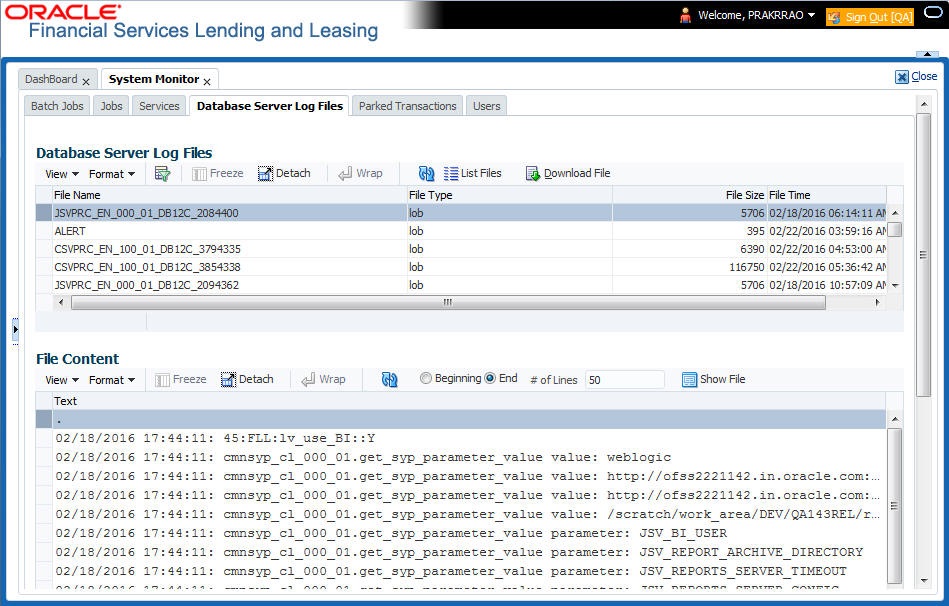
CMN_DEBUG_LEVEL If parameter value is greater than 0, only then the debug data is recorded. - Navigate to the Dashboard. Under
Dashboard, click System
Monitor. Under System Monitor,
click Database Server Log
Files.
The Database Server Log Files screen displays.
- User can click on
 List Files button to view the list of logged
files.
List Files button to view the list of logged
files.
- Click on
 Show File button to view the selected file
contents in the File Content section.
Show File button to view the selected file
contents in the File Content section.
- User can also click
 Download File button to extract a copy of debug
details.
Download File button to extract a copy of debug
details.
- Click Submit to save the changes or Close to close the screen without changes.
- Click the Change Password to change
the current
password.
- NextGenUI - This is Next Generation User Interface option which is an
enhanced interface provided in OFSLL using the
Oracle JavaScript Extension Toolkit (Oracle JET) frame work. This is an
additional interface supported from OFSLL to
the existing system and both intended to coexist in the system till further
updates.
This option is enabled only, if the corresponding system parameter is enabled in the base system as configured by user system administrator. For more information, refer to Appendix - Oracle JET Interface section in Servicing guide.

This section consists of the following topic:
- Time Zone Preference
This topic provides information about setting and managing time zone preferences in the application.
Parent topic: Template and Navigation