7.14 Tracking Tab
This topic provides information on the Tracking tab, which records monitoring details, status, and related activities.
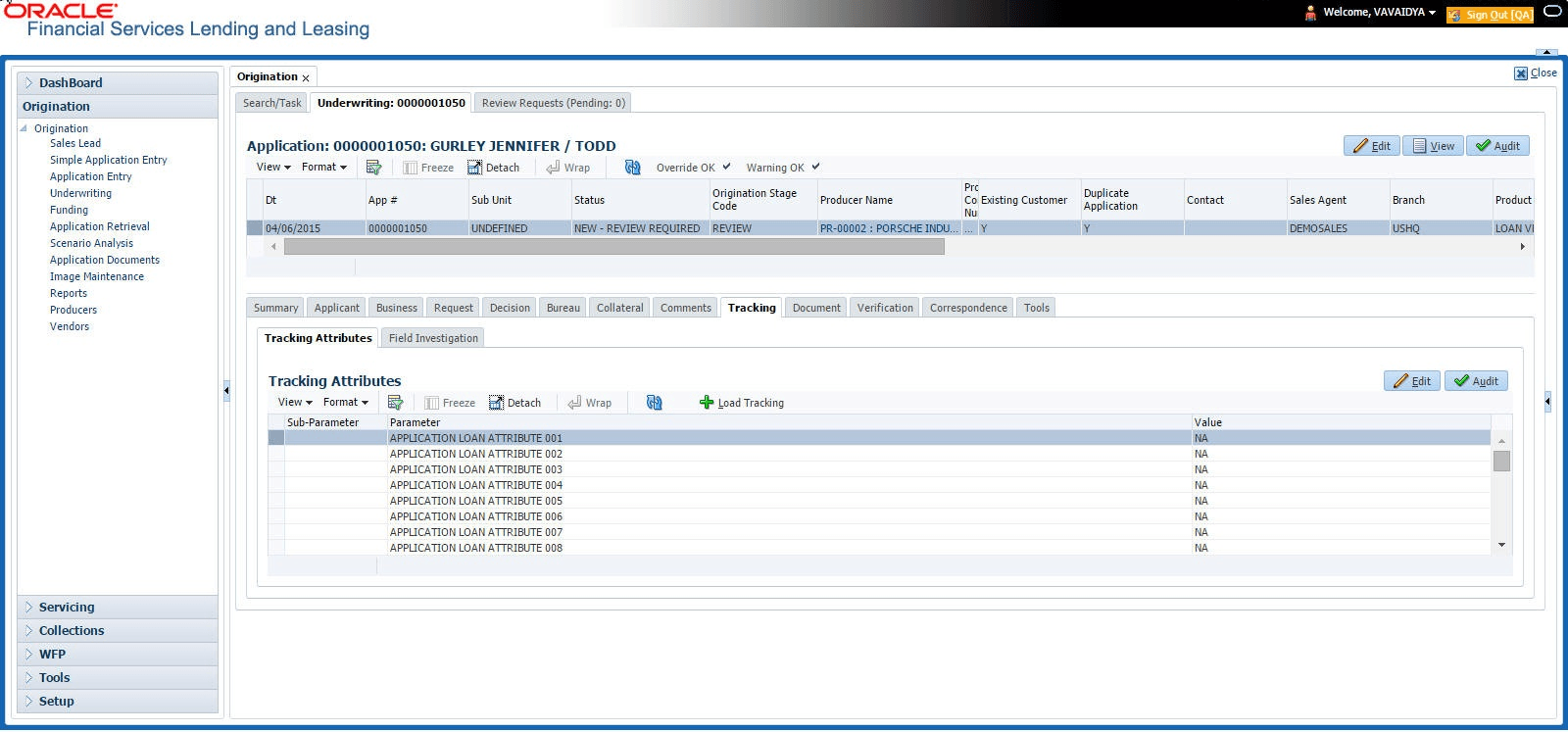
When using the Underwriting screen, user can add tracking attribute information to an application at any time in the underwriting process by using the Tracking Attributes screen.
To enter the tracking attributes
- On the Origination, click Origination. Under Origination, click Underwriting. Under Underwriting, click Underwriting tab.
- Under Underwriting tab, click
Tracking.
The Tracking screen displays.
- On the Tracking Attributes screen, click Load Tracking to load the tracking attributes.
- Select the item user want to track.
- Click Edit to edit the following information:
Table 7-58 Tracking Attributes
Field Description Sub-Parameter View the sub-parameter Parameter View the parameter. Value Specify the information about the corresponding Value field. - Save changes user made to the account.
This section consists of the following topic:
- Field Investigation Sub Tab
This topic provides information on the field investigation, which records inspection results, observations, and supporting data from on-site reviews.
Parent topic: Underwriting