9.2 Vehicle Evaluator
This topic provides information on the vehicle evaluator.
The Vehicle Evaluator screen allows user to calculate the value of a vehicle.
User can use the Vehicle Evaluator screen to calculate the value of either a vehicle
user are entering as the new collateral or vehicle currently listed as the application’s
collateral.
The Vehicle Evaluator screen can be cleared or refreshed at any time by clicking Clear.
To calculate a vehicle value
- On the Tools, click Tools. Under
Tools, click Vehicle
Evaluator.The Vehicle Evaluator screen displays.
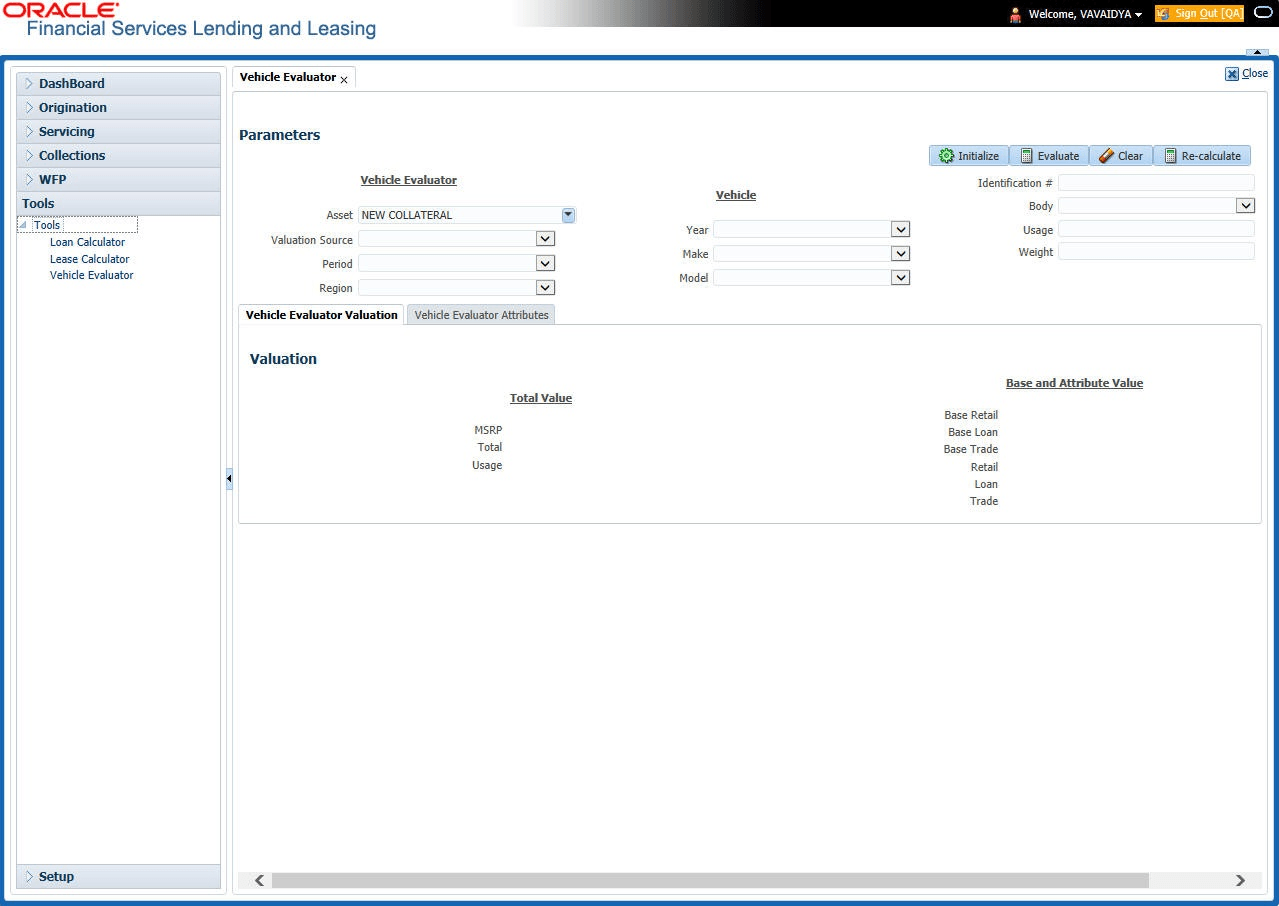
This section consists of the following topic:
- Attributes Tab
This topic provides information on the attributes tab.
Parent topic: Tools