13.1 Viewing an Image
This topic describes the information about the viewing an image.
To view an image
- On the Origination, click
Origination. Under
Origination, click Image
Maintenance.
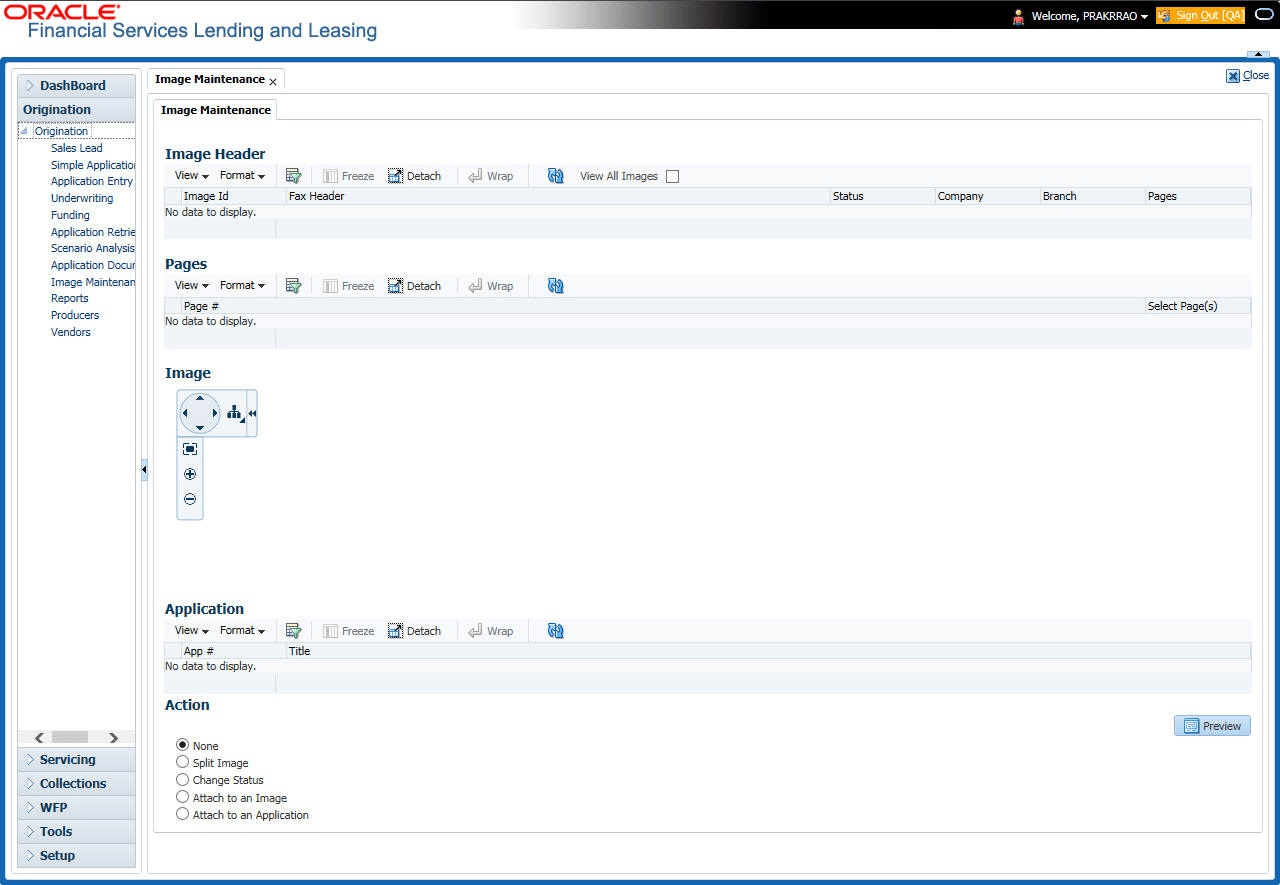
The Image Maintenance screen displays.
- The Image Header section displays the images in the Oracle Financial Services Lending and Leasing system.
- In the Image Header section, select the image user want to
work with.
The Image Header section displays the following information for each image:
Table 13-1 Image Header
Field Description Select If selected, indicates that this is the current record. Image Id Displays the image identification number. Fax Header Displays the fax header. Status Displays the image status. Pages Displays the total number of pages of the image. Company Displays the company the image came from. Branch Displays the branch the image came from. - If an image is more than one page long, select the page user want to view in the Pages section and click on the page number to preview the image.
- Select the required Transpose type to change the appearance of the image.
Parent topic: Image Maintenance