6 Address History
Address History allows the Relationship Manager to view a party’s historical addresses, including details of the user who updated each address and the contact address list in both structured and unstructured formats.
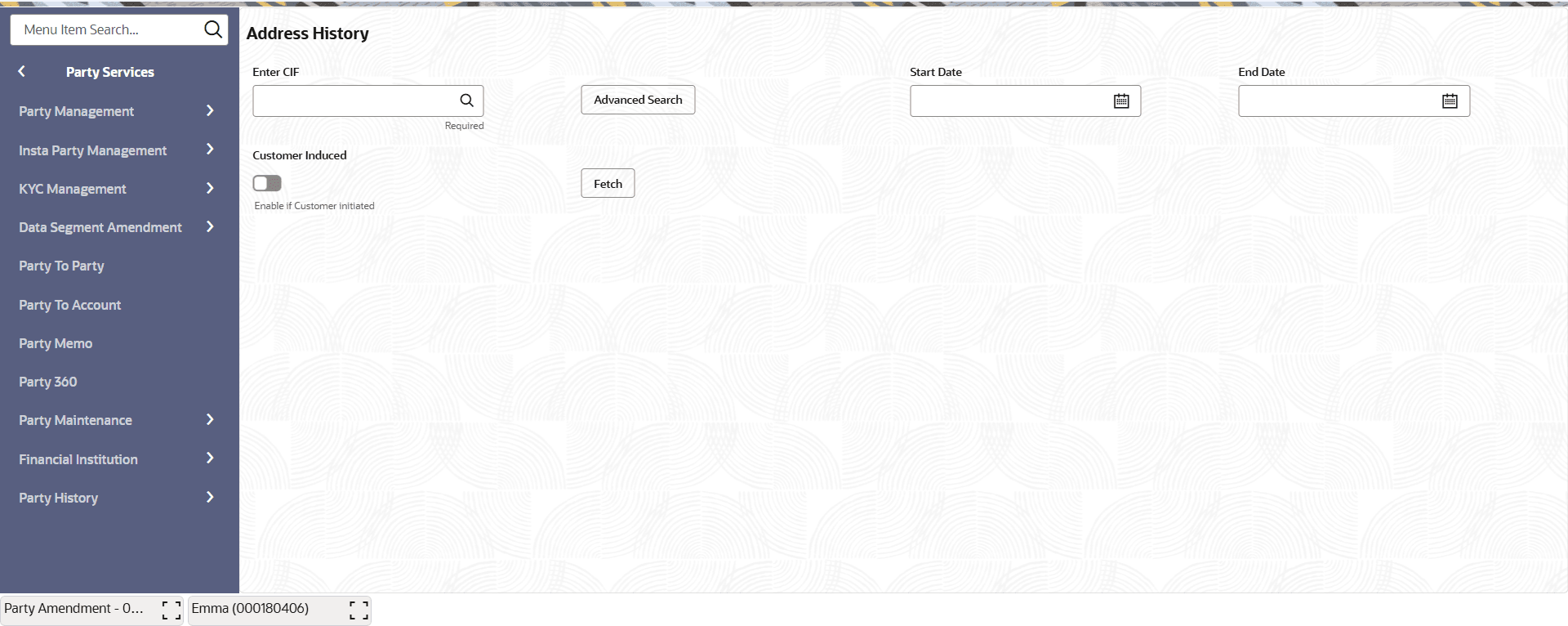
- Under Party Services, click Party History, click Address HistoryThe Address History screen is displayed.
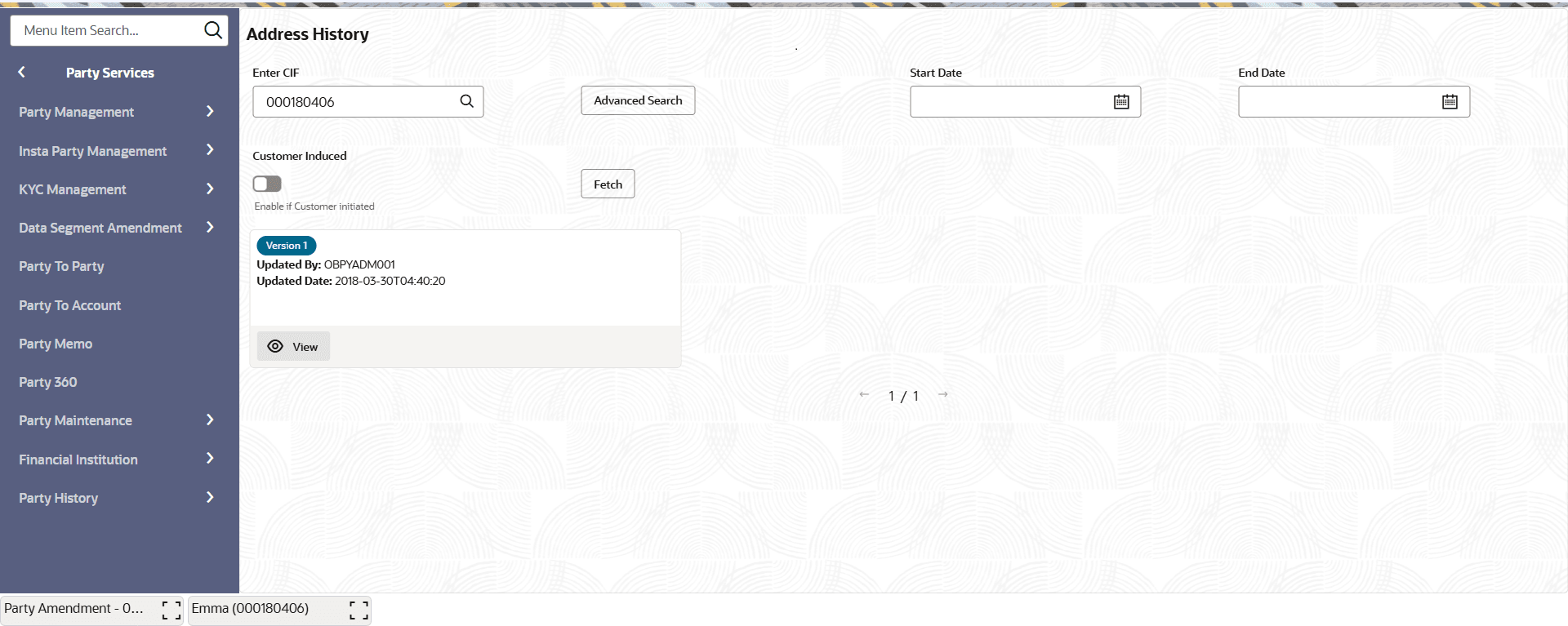
- Click Fetch.The Address History details will be displayed.
Figure 6-2 Address History - Search Result
For more information on fields, refer to the field description table.
Note:
The fields marked as Required are mandatory.Table 6-2 Address History - Search Result - Field Description
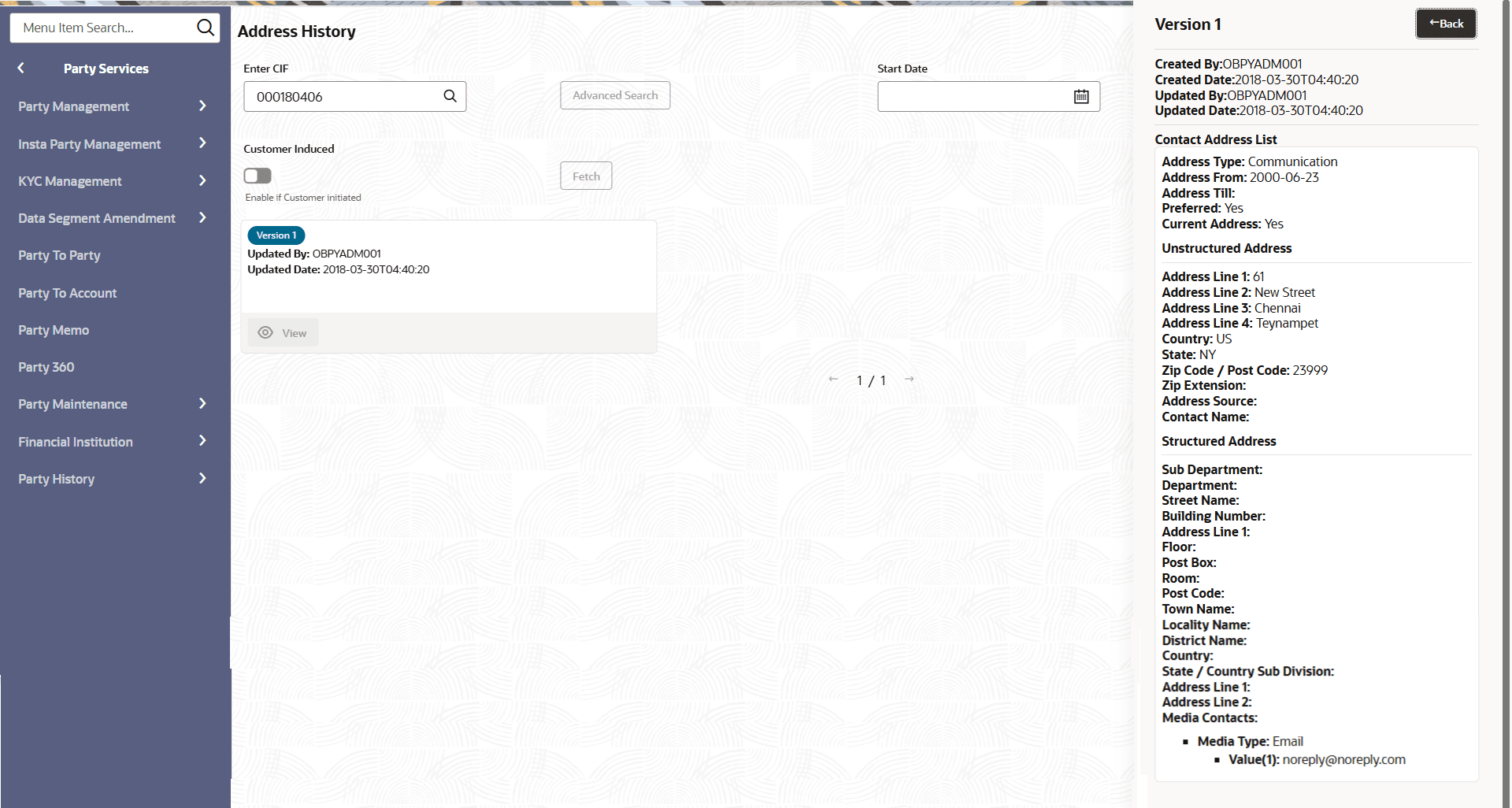
Field Description Version The version number of the address history record. Updated By Name of the user who updated the address. Updated Date The date on which the address was updated by the user. - Click View of the specific version to view the address history details you want to see.The Version - Updated Address details show the history of the updated addresses, the user who made the updates, and the contact address list in structured and unstructured formats.For more information on Contact Address List fields, refer to the section : Contact Details Onboarding Initiation - Basic Details table.
Figure 6-3 Version - Updated Addresses History
Note:
Click Back to navigate back to the previous screen.