Create Account Entitlement Group
This topic describes the systematic instructions to configure the account entitlement group.
- From Home screen, click Core Maintenance. Under Core Maintenance, click Account Entitlement Group.
- Under Account Entitlement Group, click Create
Account Entitlement Group.The Create Account Entitlement Group screen is displayed.
Figure 1-1 Create Account Entitlement Group
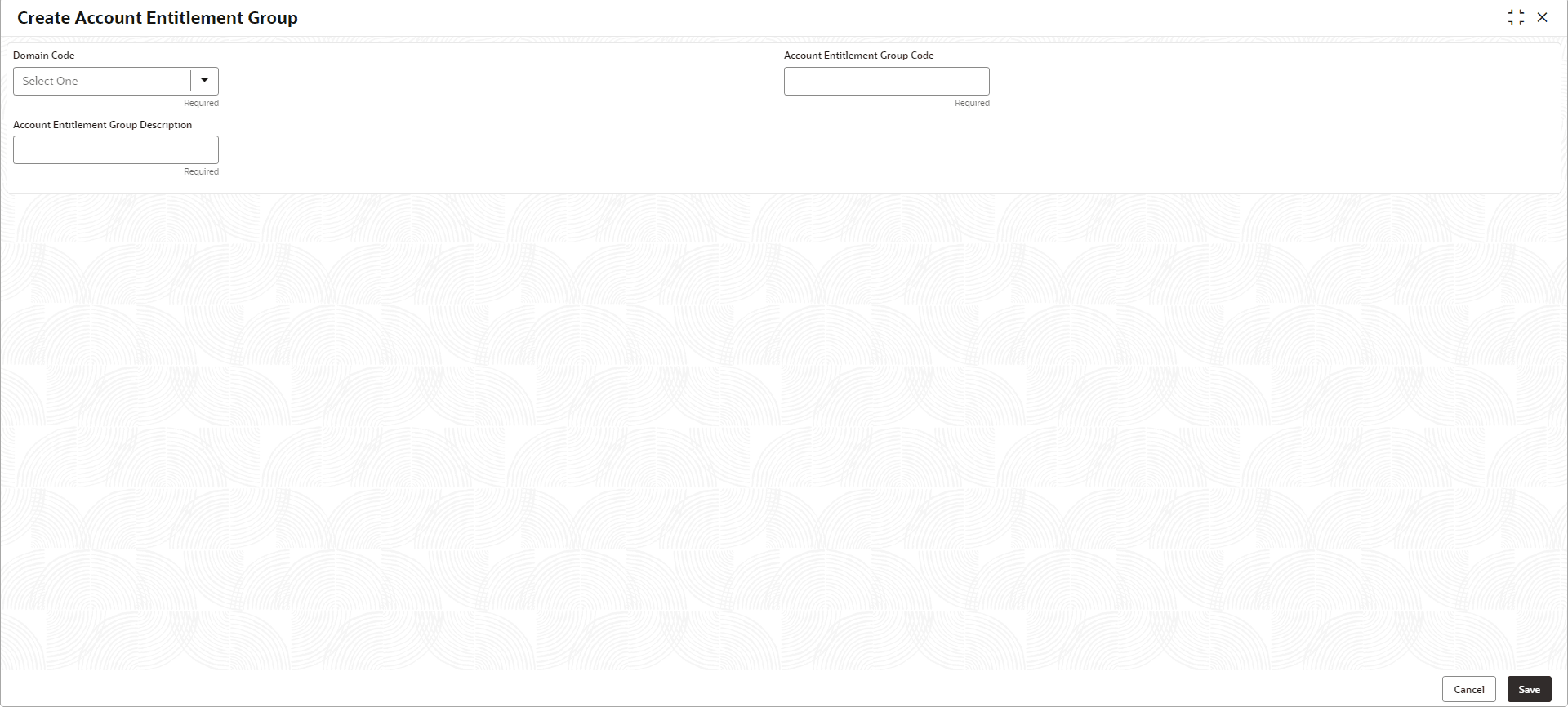
- Specify the fields on Create Account Entitlement Group
screen. For more information on fields, refer to the field description table.
Note:
The fields marked as Required are mandatory.Table 1-1 Create Account Entitlement Group – Field Description
Field Description Domain Code Select the domain code from the drop-down list. The available options are:
- Payment Entitlement Group
- Branch Entitlement Group
Account Entitlement Group Code Specify the code of the account entitlement group. Account Entitlement Group Description Specify the description of the account entitlement group. - Perform one of the following action:
- Click Save to save the details.
The amount text language is successfully created and can be viewed using the View Account Entitlement Group screen.
- Click Cancel to discard the changes and close the screen.
- Click Save to save the details.
