Create Customer Access Group
This topic describes the systematic instructions to configure a customer access group.
- From Home screen, click Core Maintenance. Under Core Maintenance, click Customer Access Group.
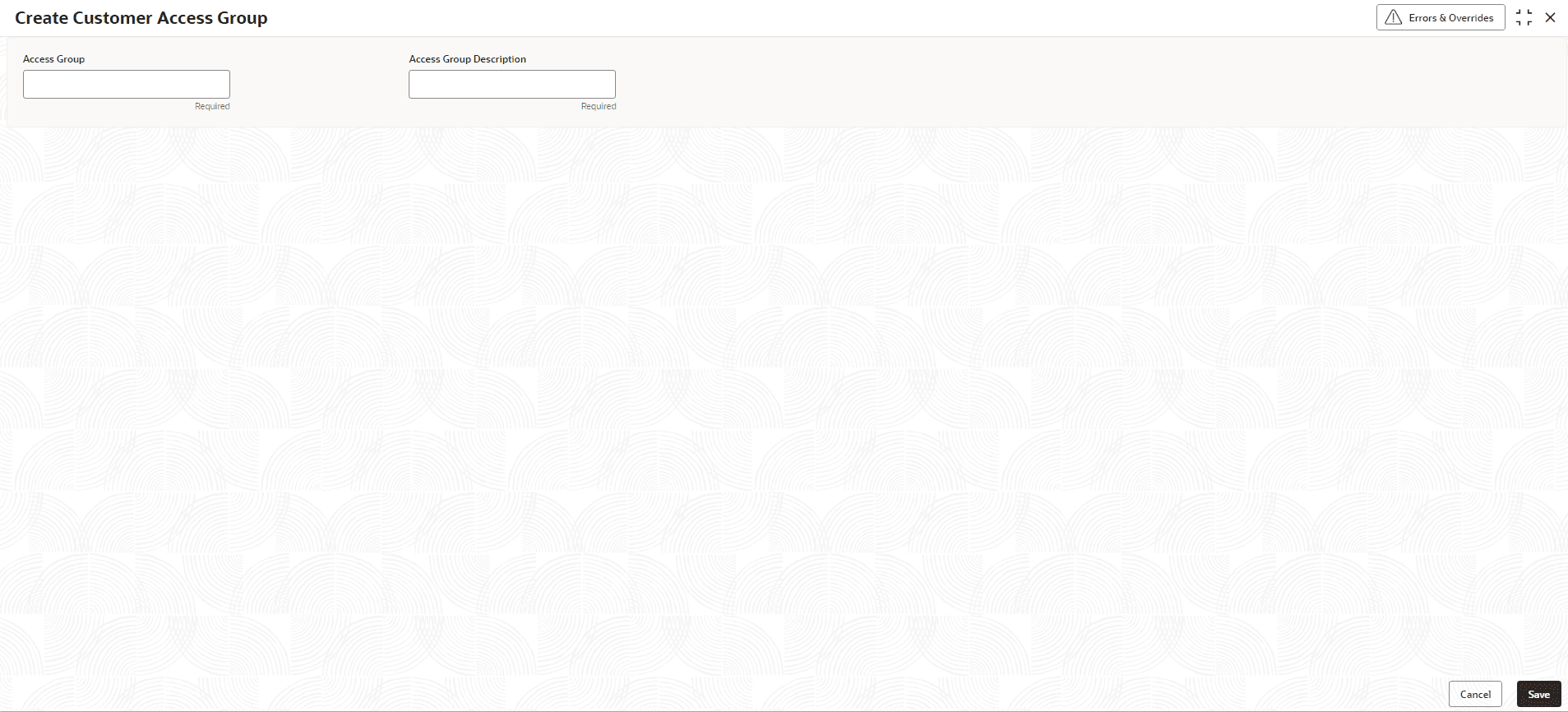
- Under Customer Access Group, click Create Customer Access Group.The Create Customer Access Group screen is displayed.
- Specify the fields on the Create Customer Access Group screen.For more information on fields, refer to the field description table.
Note:
The fields marked as Required are mandatory.Table 1-41 Create Customer Access Group – Field Description
Field Description Access Code Specify the access group. Access Code Description Specify the additional information about the access group. - Perform one of the following action:
- Click Save to save the details.
The customer access group is successfully created and can be viewed using the View Customer Access Group screen.
Note:
Customer Access Group can be linked at the user level to restrict unauthorized access to Customer details. Refer Oracle Banking Security Management System User Guide for more details. - Click Cancel to discard the changes and close the screen.
- Click Save to save the details.
