Create Customer Category
This topic describes the systematic instructions to configure a customer category.
- From Home screen, click Core Maintenance. Under Core Maintenance, click Customer Category.
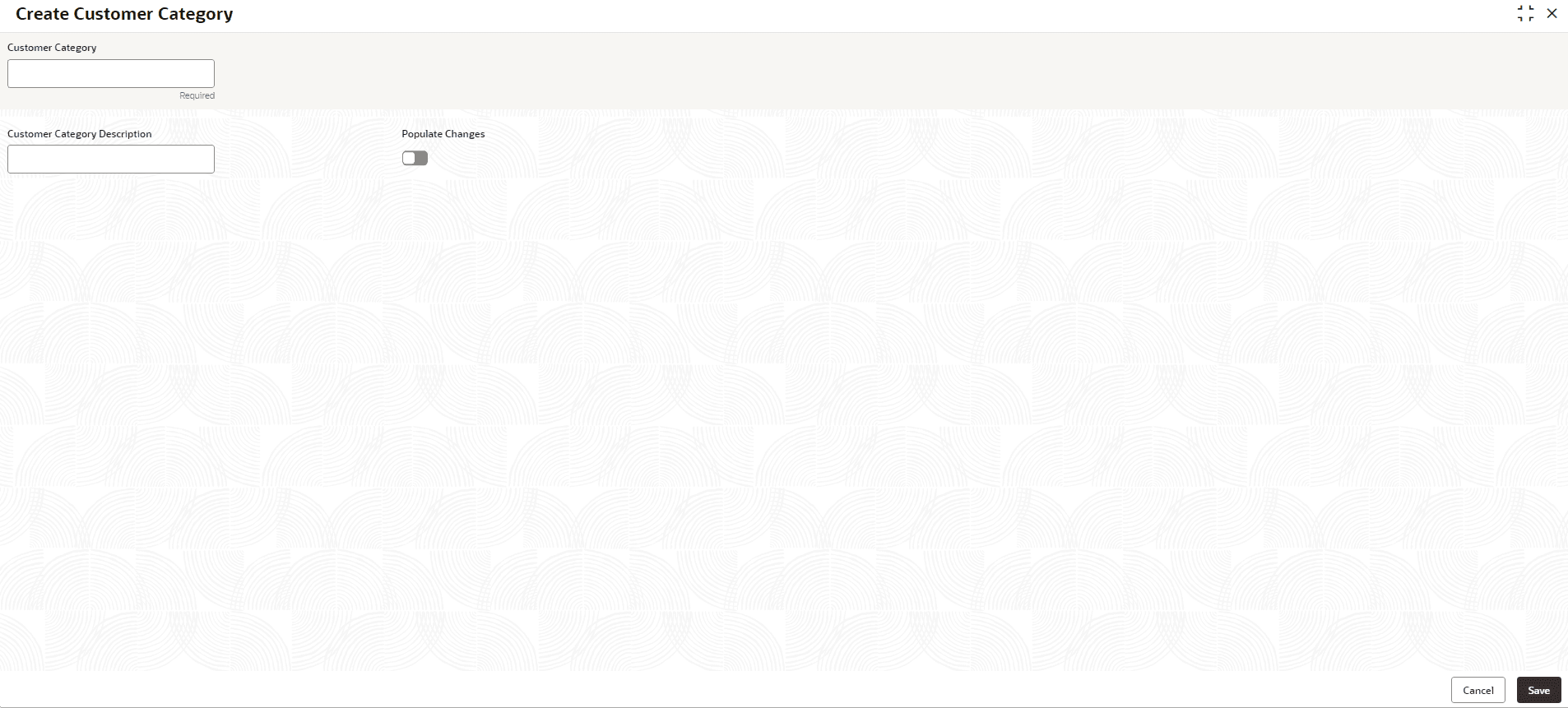
- Under Customer Category, click Create Customer Category.The Create Customer Category screen is displayed.
- Specify the fields on the Create Customer Category screen.For more information on fields, refer to the field description table.
Note:
The fields marked as Required are mandatory.Table 1-43 Create Customer Category – Field Description
Field Description Customer Category Specify the customer category. This field is utilized by the system to identify the customer category. Various categories of customers such as Association, Trust, Individual, etc., can be maintained. Customer Category Description Specify the additional information about the customer category. Populate Changes By default, this is disabled. If this flag is enabled, any changes made to the category will be displayed.
- Perform one of the following action:
- Click Save to save the details.
The customer category is successfully created and can be viewed using the View Customer Category screen.
- Click Cancel to discard the changes and close the screen.
- Click Save to save the details.
