Create Product Processor
This topic describes the systematic instructions to create product processor by updating various details.
- From Home screen, click Core Maintenance. Under Core Maintenance, click Credit Bureau.
- Under Credit Bureau, click Maintenance. Under Maintenance, click Product Processor, then click Create Product Processor.The Create Product Processor screen is displayed.
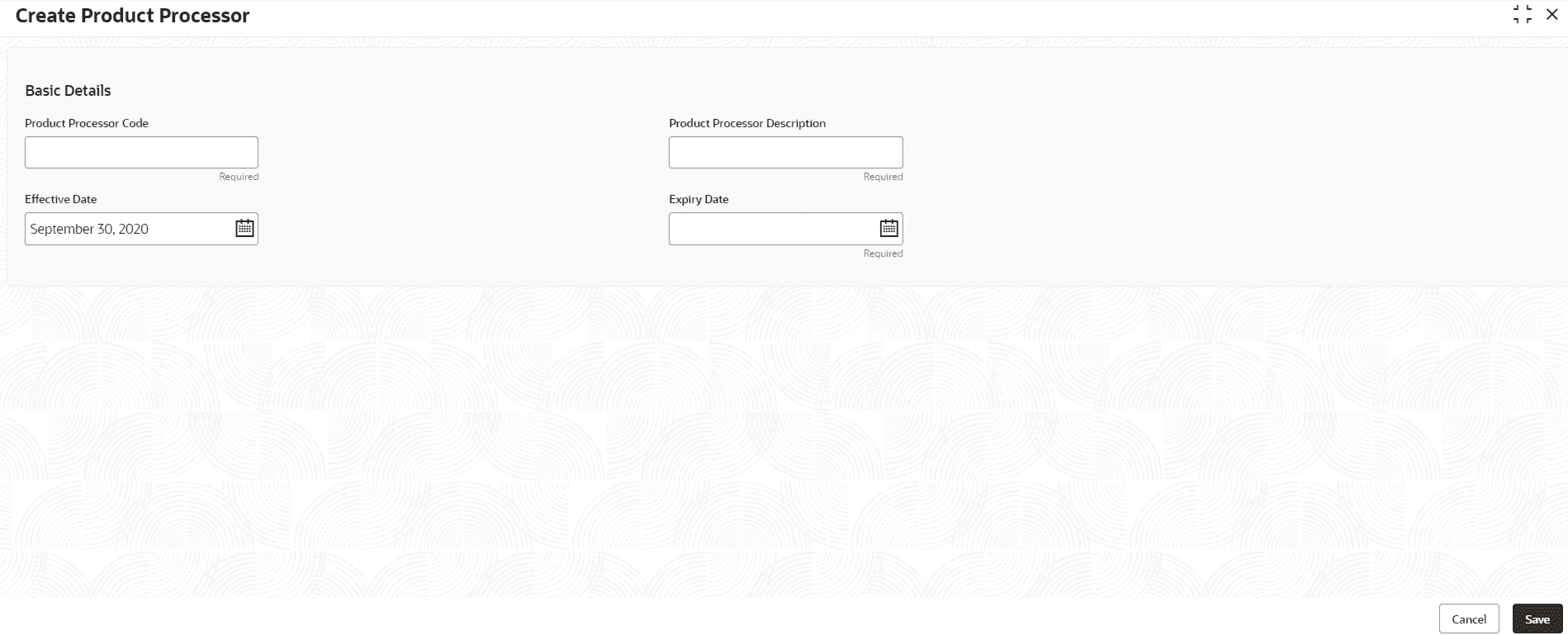
- Specify the fields on the Create Product Processor screen.For more information on fields, refer to the field description table.
Note:
The fields marked as Required are mandatory.Table 3-11 Create Product Processor - Field Description
Field Description Product Processor Code Specify the unique product processor code. Product Processor Description Specify the short description for product processor. Effective Date Specify the effective date. Expiry Date Specify the expiry date. - Perform one of the following action:
- Click Save to save the details.
The Product Processor is successfully created and can be viewed using the View Product Processor screen.
- Click Cancel to discard the changes and close the screen.
- Click Save to save the details.
