Model Management Maintenance
This topic describes the systematic instructions to maintain the model management.
The user can unlock and choose the active model run reference to use as part of business processing.
- From Home screen, click Machine Learning. Under Machine Learning, click NLP Toolkit.
- Under NLP Toolkit, click Model Management.The Model Management screen is displayed.
- Specify the fields on the Model Management screen. For more information on fields, refer to the field description table.
Note:
The fields marked as Required are mandatory.Table 4-4 Model Management – Field Description
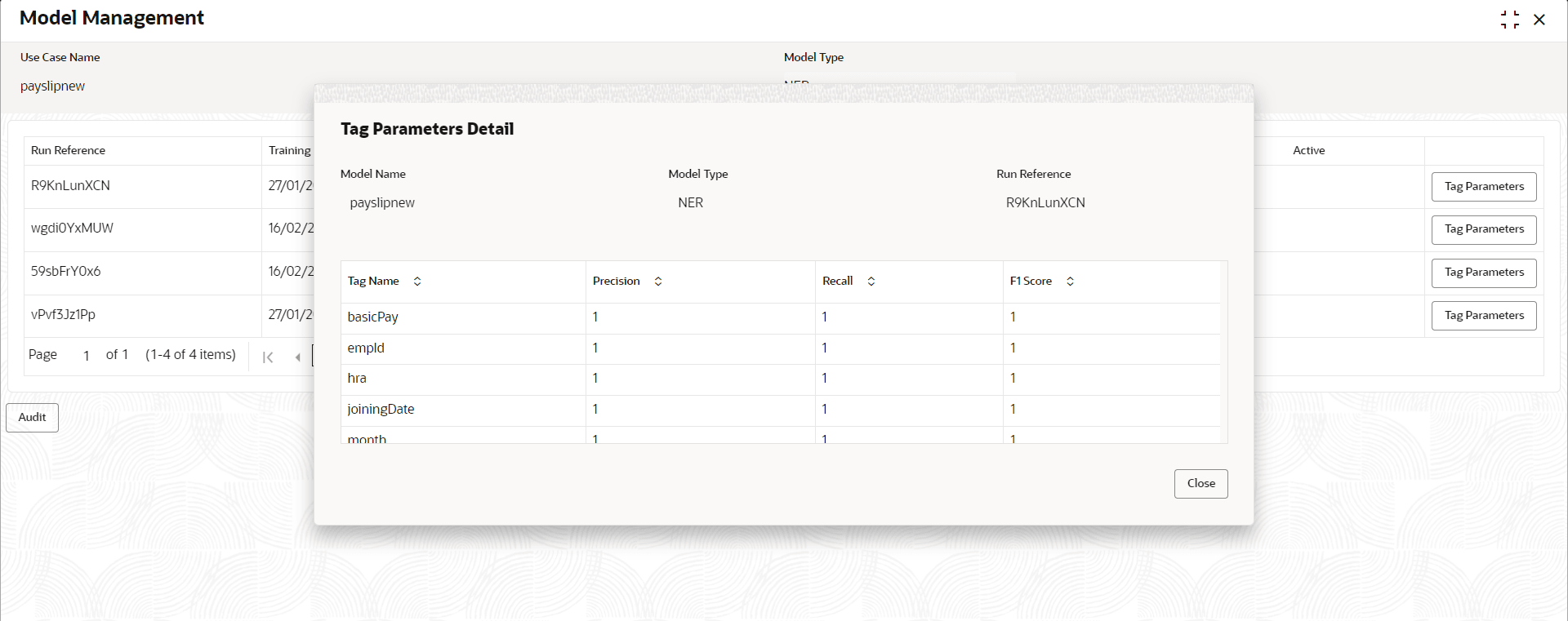
Field Description Use Case Name Displays the name of the Use Case. Model Type Displays the NER or Classification type of Model. Run Reference Displays unique model version identifier. Precision Specify the value between 0 to 1. Closer to 1 is better. Recall Specify the value between 0 to 1. Closer to 1 is better. F1 Score Specify the value between 0 to 1. Closer to 1 is better. Active Displays the status of model run reference. - Click Tag Parameters to view the individual tag parameters for each model run reference.The Tag Parameters Details screen is displayed.
At this stage, user have defined a new use case with the tags/entities to be recognized by the model and trained and exported the use case model to be used by business.