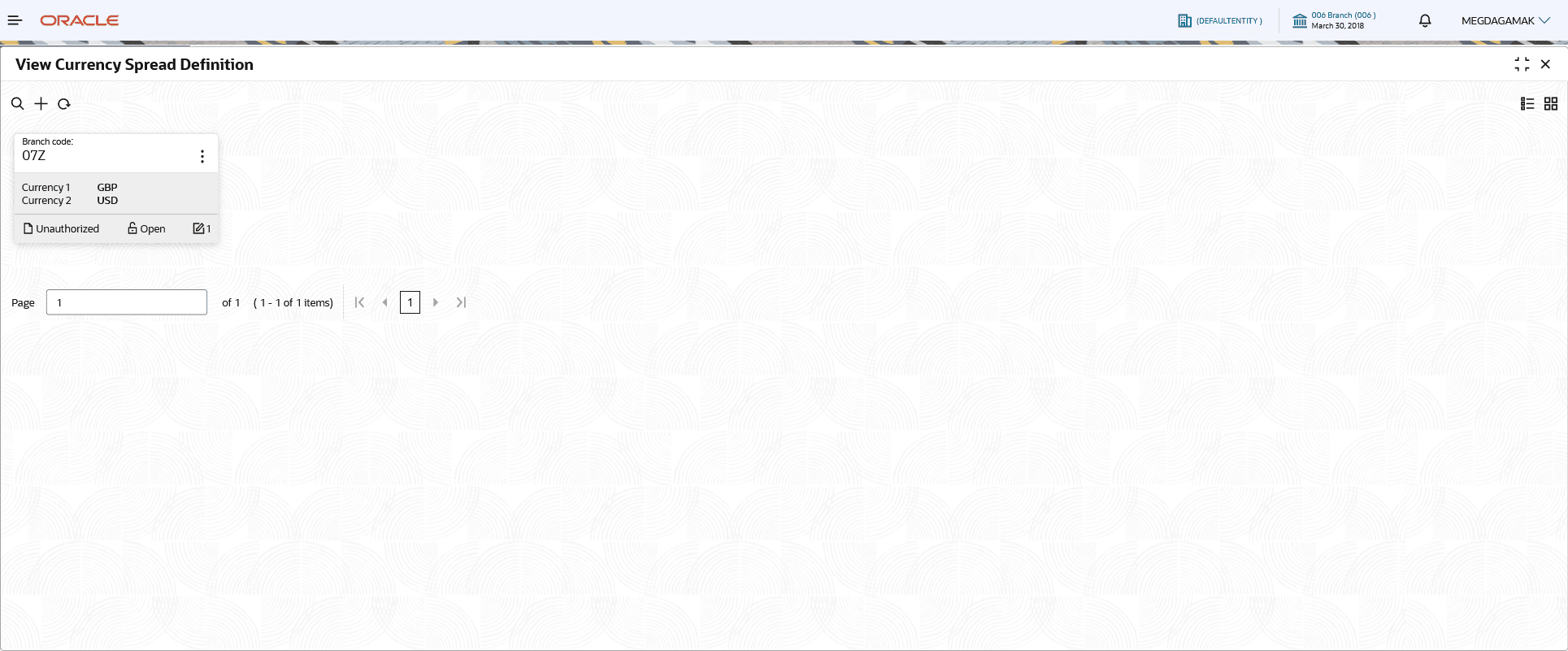
View Currency Spread Definition
This topic describes the systematic instructions to view the list of currency spread maintenance.
The user can configure a Currency Spread maintenance using Create Currency Spread Definition screen.
- Under Currency Spread Definition, click View Currency Spread Definition.The View Currency Spread Definition screen is displayed.
Figure 1-41 View Currency Spread Definition
For more information on fields, refer to the field description table.
Table 1-40 View Currency Spread Definition – Field Description
Field Description Branch Code Displays the branch code. Currency 1-2 Displays the currencies associated with the currency pair. Authorization Status Displays the authorization status of the record. The options are:- Authorized
- Rejected
- Unauthorized
Record Status Displays the status of the record. The options are:- Open
- Closed
Modification Number Displays the number of modification performed on the record.