View Liability Customer Summary
This topic describes the systematic instructions to view the list of authorized liability customer linkages from the ELCM system.
- Under Liability Customer, click View
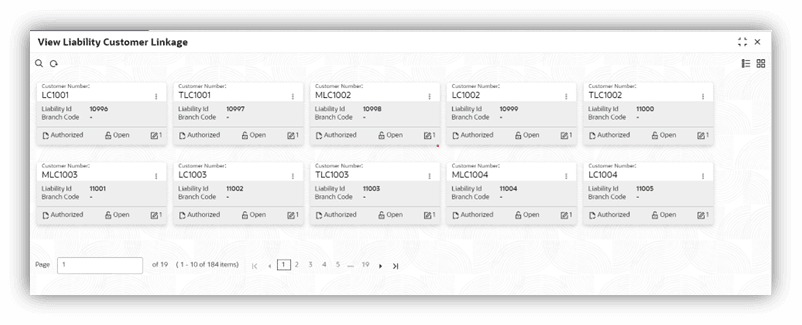
Liability Customer Linkage.The View Liability Customer Linkage summary screen is displayed.For more information on fields, refer to the field description table.
Figure 1-114 View Liability Customer Linkage
Table 1-114 View Liability Customer Linkage - Field Description
Field Description Branch Code Displays the branch code. Customer Number Displays the customer number. Liability ID Displays the liability Id. Host Code Displays the host code. Source System Displays the source system. Source System Liability ID Displays the source system liability Id. Source System Customer Number Displays the source system customer number.