Creating Prepayment Model with Rate Calculation as Integrated Model
In Integrated Model option, you have the option to select one of the already saved/confirmed Models.
To create a Prepayment Model Rule, follow these steps:
- Navigate to the Prepayment Model Summary Page.
- Click Add. The Prepayment Model Details Page is
displayed.
Figure 6-109 Prepayment Model
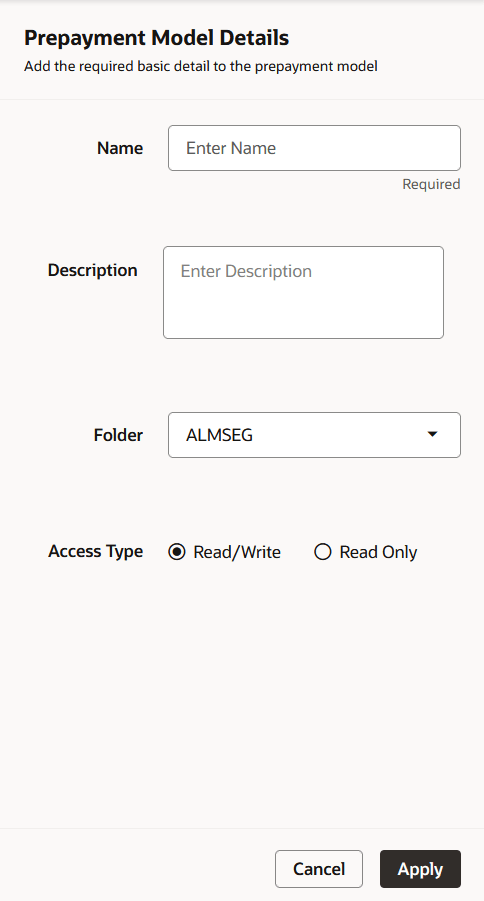
- Enter the following details:
- Name: Enter the name and a brief description for the Prepayment Model. The name you assign to the Prepayment Model must be unique. The name can hold a maximum of 30 characters.
- Folder: Select the Folder
- Description: Enter the description of Prepayment Model Rule.
- Select Access Type.
- Click Apply.
- From Prepayment Model details page, select the Prepayment Model Rate Calculation Method as Integrated.
- Follow below steps:
Selecting the Model for Prepayment Model Using Select Model section
Defining the Structure of the Prepayment Model Using Dimensions section
Modifying the Table Structure Using Bucket Definition section