4.10.2.2.1 Using Export Data Summary UI

To Export the data, follow these steps:
  1. Navigate to Export Data Summary page.
  2. Click on the Action icon against the Export Data Rule Name and select Export Data to export data. The Export Data window is displayed.

    Figure 4-91 Export Data window
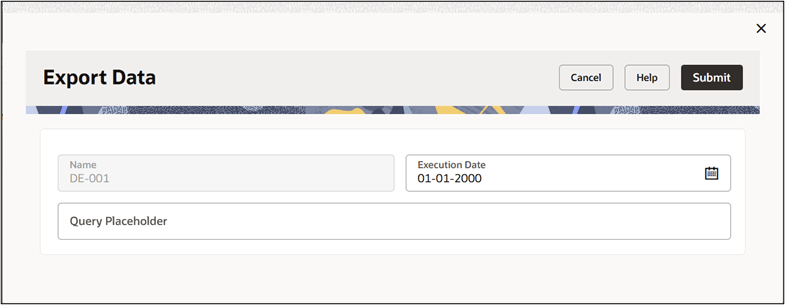

    Export Data window

  3. Select the Execution Date . If static values are specified for placeholder parameters in the Query Placeholder section, the corresponding placeholder details are automatically displayed. You can change these values if required. For more information, refer to the Query Placeholder section. Enter the Name/Value parameters in Query Parameter field, if required. These represent the actual values for dynamic parameters. For more information, see the Other Details section.

    For example: ACC_VAL1=1, ACC_VAL2=2.

    If multiple parameters are used, then separate them with commas (,).

  4. Click Submit. The Status of execution can be Success, Failed or In Progress.