Submit for Due Diligence
In Due diligence, Custom PLSQL archive contents will go through a series of checks before being moved or considered for deployment into the preferred Cloud Service tenant.
Below is the list of checks:
| Check Type | Description | Status |
|---|---|---|
| Naming Convention |
Naming Conventions to be used while creating Custom Extensions. Objects names will be validated for the presence of “_CUSTOM” as suffix Example: FN_UPD_FSI_D_ASSETS_CUSTOM |
Success/Fail |
| Dependency | This checks if the user-extensions are mapped to any existing batch definitions | Completed |
| Difference | Checks to validate that submitted archives should always be cumulative of all earlier submissions. | Success/Fail |
| Keyword | Validates for whitelisted keywords within the user extension | Success/Fail |
| Security | Security Scans | Success/Fail |
| Compilation Check | Validates that the custom PL/SQL objects in the archive compile successfully against the target schema before further checks proceed. | Success/Fail |
| Run Check | Executes the custom PL/SQL objects that passed the Compilation Check using real data retrieved from the CUSTOM_SHADOW schema, to validate execution against actual business data rather than mock values. | Completed |
Run Check requires that the Compilation Check has already completed successfully. Individual object execution failures are recorded as warnings and do not stop the check; however, unlike some other checks, Run Check always completes with an overall status of Completed — it does not cause the overall Due Diligence process to fail.
Note:
Because Run Check executes objects against real data, representative data must be present in the corresponding CUSTOM_SHADOW tables beforehand.To perform check on Archive project, follow these steps:
- Navigate to Archive Summary page.
- Click the View
icon under Action. The Archive Details View window is displayed.
Figure 5-23 View

Figure 5-24 Archive Details View
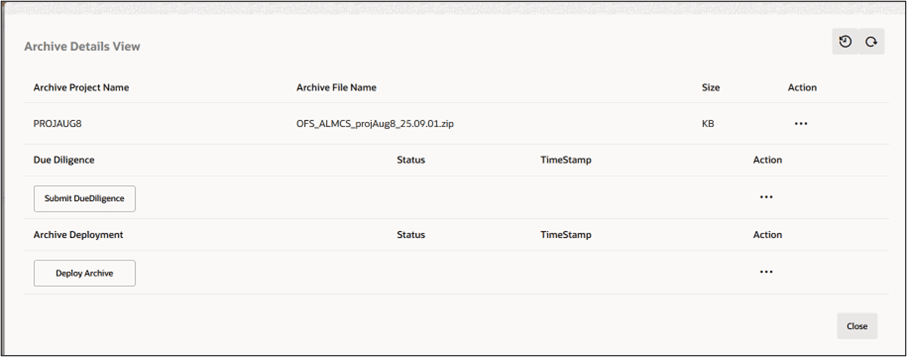
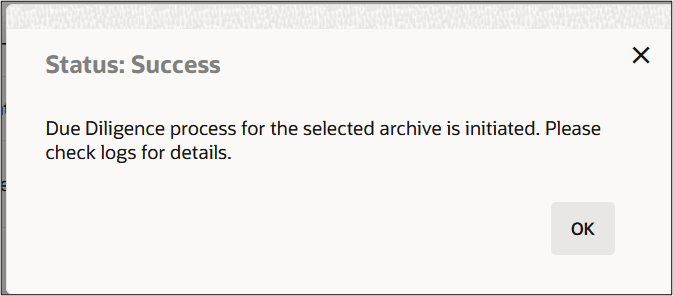
- Click Select DueDiligence. The status of Archive is displayed. For more
information on status, see Table Status Details. Click Ok.
Figure 5-25 Status of Archive
- Click Action
icon next to Select DueDiligence button to view a list of actions. Below actions can be performed:
Figure 5-26 Action

- Discard: This will allow users to discard the selected archive. You cannot Discard an Archive if it is in Deployment stage.
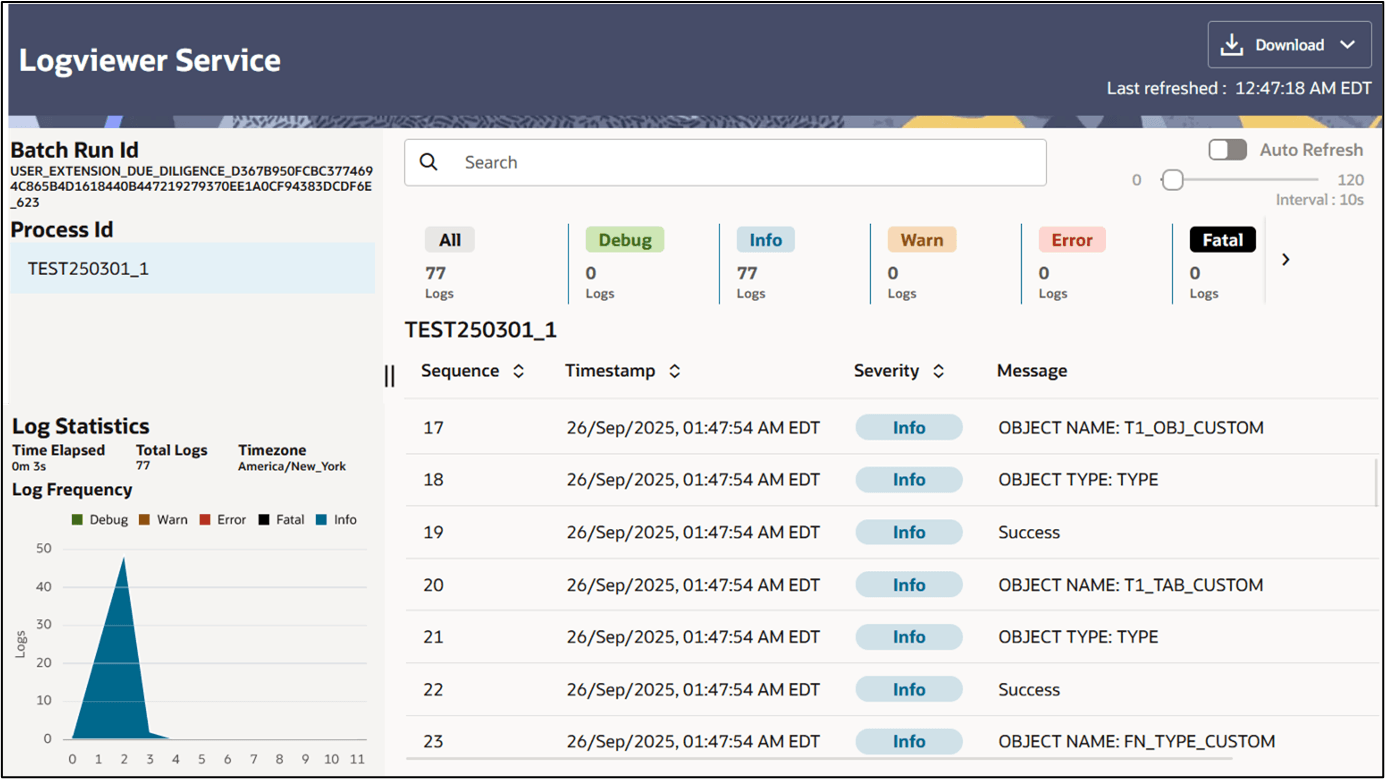
- View Log: Allows you to access the log details post Due Diligence check.
Figure 5-27 Logviewer Service