6.8 FTP Charge/Credit Balancing
You may execute the FTP Charge/Credit Balancing procedure for any Initialized or Published Forecast Set. This process generates offsets to all FTP Charges & Credits from your on-balance sheet products which have generated FTP results.
The FTP Charge/Credit Balancing process is optional. When used, it is generally intended to be executed at the end of a planning cycle and prior to locking a Forecast Set. Running the process multiple times, however, simply re-calculates all the FTP Charge/Credit offsets based on the most current planning results.
FTP Charge/Credit offsets can be found in Downloads of planning results and are also included in Batch downloads of planning results.
FTP Charge/Credit offsets, however, are not visible in the Detailed Planning form because the Funding Center cannot have any on-balance sheet balances and so are not subject to planning.
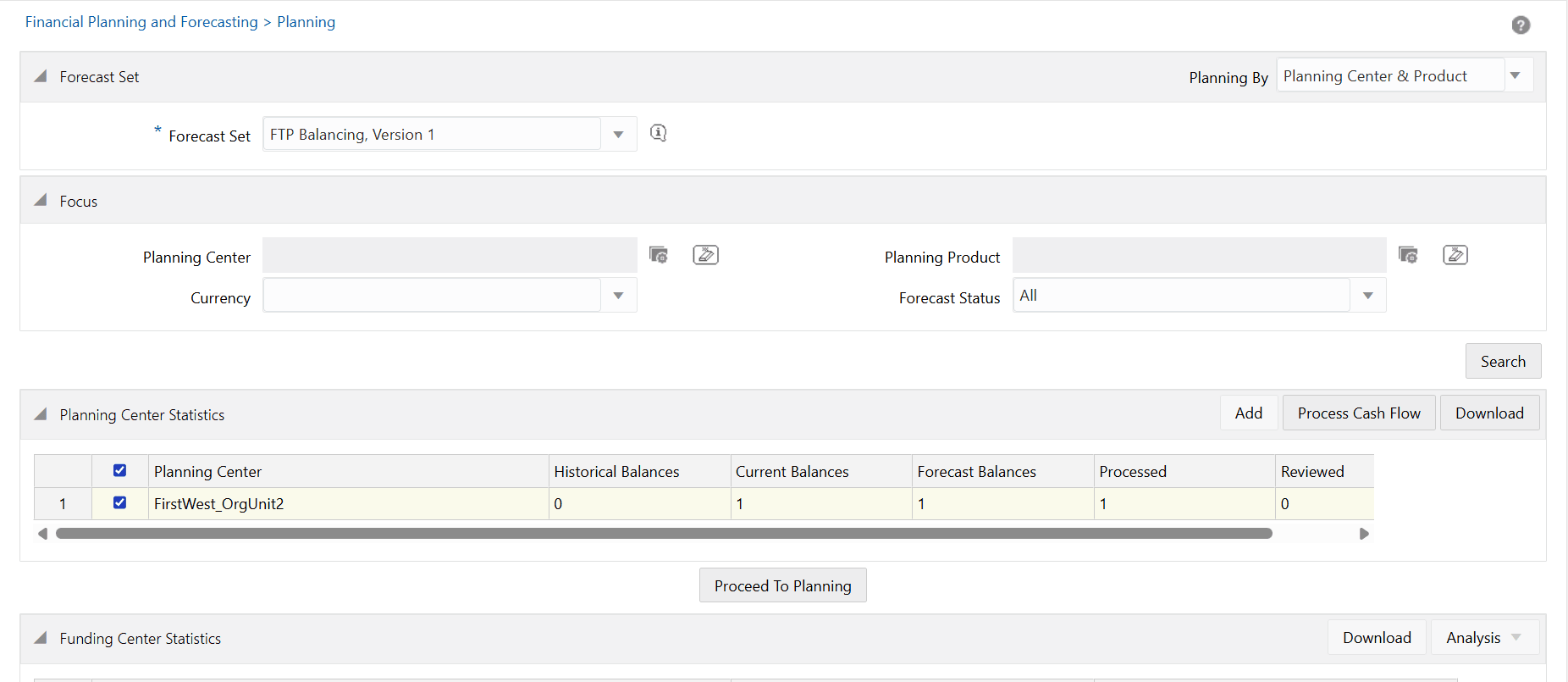
To execute the FTP Charge/Credit Balancing process, select an Initialized or Published Forecast Set from the Forecast Set Details window and click on the Run icon in the toolbar. The FTP Charge/Credit Balancing process may also be run via batch (see note below).
Figure 6-3 Funding Center in Forecast Set Definition
Note:
Only System Administrators or Planning Administrators can process FTP Charge/Credit Balancing.See Chapter 8 for details on the optional Funding Center property name to execute FTP Charge/Credit Balancing process prior to exporting forecast data.