F Accessing OFSAA Application
This section describes how to access the OFSAA Application.
To access the OFSAA application:
- From your desktop, open the browser and enter the URL in the following
format:
<scheme>://<IP address/ hostname>:<port>/<context-name>/login.jsp
For example: https://111.222.333.444:5555/ofsaa/login.jsp.
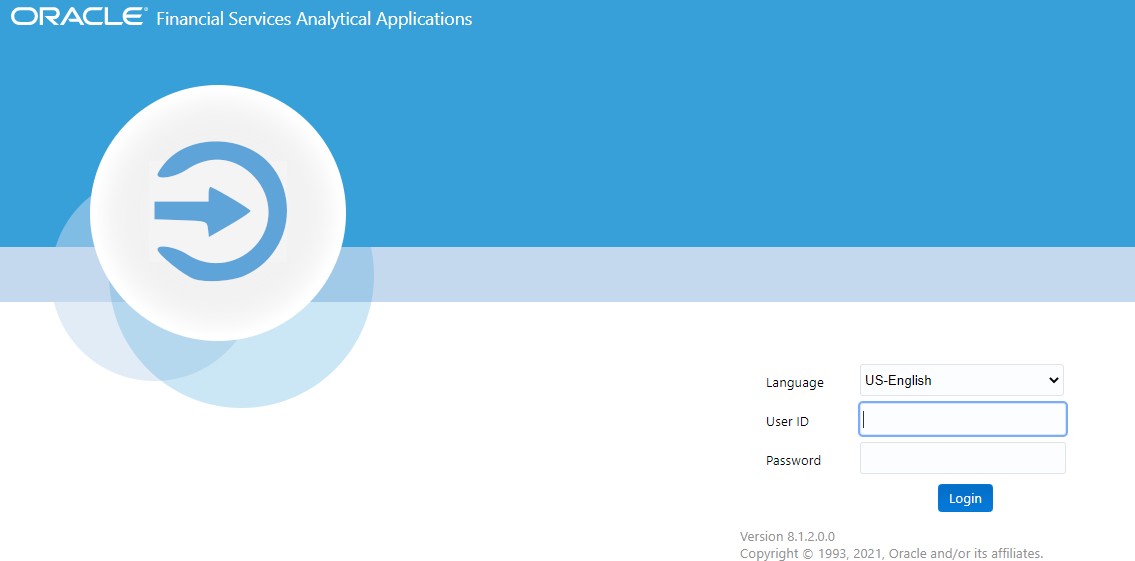
The OFSAA login screen is displayed.
Figure F-1 OFSAA Login Screen
With installation of every OFSAA Applications Pack, there are two seeded user profiles configured in the system:
- SYSADMN - System Administrator
- SYSAUTH - System Authorizer
Note:
For SYSADMN and SYSAUTH, the default password is password0 - Login to the application using the SYSADMN User ID. (Note that, there is no "I" in the SYSADMN login USER ID). Enter the password that was provided during installation. On the first login, you will be prompted to change the password.