7.9 Creating RAOR.ear or RAOR.war
This section describes how to create the RAOR.ear or RAOR.war file.
It is mandatory to have the RAOR.ear in the same profile or domain where the
<contextname>.ear file of the OFS BD Application is deployed.
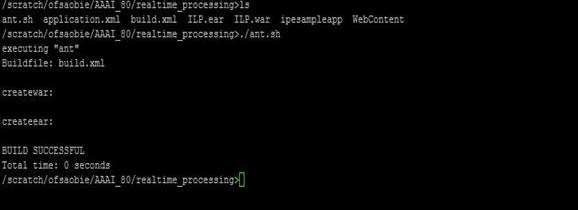
Figure 7-3 Creating RAOR.ear or RAOR.war
To create RAOR.ear or RAOR.war, follow these steps:
- Navigate to <OFSAA Installation Directory>/raor_processing.
- Execute the command:
../ant.shOn successful execution, the RAOR.ear and RAOR.war files are generated under the <OFSAA Installation Directory >/raor_processing/ folder.