5.4 Installing in Silent Mode & Enabling Newly Licensed App
This section describes how to install the BD pack in Silent Mode and & enable the newly licensed app for Standalone OFS BD 8.1.2.0.0.
Installing in Silent Mode
Configuring OFSAAI_InstallConfig.xml
Configuring default.properties Parameters
Running the installer in Silent Mode (Update the note)
Completing the installation in Silent Mode
In the Silent Mode Installation, you must configure the product XML files and follow instructions in the command prompt.
Follow these instructions to configure OFSAAI_InstallConfig.xml file:
- Log in to the system as non-rootuser.
- Identify a directory for installation and set the same in the user .profile file as the following:
FIC_HOME=< OFSAA Installation Directory > export FIC_HOME.
- Execute the user.profile.
- Configure the OFSAAI_InstallConfig.xml as mentioned in Configuring OFSAAI_InstallConfig.xml File. Set the Interaction Variable parameter values manually as mentioned in the table. If a value is not applicable, enter NA and ensure that the value isnot entered as NULL.
- Navigate to the file: OFS_BD_PACK/conf/OFS_BD_PACK.xmland select the applications to be enabled. For more information see, Configuring OFS_BD_SCHEMA_IN.xml File.
Note:
Enter YES in ENABLE tag to enable applications which has been installed and Enter NO in the remaining applications.Note:
From BD 8.1.1.0.0 onwards, default.properties replaced from InstallConfig.xml.To configure the default.properties file, follow these steps:
- Navigate to the file:OFS_BD_PACK/OFS_AML/conf/default.properties.
- Enter the details mentioned in the tags (<!-- Start: User input required for
silent installer. --> and <!-- End: User input required for silent installer.
-->) as mentioned in the following table.
Table 5-1 default.properties parameters
Placeholder Name Significance and Expected Value Mandatory ##OFS_AML_BASE_ COUNTRY## ISO country code to use during data ingestion to record. Institution-derived geography risk on parties on transactions that are internal to the OFSBD client. For example: base_country=US base_country=US
Yes ##OFS_AML_ DEFAULT_ JURISDICTION## Jurisdiction to assign the derived entities and derived addresses. For example: default_jurisdiction=AMEA
Yes ##OFS_AML_SMTP_ HOST## Host name of the e-mail gateway to be used by the application for e-mail notifications. For example:
smtp_host=mailhost.domain.com
                                                smtp_host=mailhost.domain.com
Yes ##OFS_AML_PARTITION_DATE_ FORMAT## Format of the date used in specifying partition dates. Allowed values are DD-MON-YYYY/DD-MM-YYYY Yes ##OFS_AML_DATADUMPDT_ MINUS_0## Enter the date of the business day for which the data to be loaded. It must be in dd/mm/yyyy format. For Example: 10/12/2015
Yes ##OFS_AML_ENDTHISWEEK_ MINUS_00# Enter the date of the Saturday of the next business week with respect to the date for which the data is loaded. It must be in dd/mm/yyyy format. For Example: 19/12/2015
Yes ##OFS_AML_STARTNEXTMNTH_ MINUS_00## Enter the first business day of the next month with respect to the data load date. It must be in dd/mm/yyyy format. For Example:01/01/2016 Yes ##OFS_AML_ANALYST_DATA_ SOURCE## Name of the Analyst Data source used for Admin Tools Configurations. For example: Create a data source with name ANALYST.
Yes ##OFS_AML_MINER_DATA_SOUR CE## Name of the Miner Data source used for Admin Tools Configurations. For example: Create a data source with name MINER.
Yes ##OFS_AML_WEB_SERVICE_USER ## User name to access the web services. Enter "" if no user name is required. No ##OFS_AML_WEB_SERVICE_PASS WORD## Password to access the web services. Enter "" if no password is required. No ##OFS_AML_NLS_ LENGTH_ SEMANTICS## ##OFS_AML_NLS_LENGTH_SEMANTICS##NLS_LENGTH_SEMANTICS database variable for executing the DDL scripts. Applicable values are CHAR/BYTE. Note:
Recommendation to go with CHAR.
Yes ##OFS_AML_CONFIGURE_ OBIEE## Mention flag as ‘1” to configure OBIEE URL. Otherwise mention as ‘0’. Yes ##OFS_AML_OBIEE_URL## In case ##OFS_AML_CONFIGURE_OBIEE_URL## mentioned as ‘1’. Provide the URL in the pattern. Note:
Fully Qualified host name have to be provided.
Yes. This parameter is mandatory if the value of ##OFS_ AML_ CONFIGURE_ OBIEE## parameter is set to 1. ##OFS_AML_SW_ RMIPORT## Placeholder to provide scenario wizard RMI port. Yes ##BIG_DATA_ENABLE## Placeholder to enable Big Data. Enter FALSE. Yes ##OFS_AML_SQOOP_ WORKING_DIR## Placeholder to provide SQOOP working directory for AML Mandatory only if big data is enabled. ##OFS_AML_SSH_AUTH_ ALIAS## Placeholder to provide SSH authorization alias for AML Mandatory only if big data is enabled. ##OFS_AML_SSH_HOST_ NAME## Placeholder to provide SSH host name for AML. Mandatory only if big data is enabled. ##OFS_AML_SSH_ PORT## Placeholder to provide SSH port name for AML. Mandatory only if big data is enabled. ##FSDF_UPLOAD_MODEL## This flag indicates whether the FSDF data model has to be executed or not. If the user wants to upload FSDF data model, the user must enter the value as 1 or enter the value as 0. No Note:
KYC Onboarding requires additional deployments of the following:
- Initiate Onboarding Service (InitiateOnboardingService.war)
- Table To JSON Service (TabletoJSONService.war)
- JSON To Table Service (JSONToTablePersistenceUtility.war)
- Common Gateway Service (CommonGatewayService.war)
- Generate Case Input Service (GenerateCaseInputService.war)
- Create JSON Service (createJSONService.war)
The above .war files are available in the FIC_HOME path post-installation. For information on deploying the .war files, see Post Installation Configuration. These deployments are in addition to the Application Pack deployment , that is, OFSBD, Watch list Service deployment and RAOR deployments which are mandatory for KYC onboarding.
For information on the services, see Know Your Customer Service Guide. The below parameters are applicable for KYC Onboarding:
Note:
The WEB_SERVER_PORT value must be taken from the OFSAAI_InstallConfig.xml file. Also, based on the value of HTTPS_ENABLE in OFSAAI_InstallConfig.xml, the PROTOCOL will be https for value 1 and http for value 0.
##ECMSOURCE## This is the Case Management (ECM) source. If ECM is not installed, then you must provide the DB link name. Mandatory only if KYC onboarding is used. ##ECMLOADTYPE## This is the Case Management load type. If ECM is on a different database, then you must provide the value as 'DBLINK'. Mandatory only if KYC onboarding is used. ##CSSOURCE## This is the Customer Screening (CS) source. If CS is not installed, then you must provide the DB link name. Mandatory only if KYC onboarding is used. ##CSLOADTYPE## This is the Customer Screening (CS) load type. If CS is on a different database, then you must provide the value as 'DBLINK'. Mandatory only if KYC onboarding is used. ##CRRSOURCE## This is the Compliance Regulatory Reporting (CRR) source. If CRR is not installed, then you must provide the DB link name. Mandatory only if KYC onboarding is used. ##CRRLOADTYPE## This is the Compliance Regulatory Reporting load type. If CRR is on a different database, then you must provide the value as 'DBLINK'. Mandatory only if KYC onboarding is used. ##OBDATASRCNAME## Parameter value must be updated with the INFODOM parameter. This is the name of the datasource pointing to the atomic schema. This value is taken from OFS_BD_SCHEMA_IN.xml. Mandatory only if KYC onboarding is used. If not, value must be OBDATASRCNAME. ##COMN_GATWAY_DS## Parameter value must be updated with the INFODOM parameter. This is the name of the datasource pointing to the atomic schema. This value is taken from OFS_BD_SCHEMA_IN.xml. Mandatory only if KYC onboarding is used. If not, value must be COMN_ GATWAY_DS. ##AAI_AUTH_URL## This is the URL of the BD application till the context name. For example:
<PROTOCOL:// HOSTNAME:WEB_SERVER_ PORT/ CONTEXT_NAME>.
Mandatory only if KYC onboarding is used. If not, value must be AAI_URL. ##TABLE_TO_JSON_ PROTOCOL_SERVER_ PORT## This is the URL of Table To JSON Service till the port number. For example,<PROTOCOL:// HOSTNAME:WEB_SERVER_PORT>. Mandatory only if KYC onboarding is used. If not, value must be T2J_URL. ##JSON_TO_TABLE_ PROTOCOL_SERVER_ PORT## This is the URL of JSON To Table Service till the port number. For example:
<PROTOCOL:// HOSTNAME:WEB_SERVER_PORT>.
Mandatory only if KYC onboarding is used. If not, value must be J2T_URL. ##OB_PROTOCOL_ SERVER_PORT## This is the URL of Initiate onboarding service till the port number. For example:
<PROTOCOL:// HOSTNAME:WEB_SERVER_PORT>.
Mandatory only if KYC onboarding is used. If not, value must be OB_URL. ##ECM_APP_URL## This is the URL of the ECM application till the context name. For example:
<PROTOCOL:// HOSTNAME:WEB_SERVER_ PORT/ CONTEXT_NAME>.
Mandatory only if KYC onboarding is used. If not, value must be ECM_ CASE_URL. - If you install only the BD application, then you must update the##ECM_ APP_URL## parameter with the URL of the running and deployed ECM setup of the same version. If you do a pack on pack installation, the##ECM_APP_URL## parameter can be updated with the same URL used for the ##AAI_AUTH_URL## parameter. - ##CASE_INPUT_PROTOCOL_SERVER_ PORT## This is the URL of the Generate Case Input Service till the port number. For example:
<PROTOCOL://HOSTNAME:WEB_SERVER_PORT>.
Mandatory only if KYC onboarding is used. ##COMMON_GATEWAY_PROTOCOL_SERVER_ PORT## This is the URL of the Common Gateway Service till the port number. For example:
<PROTOCOL://HOSTNAME:WEB_SERVER_PORT>.
Mandatory only if KYC onboarding is used. If not, value must be CMNGTWYURL.
##SCORING_PROTOCOL_ SERVER_PORT## This is the URL of the RAOR application till the port number. For example:
<PROTOCOL:// HOSTNAME:WEB_SERVER_PORT>.
Mandatory only if KYC onboarding is used. If not, value must be SCORING_ URL. ##OFSS_WLS_ PROTOCOL_SERVER_ PORT## This is the URL of the OFS Watch list application till the port number. For example, <PROTOCOL:// HOSTNAME:WEB_SERVER_PORT>.
Mandatory only if KYC onboarding is used. If not, value must be OFSS_ WLS_URL. ##CS_PROTOCOL_ SERVER_PORT## This is the URL of the OFS Customer Screening Application till the port number. For example:
<PROTOCOL:// HOSTNAME:WEB_SERVER_ PORT>.
Mandatory only if KYC onboarding is used. If not, value must be CS_URL. ##COMM_LOG_PATH## This is the URL of the OFS Customer Screening Application till the port number. For example:
/scratch/ofsaaapp/ KYC808DEV/apache- tomcat-8.0.47/logs.
Mandatory only if KYC onboarding is used. ##QTNR_RESP_URL## This is the URL of the OFS KYC onboarding service. The URL is <PROTOCOL:/ HOSTNAME:PORT/ CONTEXT_NAME>/questionnaire_ api/ questionnaires/resume/<INFODOM>/en_US?appCode=OFS_ KYC.
Mandatory only if KYC onboarding is used. If not, value must be ##QTNR_ RESP_URL##. - In order to use the golden data for demonstrations and trainings, you must
provide the following partition dates before the installation:
- DATADUMPDT_MINUS_0##10/12/2015
- ENDTHISWEEK_MINUS_00##19/12/2015
- STARTNEXTMNTH_MINUS_00##01/01/2016
Note:
AML is mandatory for KYC.
- Navigate to the OFS_BD_PACK/binfolder.
- Execute the command in the console:
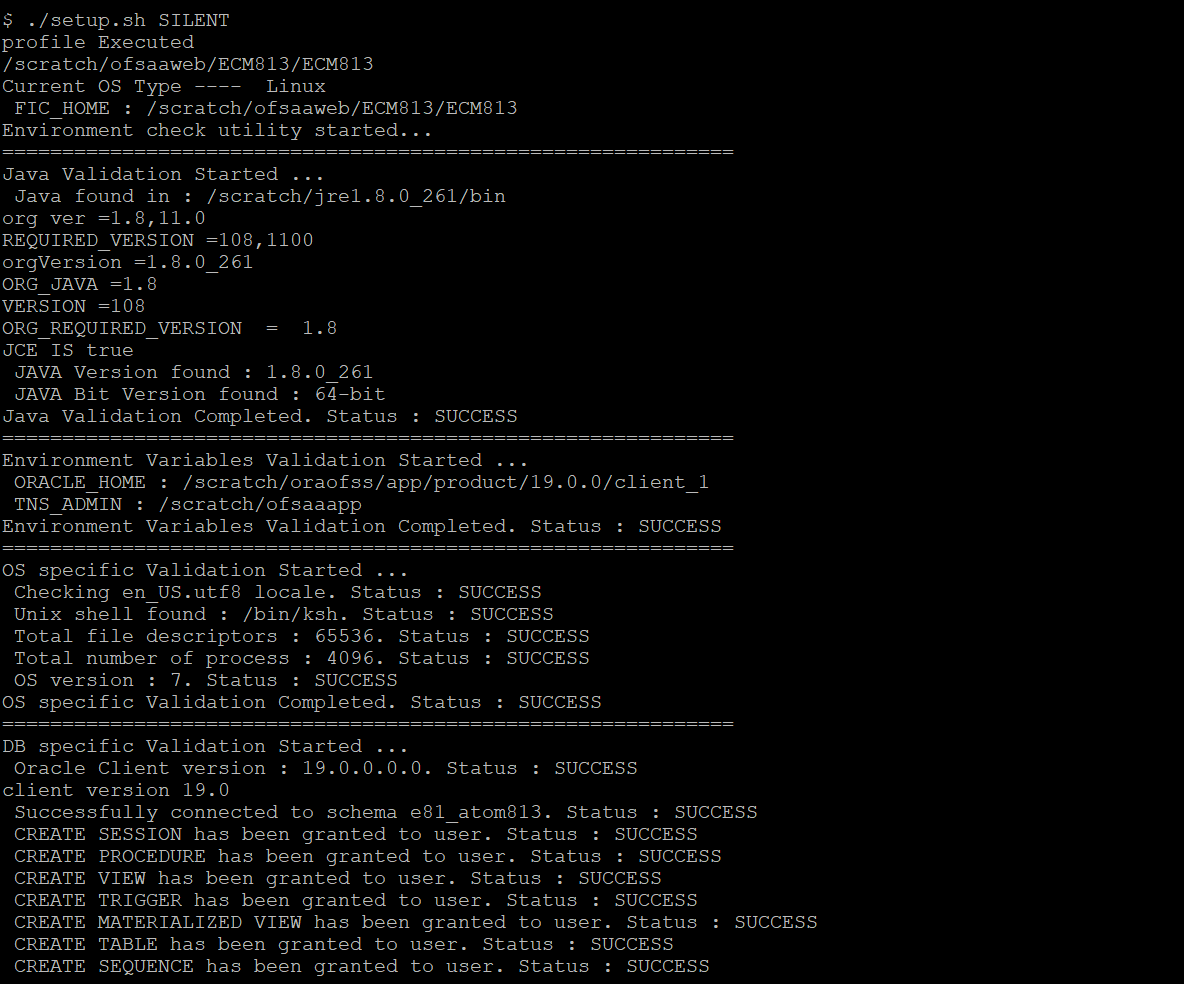
./setup.shSILENT.
Note:
The above table item is asked if environment check utility is executed in the standalone mode.Figure 5-1 SILENT Mode
Note:
- Enter the Infrastructure FTP/SFTP password value, when prompted at the command prompt to access Product Staging/Metadata repository directory in the application server.
- Enter always, when prompted to add host key fingerprint.
Figure 5-2 OFSAAI License Agreement Page
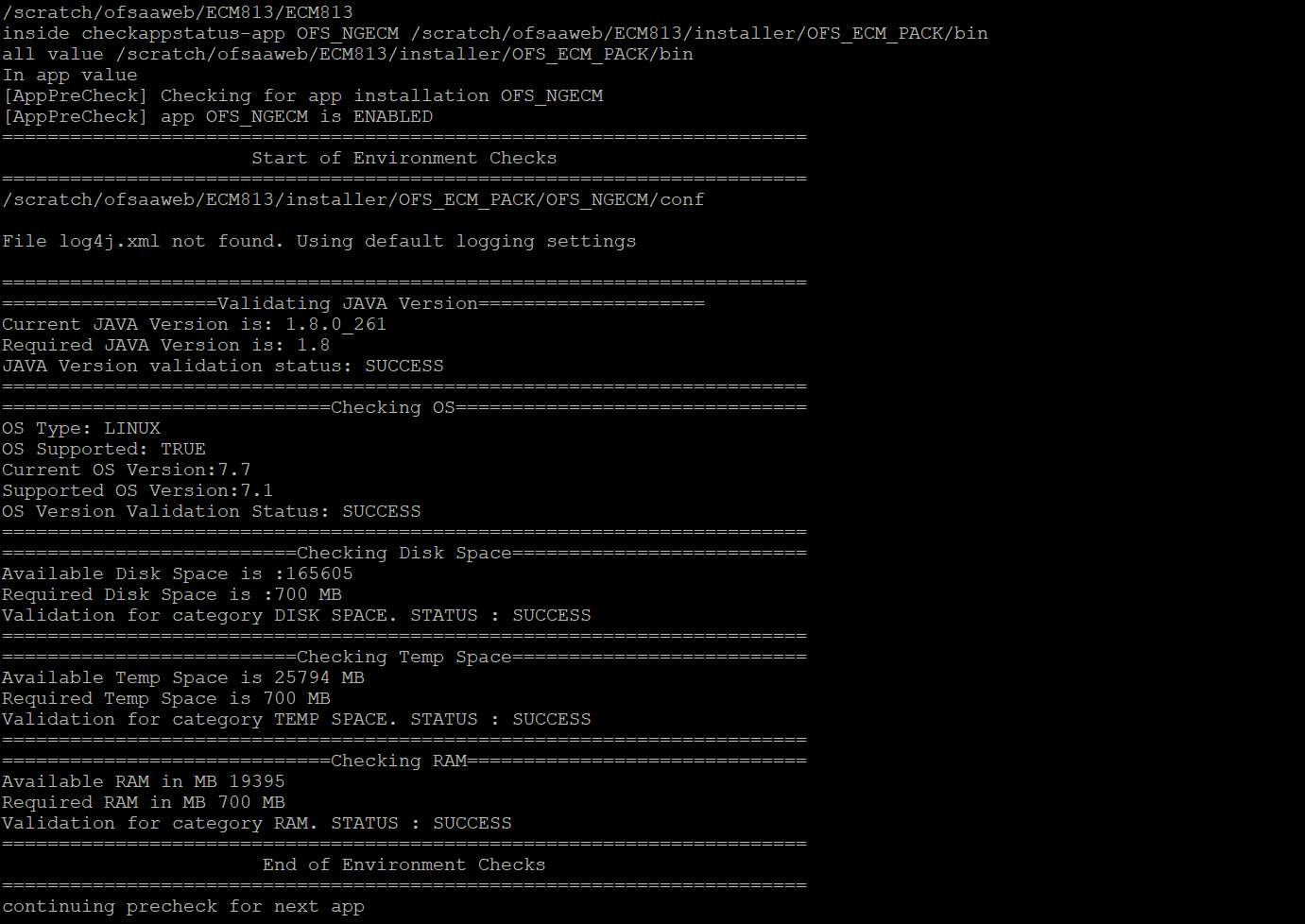
- Enter Y/y to accept the License Agreement.
Note:
SYSADMN and SYSAUTH are the two default OFSAAI administrative users created.Figure 5-3 OFSAAI License Agreement Page - Launching Installer
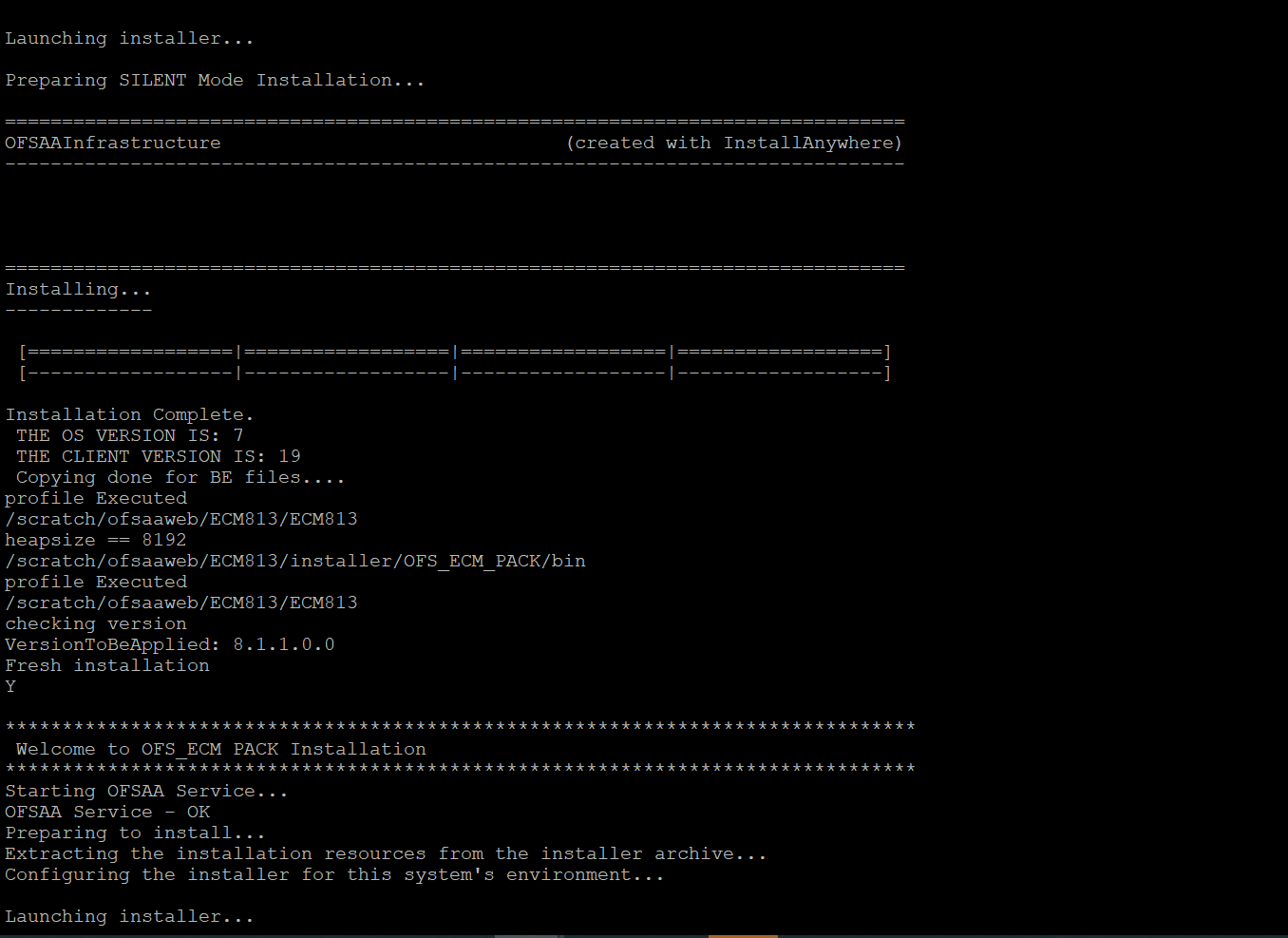
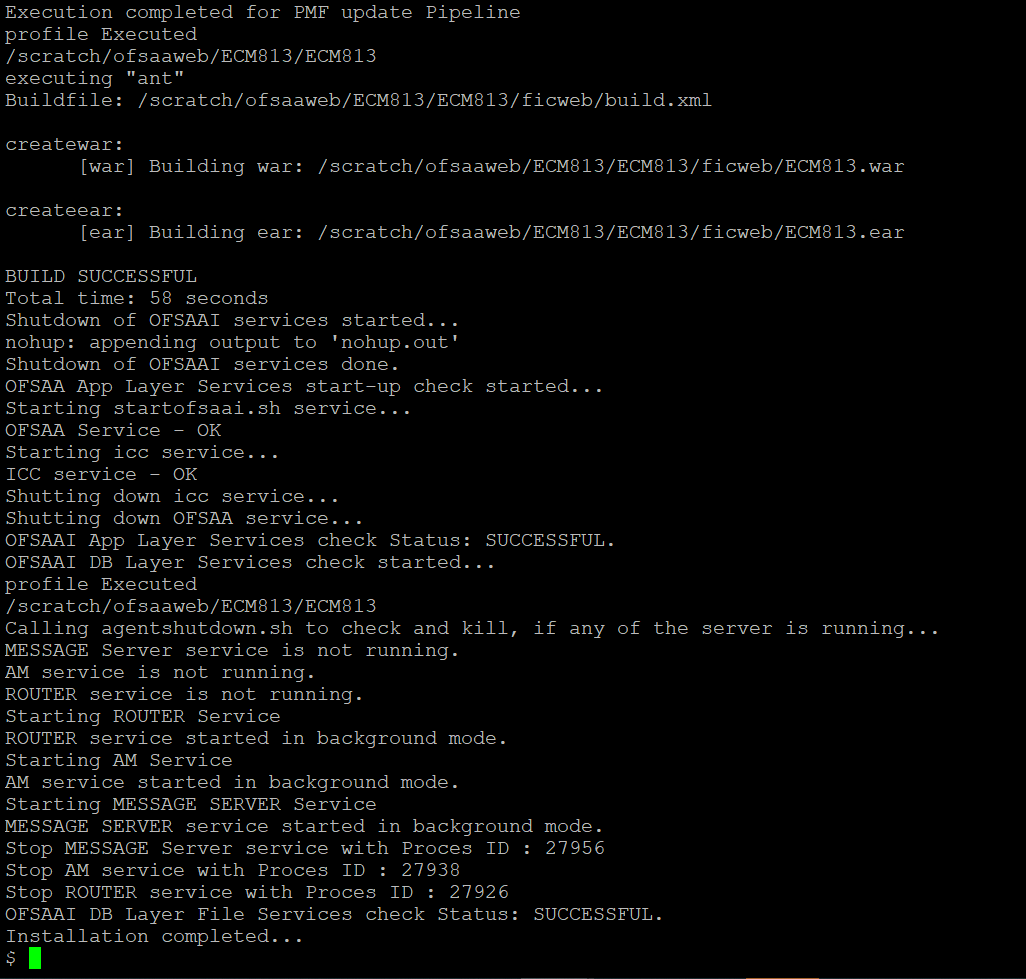
Figure 5-4 OFSAAI License Agreement Page - Execution Completed
Note:
- The installation process continues on the console. Do not close the console until the installation process is complete.
- Execute .profile from user home directory after the installation is completed.
- Perform the steps mentioned in Verifying Installation.
- For enabling TDE, see the Configuring TDE in Case of Upgrade section in Configuring TDE and Data Redaction in OFSAA.
- For enabling Data Redaction, see Enabling Data Redaction in Case of Upgrade section in Configuring TDE and Data Redaction in OFSAA.
Enabling Newly Licensed App for Standalone OFS BD 8.1.2.0.0
To enable/install the new App from OFS_BD_PACK once the BD812 installation is done.
- Navigate to the <OFS_BD_PACK>/conf folder.
- Enable the newly licensed app in the OFS_BD_PACK.xml file by setting ENABLE flag to YES. For more information, see Configuring OFS_BD_PACK.xml File.
- Navigate to the <OFS_BD_PACK>/bin folder and trigger the
setup.sh.For example: <APP_ID PREREQ="OFS_AAI" ENABLE="YES">OFS_KYC</APP_ID>.