4.3.1 Accessing Exemption List
The Exemption List page is available for users with appropriate roles.
To access the Exemption List, follow these steps:
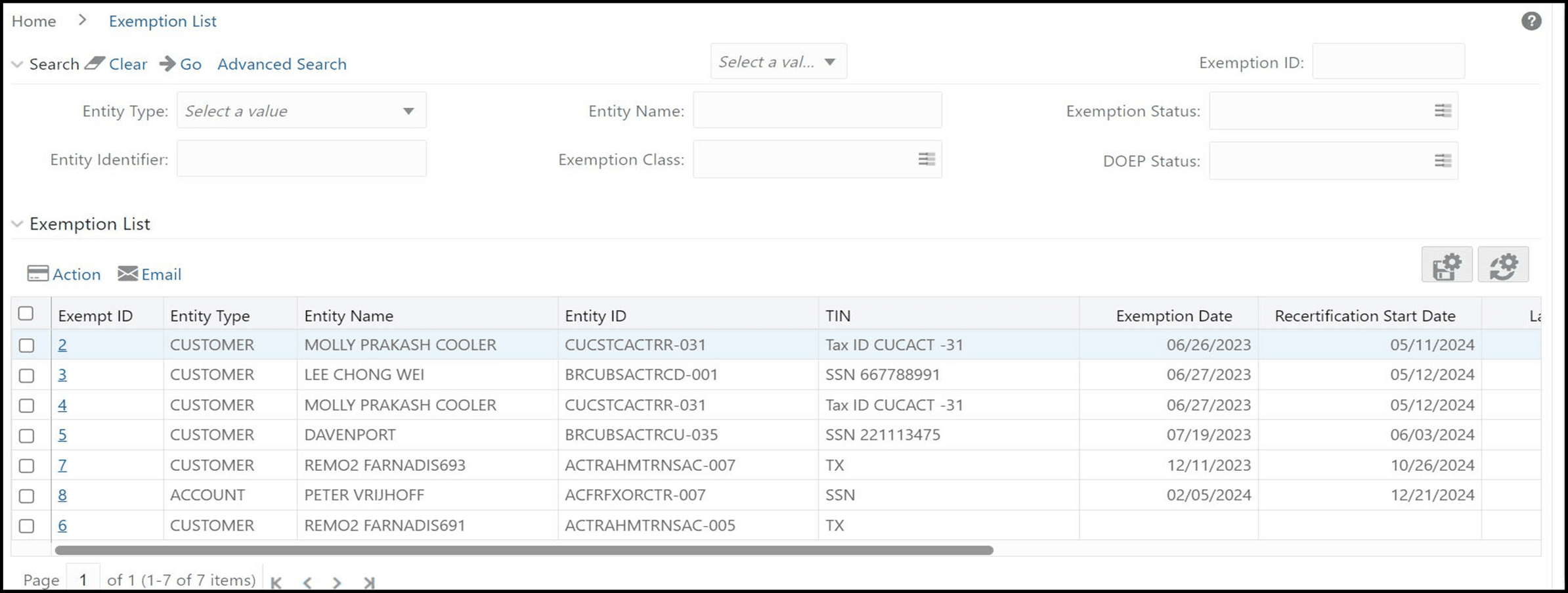
- Select Search and List. The Exemption List page is
displayed.
Figure 4-2 Exemption Search and List page