Accessing the MIS Reports
To access the MIS Reports, follow these steps:
- Click the MIS Reports on the Dashboards menu. The following MIS Reports are displayed in the list:
- Cases
- Alerts
- SARs
- Productivity
- KYC
- FATCA
- Fraud
- CRS
- Scenario Tuning
- Scenario Validation
- Trade Blotter
Figure 4-16 MIS Reports
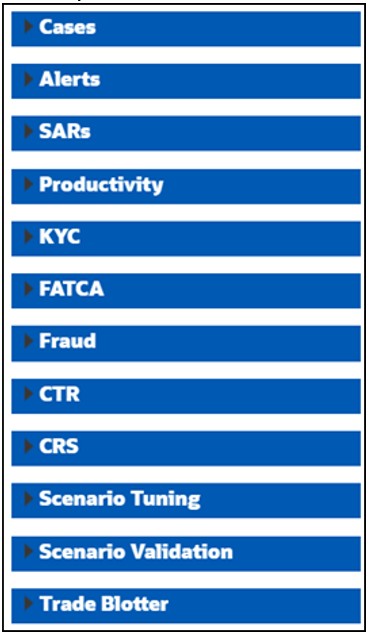
- To view individual reports under each section, select the Expansion icon on the left of the section header.
Some of the application sections contain Home pages which run automatically when accessed. These reports may have global filters to allow for the manipulation of the information displayed.
The default page appears which shows the list of all pre-defined reports. The default page is configurable and can be designed to include reports, dashboards, and views generic for all applications. To expand each section and view more report details, click the downward arrow.
All the MIS reports also have report filters for each individual report similar to the Business Entity reports. For more information, see Running an Individual Business Entity Report <link this>