7.20.1.1 Configuring Right to be Forgotten During OFS CRA Installation
To configure Right to be Forgotten, follow these steps:
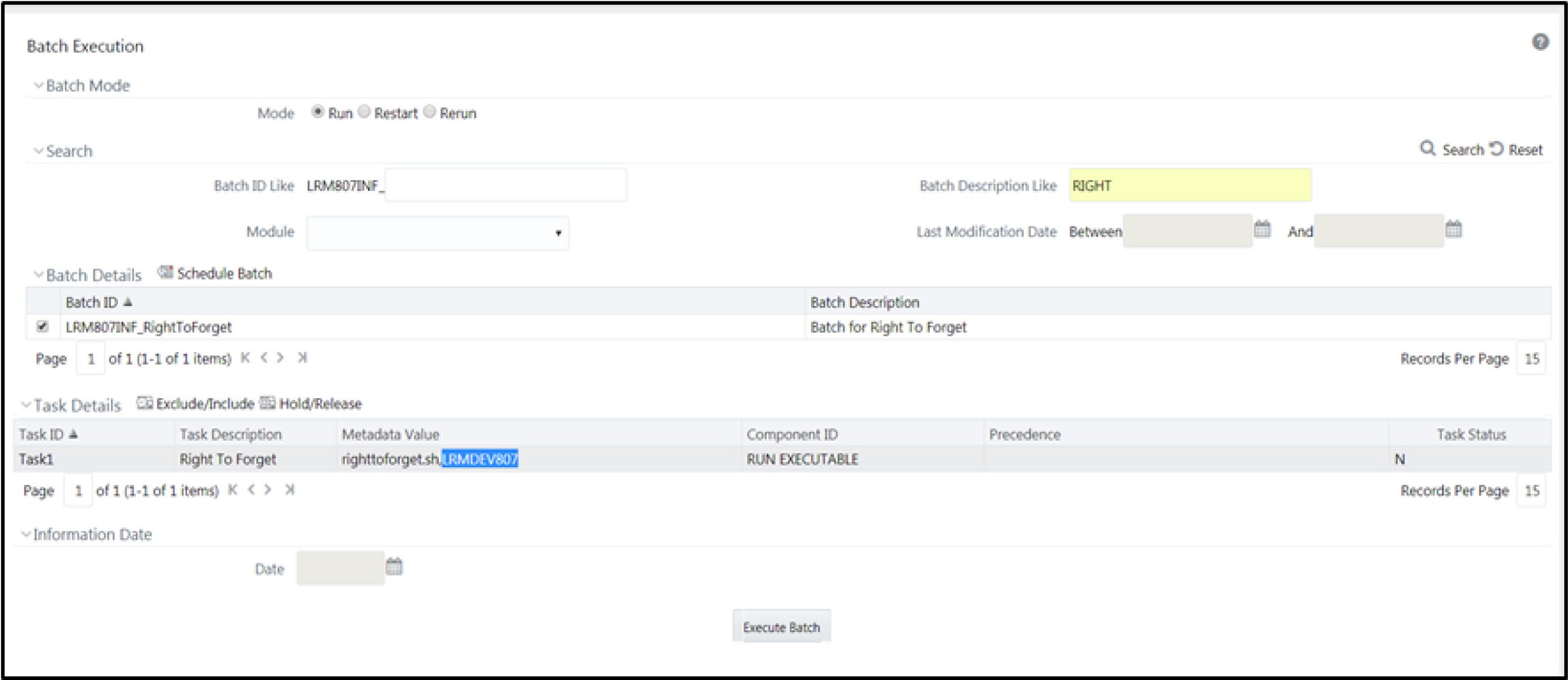
- Edit the task of the batch <Infodom_name>_RightToForget. By default, the parameter is SYSADMN. Modify the user ID in the Metadata Value field to the CRA Data Controller user ID from Step 1.
Figure 7-8 Configure Right to be Forgotten for OFS CRA