9.3.3 Trigger the Installation
To trigger the installation, follow these steps:
- Navigate to the path OFS_CRA_PACK/bin, and enter the following command in the console to execute the application pack installer with the Silent option.
./setup.sh SILENT - The installer proceeds with the pre-installation checks and starts the upgrade installation process.
Figure 9-1 Silent Mode of Installation Image for Silent Mode of Installation
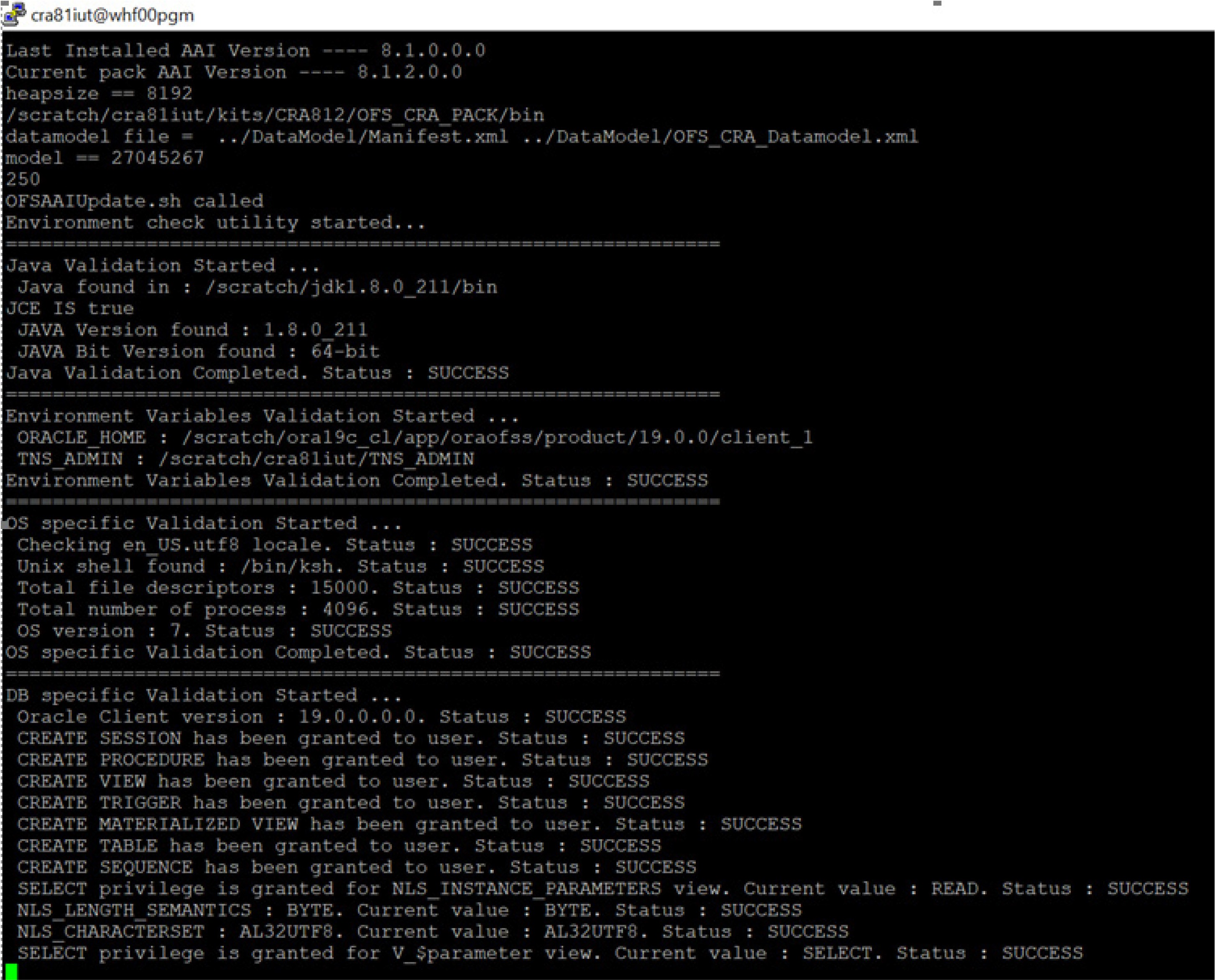
- The OFS CRA installation begins.
- After Data Model Upload verify the installation logs in the following location:
OFS_CRA_PACK/OFS_CRA/logsThe OFSAA Infrastructure installation performs a post-install check automatically on the successful installation of the product.
Congratulations! Your installation is complete.