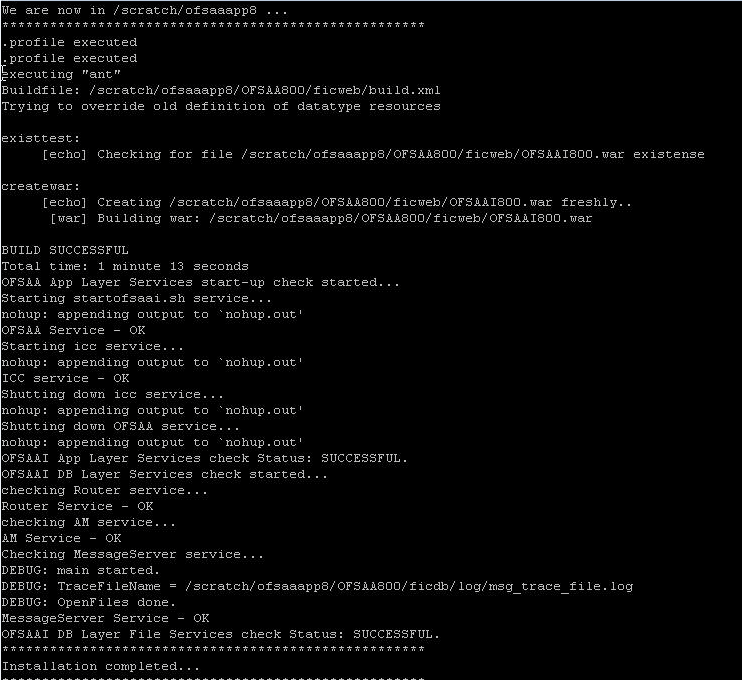
9.4.4 Trigger the Installation
To trigger the installation, follow these steps:
- Enter the following command in the console to execute the Application Pack Installer with the Silent Option.
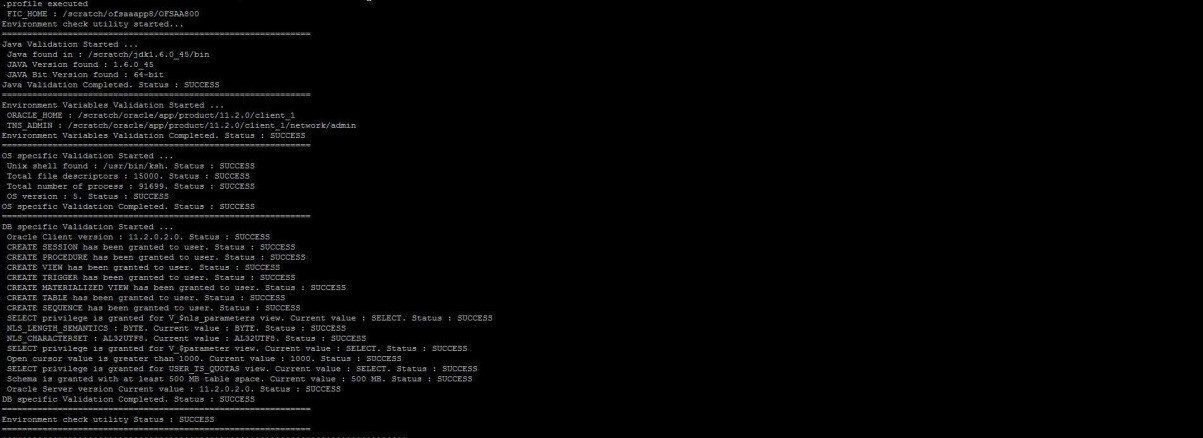
./setup.sh SILENT - The installer proceeds with Pre-installation Checks.
Figure 9-3 Silent Mode Installation
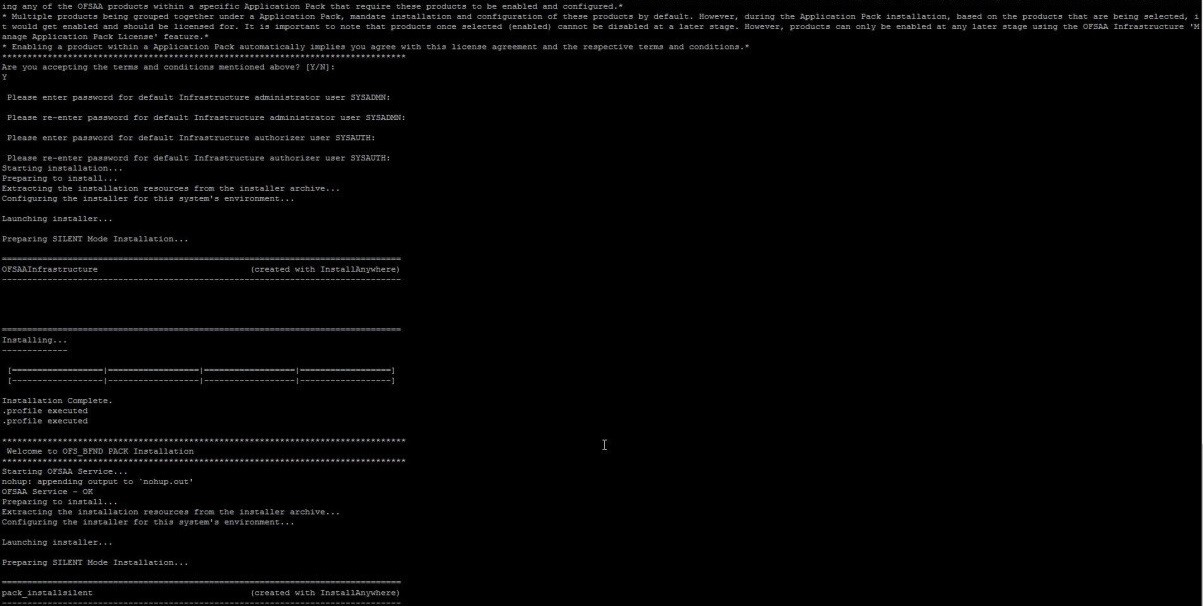
- The OFS CRA installation begins.
Figure 9-4 OFS CRA Silent Mode Installation
- After Data Model Upload verify the installation logs in the following location:
OFS_CRA_PACK/OFS_CRA/logsDo not close the console until the installation is complete.
Figure 48: Silent Mode Installation in Progress This illustration shows silent mode installation. image73
Figure 9-5 Silent Mode Installation Complete