14.25.3 Configuring RFI Additional Parameters
Configure additional Request for Information (RFI) parameters to control the behavior of RFI email notifications.
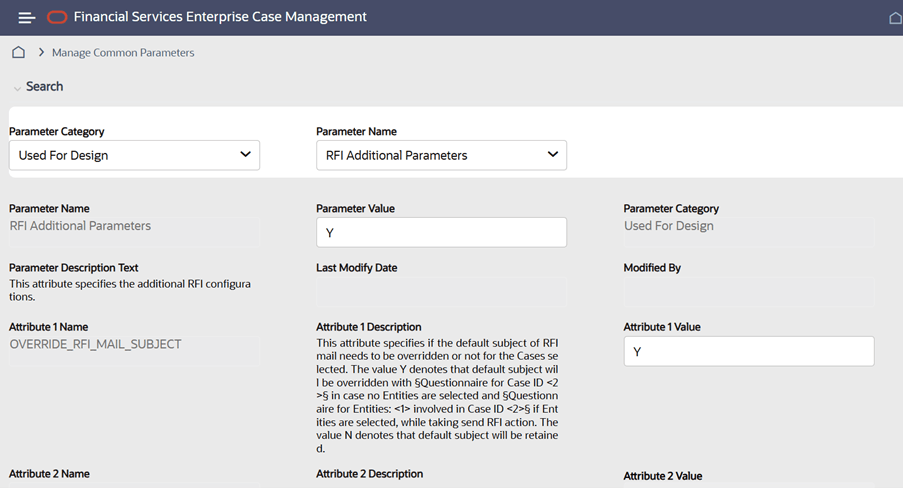
The RFI Additional Parameters configuration controls additional Request for Information (RFI) settings. Set the parameter value to Y to enable the additional RFI configurations.
- From the Parameter Name list, select
RFI Additional Parameters.
Figure 14-7 Additional RFI Parameters
The additional RFI configuration is saved and becomes effective.
Table 14-6 Additional RFI Configuration Attributes
| Attribute | Description |
|---|---|
OVERRIDE_RFI_MAIL_SUBJECT |
Specifies whether the default RFI email subject is overridden.
Set the value to Y to override the default subject.
Set the value to N to retain the default RFI email subject. |