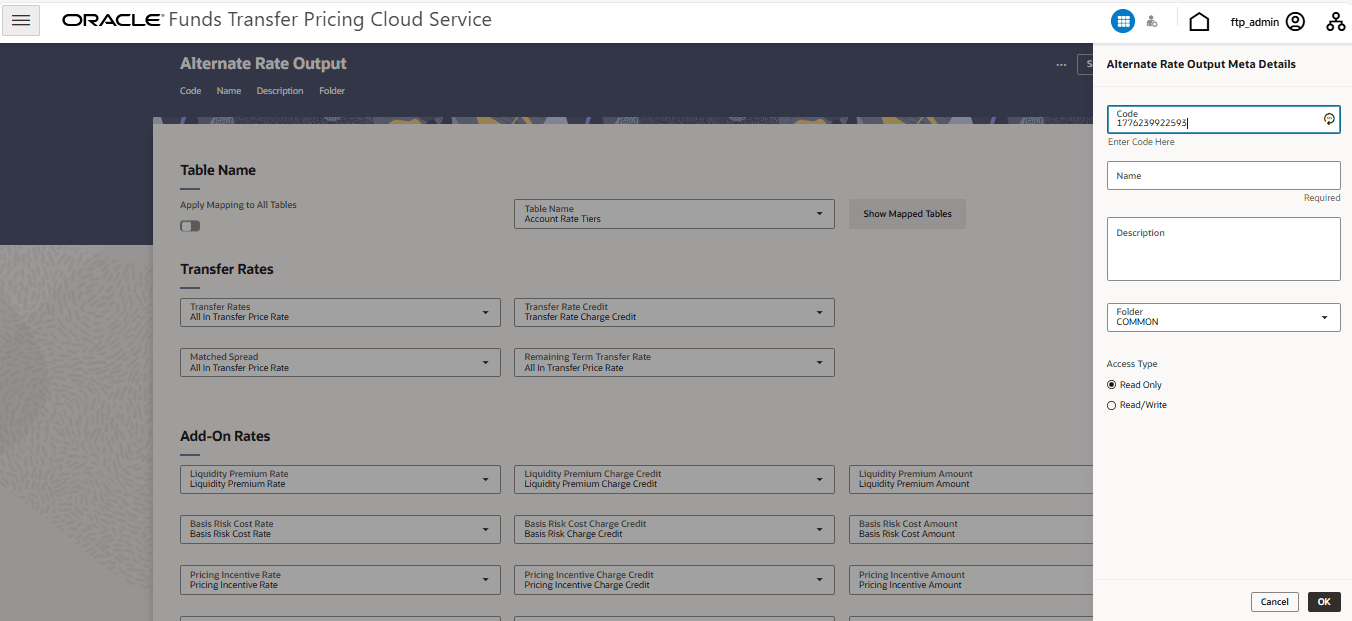
6.3.8.1 Create Alternate Rate Output Mapping Rules
In order to create the Alternate Rate Output Mapping Rules, the Output Columns for Account Tables must be registered.
You can create an Alternate Rate Output Mapping Rule to select the alternate
columns to Output Transfer Rate and Add-On rate Calculation Results for each instrument
record in an account table for a Transfer Pricing Process Run.
- From the LHS menu, click Assumption Specification, and
then select Alternate Rate Output Mapping to open the
Alternate Rate Output Mapping summary page.
Figure 6-129 Alternate Rate Output Mappings Summary Page
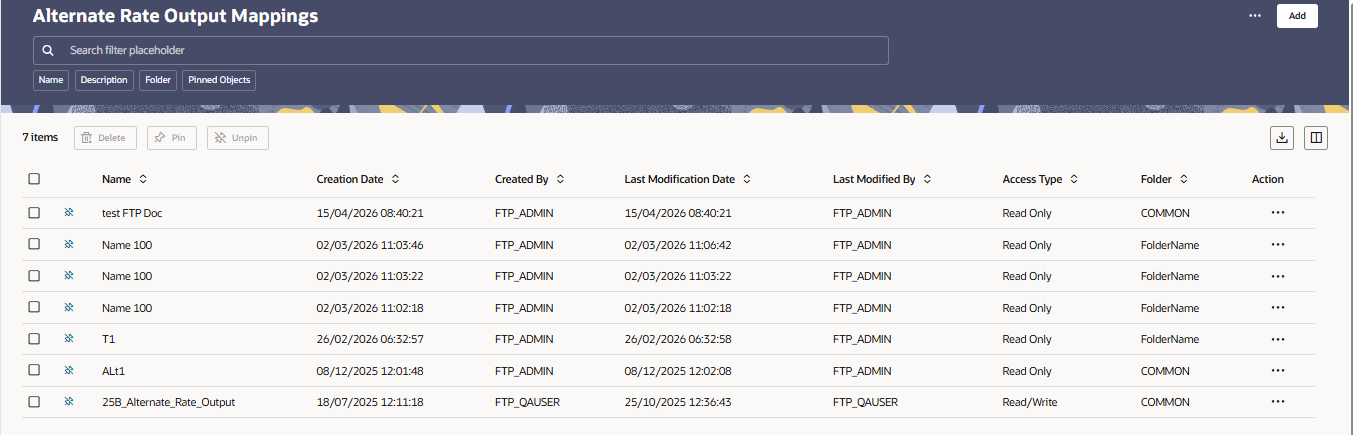
- Click Add to open the Alternate Rate Output Meta Details page.
Figure 6-130 Alternate Rate Output Meta Details