7.1.6 Widget Actions
Click the ellipsis (...) icon in the top-right corner of any chart or table widget to access the following actions:
Figure 7-6 Widget Action Menu
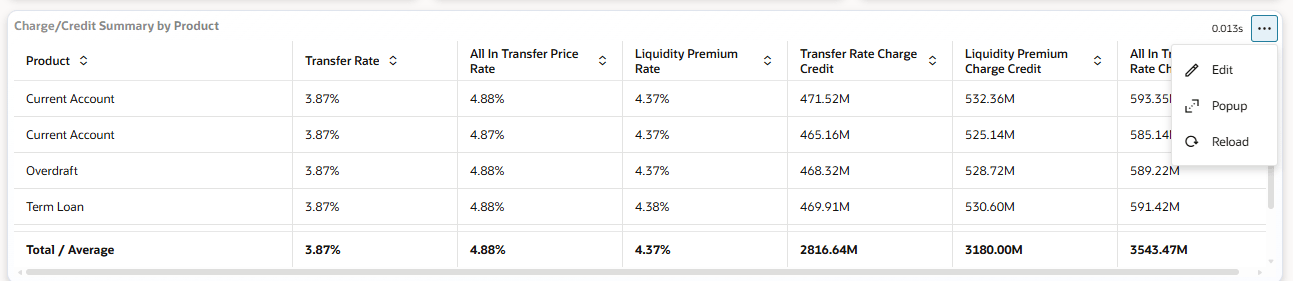
Table 7-5 Widget Action Menu
| Action | Description |
|---|---|
| Edit | Opens the widget configuration for the selected chart or table. |
| Popup | Expands the widget into a larger, dedicated view. |
| Reload | Refreshes the widget with the latest data for the current filter selection. |