36 Account Audit Portal
The Account Audit portal provides users a tool to validate account attributes along with calculated FTP results and the related cash flows:
- Transfer Rates, Adjustment Rates, and Economic Cost results.
- Audit information like method used for transfer rate or adjustment rate calculations.
- Interest rate curves used for calculations.
- Cash flows generated for the account, which are helpful to verify the rate calculations.
- Process Error messages
- Current and Prior “As-of-Date” data is also accessible.
All these details can be verified in a single UI portal by functional
users, without taking any technical help to query multiple DB tables.
To open the Account Audit
- From the LHS menu, click Funds Transfer Pricing, and
then select FTP Account Audit.
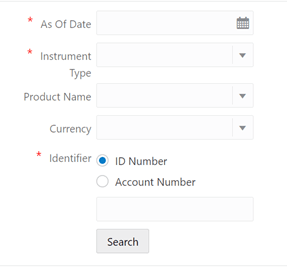
Figure 36-1 FTP Account Audit page