6.8 Download the OFS LRS Application Pack Installer and Erwin Data Model
To download the OFS LRS Applications Pack Installer Release 8.1.0.0.0 (Bug Number: 31383894), follow these steps:
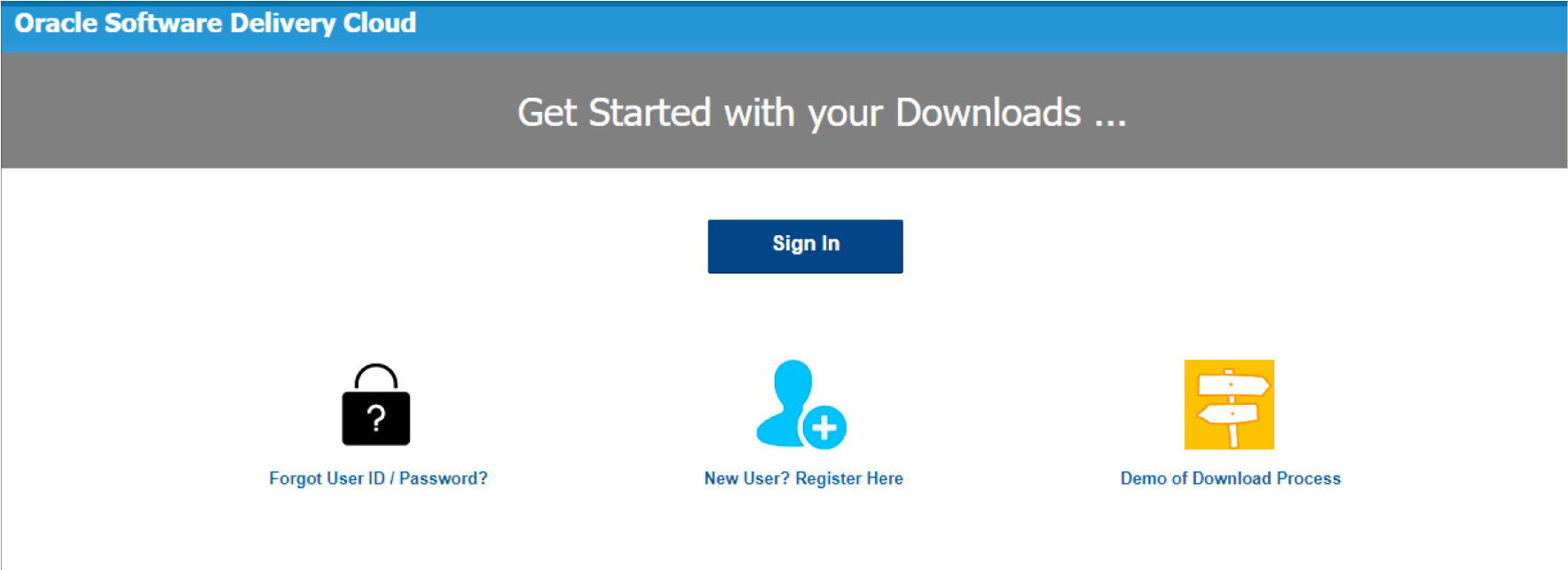
- Log in to the Oracle Software Delivery Cloud (OSDC) with a valid Oracle account.
Figure 6-1 OSDC Login Window
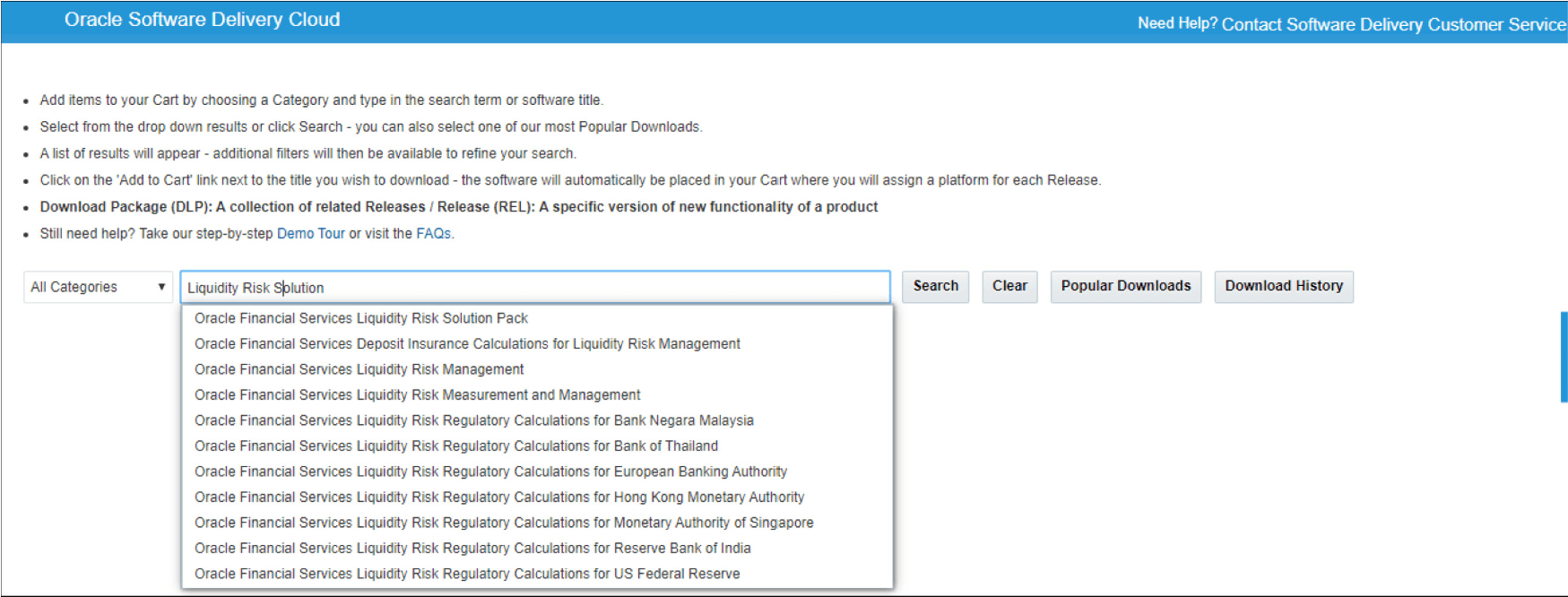
- Enter Oracle Financial Services Liquidity Risk Solution in the search box.
Figure 6-2 OSDC - Search Results