2.2 Getting Started with OFS LRS
To access the LRS application:
- When you log into OFSAAI, the Liquidity risk Solution (OFS LRS) home page is displayed. Click Financial Services Liquidity Risk Management.
The landing page is displayed.
Figure 2-2 OFSAAI – Liquidity Risk Solution - Home Page
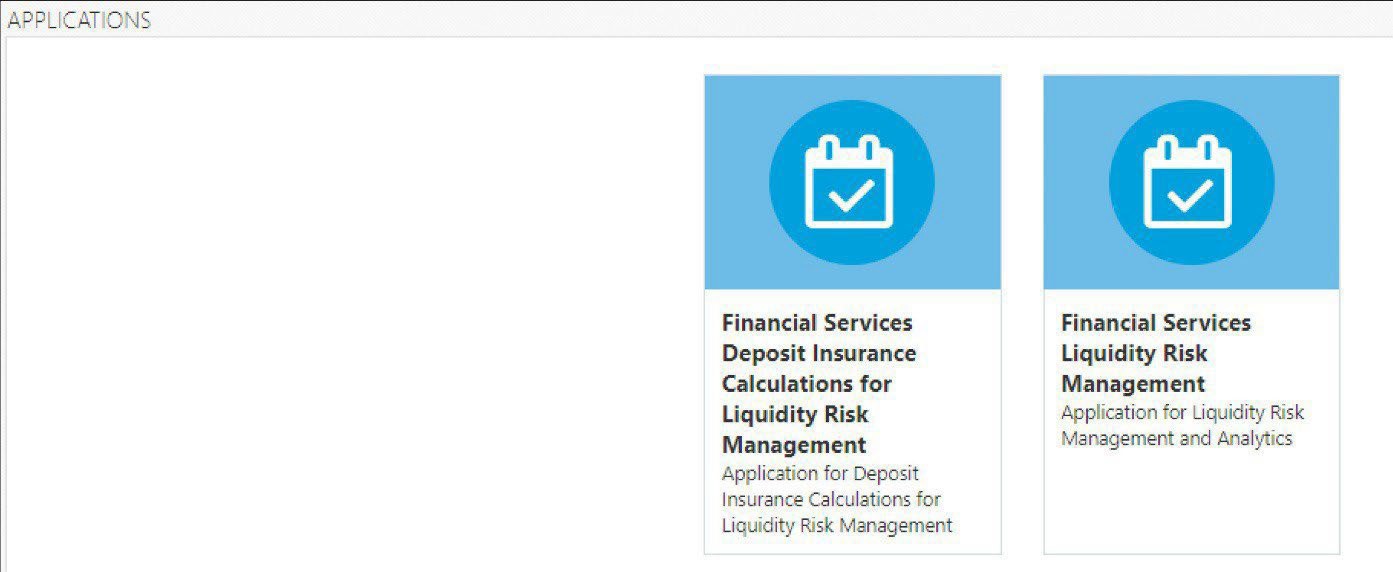
Figure 2-3 OFSAAI – Liquidity Risk Management - Landing Page

Table 2-2 Landing Page Icons
Item Description USERNAME Click this button to select the following:- Preferences
- About
- Change Password
- Logout
Figure 2-4 Administration Tools Icon

Click the icon and select Financial Services Liquidity Risk Management. Figure 2-5 Login Information Icon

Click this icon to view the Administration related tools such as Object Administration and Utilities. Figure 2-6 Last login icon

Click this icon to view details of the last login and last failed login date and time. Common Object Maintenance Common Object Maintenance is an integral part of the Infrastructure system and facilitates system administrators to define the security framework with the capacity to restrict access to the data and metadata in the warehouse, based on a flexible, fine- grained access control mechanism. For more information refer to the OFS Analytical Applications Infrastructure User Guide Liquidity Risk Management Link Click this link to view the options under Liquidity Risk Management.