PreviousNext
JavaScript must be enabled to correctly display this content
Create Objective (Folders)
This topic provides information on how to create folders, also known
as objectives, within which you can create models. To create an objective, perform the
following steps:
Click Launch Workspace adjacent to the corresponding
workspace to launch the Dashboard window with the
application configuration and model creation menu.
Click Model Pipelines to display the Model
Pipelines window.
The window displays folders that contain models and model records
in a table.
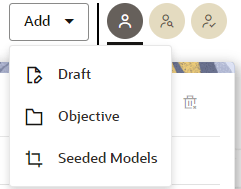
Click Add and select Objective
from the list.
Figure 11-75 Objective
Option
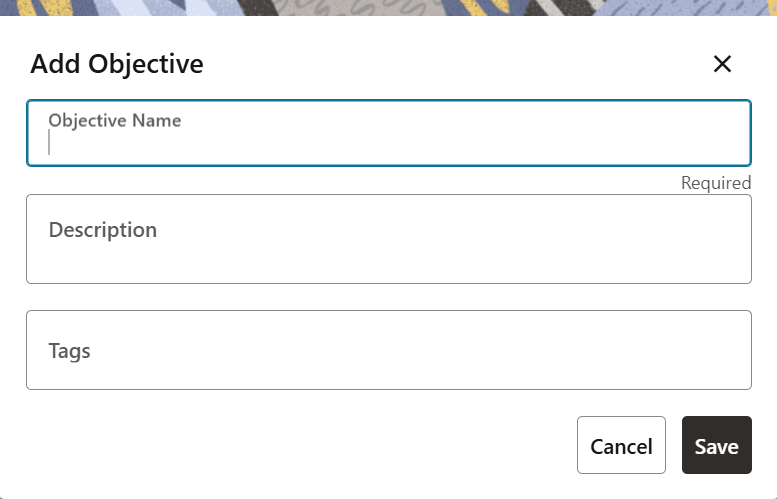
Enter details in the Name,
Description, and Tags
fields.
Figure 11-76 The Add Objective
Window
Click Save.
Create an Objective by Supplying the Custom Objective ID and
Name
Whenever a new objective is created, the application generates a unique ID
that is associated with the objective. An objective can also be created by
supplying the custom objective ID and name via an API.