Fairness Evaluation
Perform the following steps to score a model from the View Model
Catalog page:
- In the View Model Catalog page, click Action
next to corresponding model and select Fairness
Evaluation.
The Fairness Evaluation drawer appears.
Figure 11-65 Fairness Evaluation
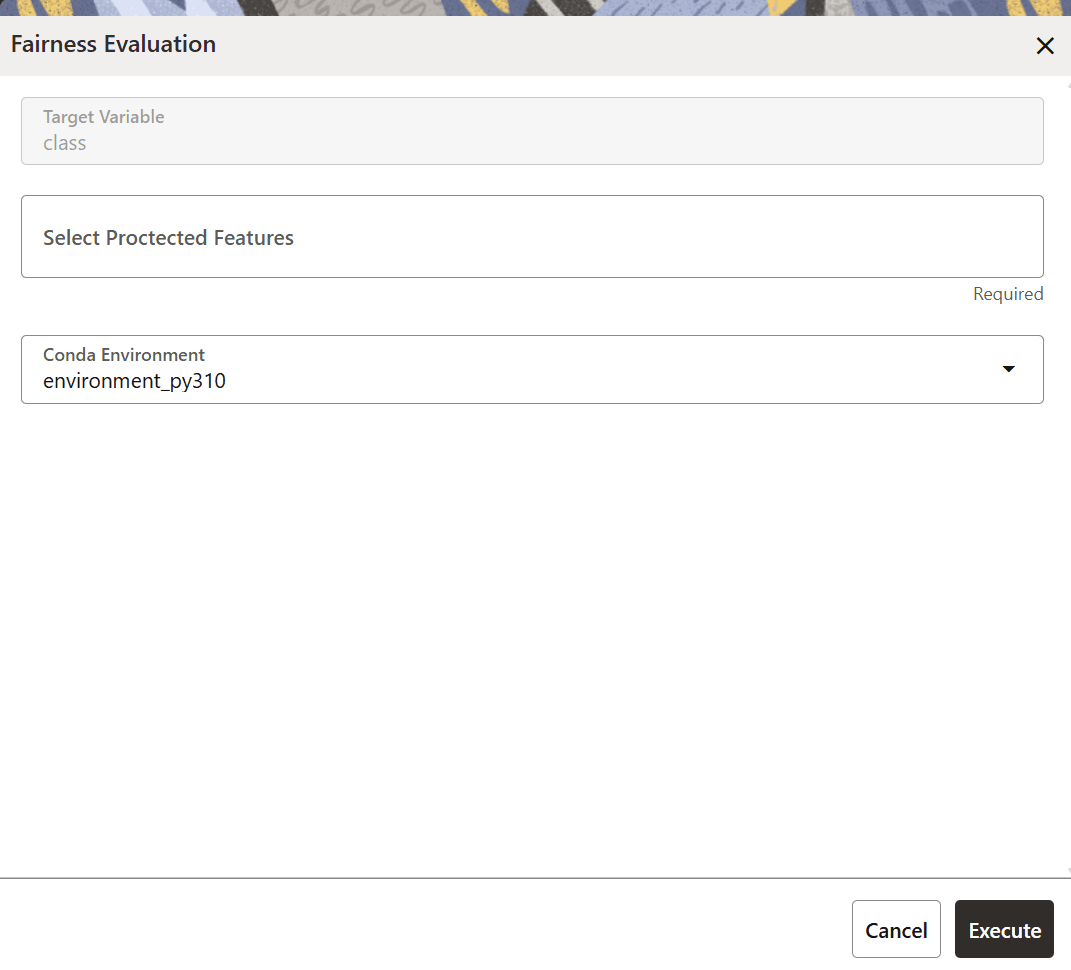
- Select a protected feature from the Select Protected Features drop-down list.
- Select a conda environment from the Conda Environment
drop-down list.
The selected Conda environment is sourced from the model context and is passed through to the backend for each operation so that the appropriate environment can be activated before executing the Python code. The Conda environment can be selected for models that are built from model catalog or model pipeline.
- Click Execute.