Model Report
This option allows you to view the Model Report and download the same in PDF format.
To view and download report:
- Open a Model in Pipeline Designer.
- Click Generate Model Report.
The Model Report window is displayed.
Figure 11-98 Model Report window
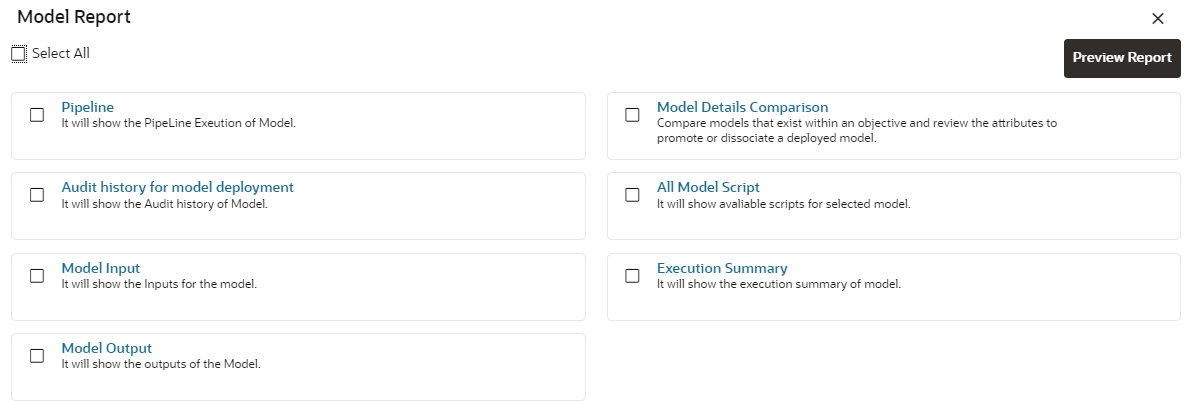
- Select the Parameters to generate the report.
- Click Preview Report.
The report is displayed based on selected parameters.
Figure 11-99 Model Report
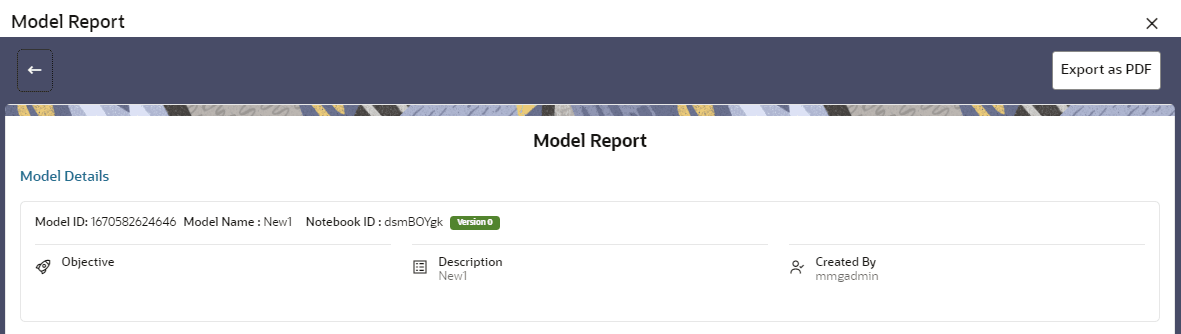
- Click Export as PDF to save the report as PDF in local system.