PreviousNext
JavaScript must be enabled to correctly display this content
11.4.1.2.2.3 View the Details of an AutoML Model
To view details of an AutoML model, perform the following steps:
On the View Model Catalog page, click Action
next to corresponding AutoML model and select View
Details.
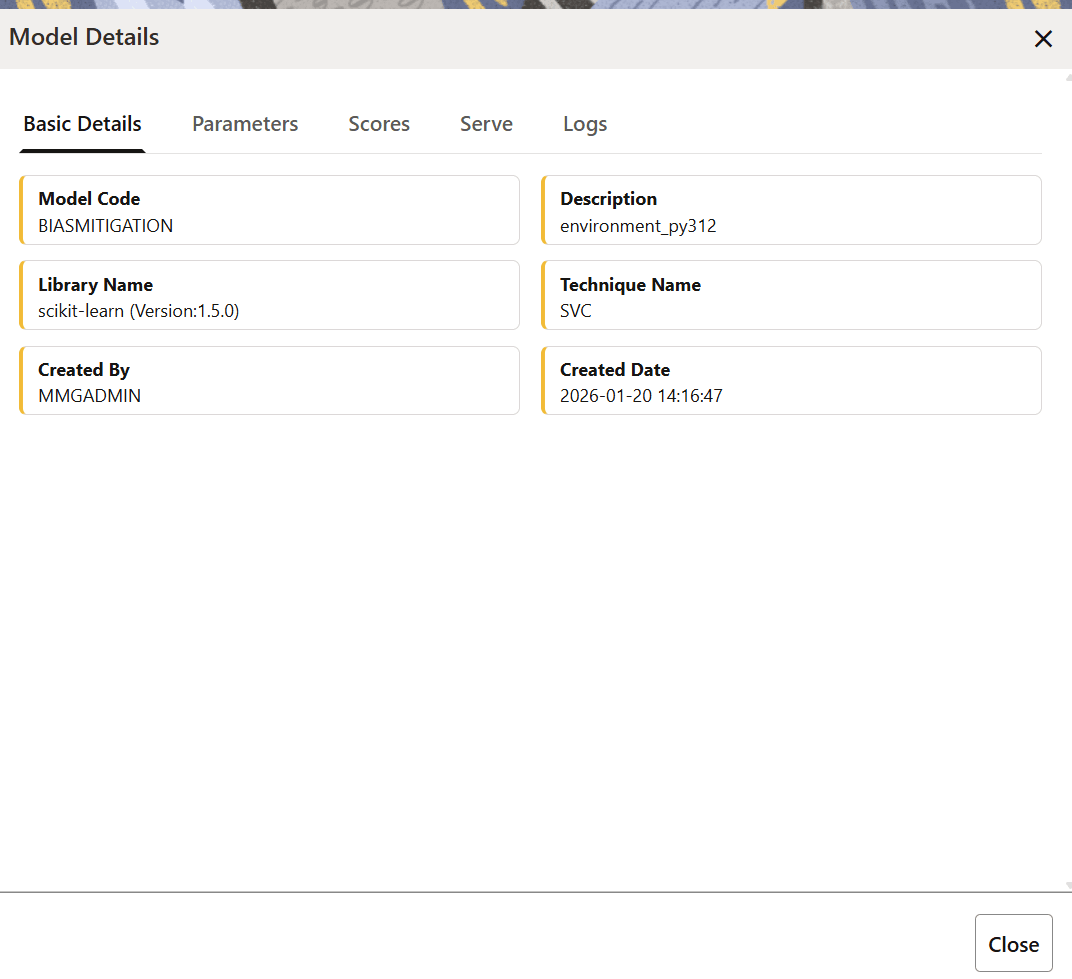
The AutoML model details are displayed.
Figure 11-60 AutoML Model Details
Drawer
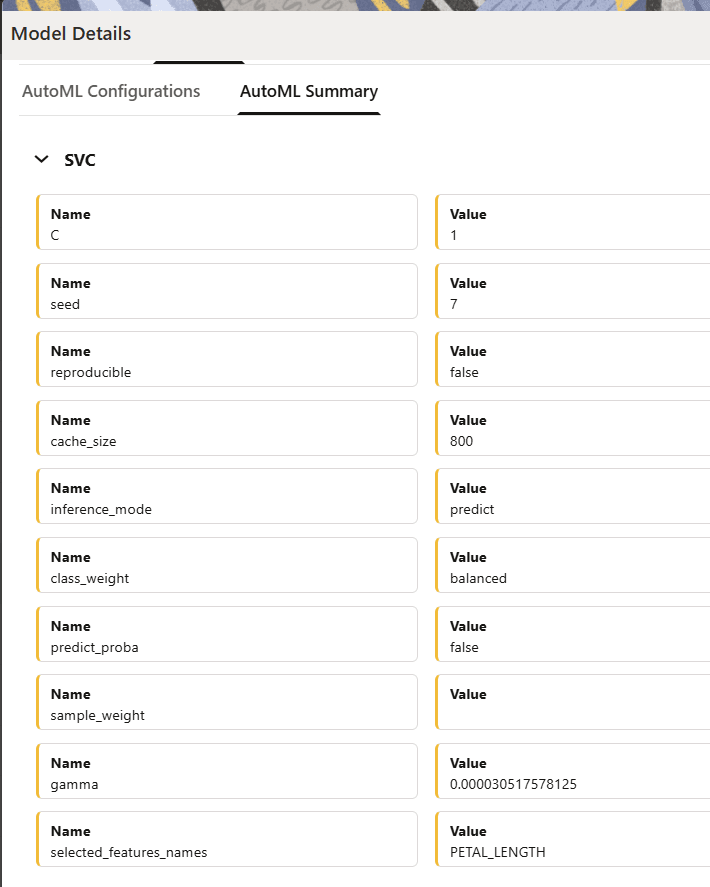
The following image illustrates the AutoML Summary tab
Figure 11-61 AutoML Summary Tab
Click the tabs to view the following details:
Basic Details: This tab displays the
basic details of the AutoML model catalog such as the model code,
description, library name, technique name, created by, and the created
date.
Parameters:This tab will display the
task and type details in the AutoML
Configurations tab if the Configure AutoML
Pipeline was not enabled in the AutoML
Modeling window. If the Configure AutoML
Pipeline option was enabled in the AutoML
Modeling window then it will display additional
configuration details. The AutoML Summary tab
displays the model techniques that are used when building the AutoML
model along with other configuration details.
Scores:This tab displays information about the
latest evaluation score, evaluation history, fairness score.
Serve:This tab displays the endpoint
details of a deployed AutoML model.
Logs:This tab displays the log
information of the selected model. In case a model has failed, you can
view the reason for the failure.
Click the Score Details tab to view the Latest score,
and Scoring details of the AutoML model.