Access the Application
To access the application, follow these steps:
- Open a browser and enter the URL in the following format:
http(s)://<MMG UI service host
                    name>:<UI_PORT>/mmg/home
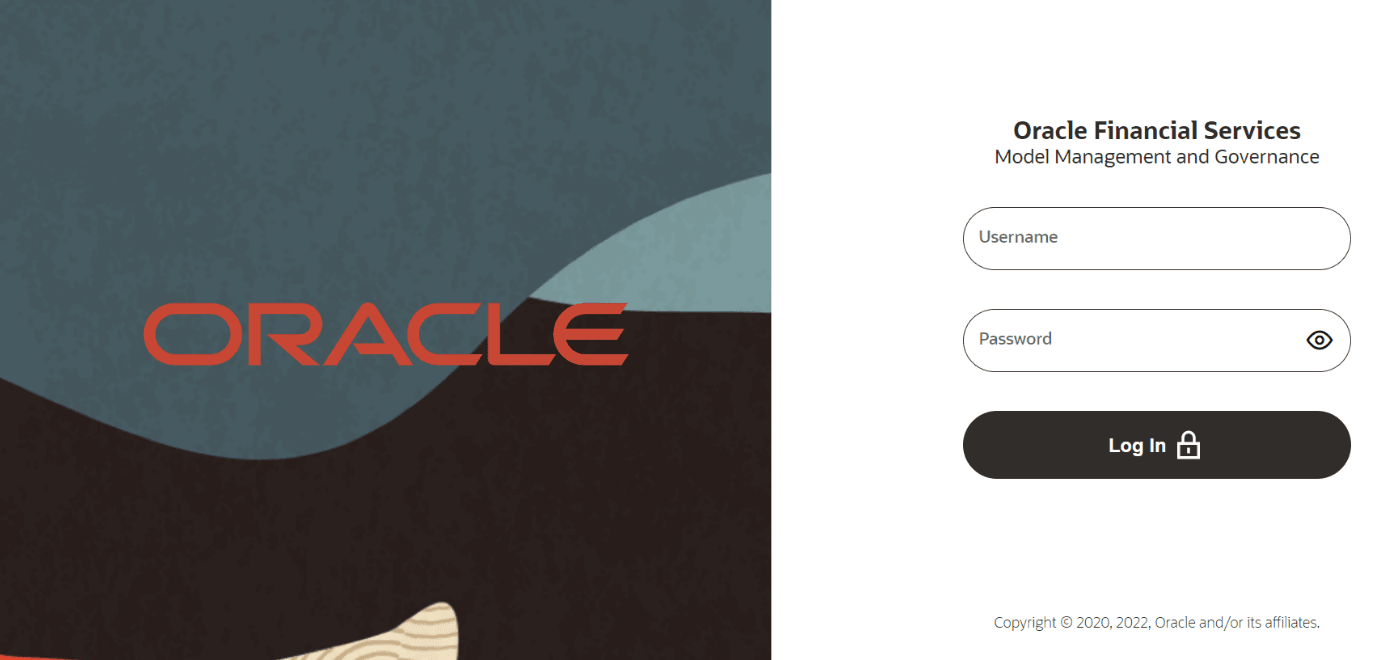
For example:https://xyz.com:4155/mmg/homeThe MMG Login window is displayed.Figure 6-1 MMG Login window – AAI Authentication
 For more information, see the User Access and Permissioning Management section.
Note:
The following needs to be setup in mmg-ui/conf/application.properties and mmg-service/conf/application.properties: server.servlet.session.cookie.http-only=true.