9.2 In-Application Dashboards
Review profitability results through dashboards available within the application.
The Dashboards & Dashboard Groups screen provides access to individual dashboards and groups of related dashboards. These include views for customer profitability, segment analysis, income statements, organizational units, products, regions, and other profitability insights.
Open an individual dashboard to review a specific view, or select a dashboard group, such as Customer Profitability or Profitability Insights, to access related dashboards.
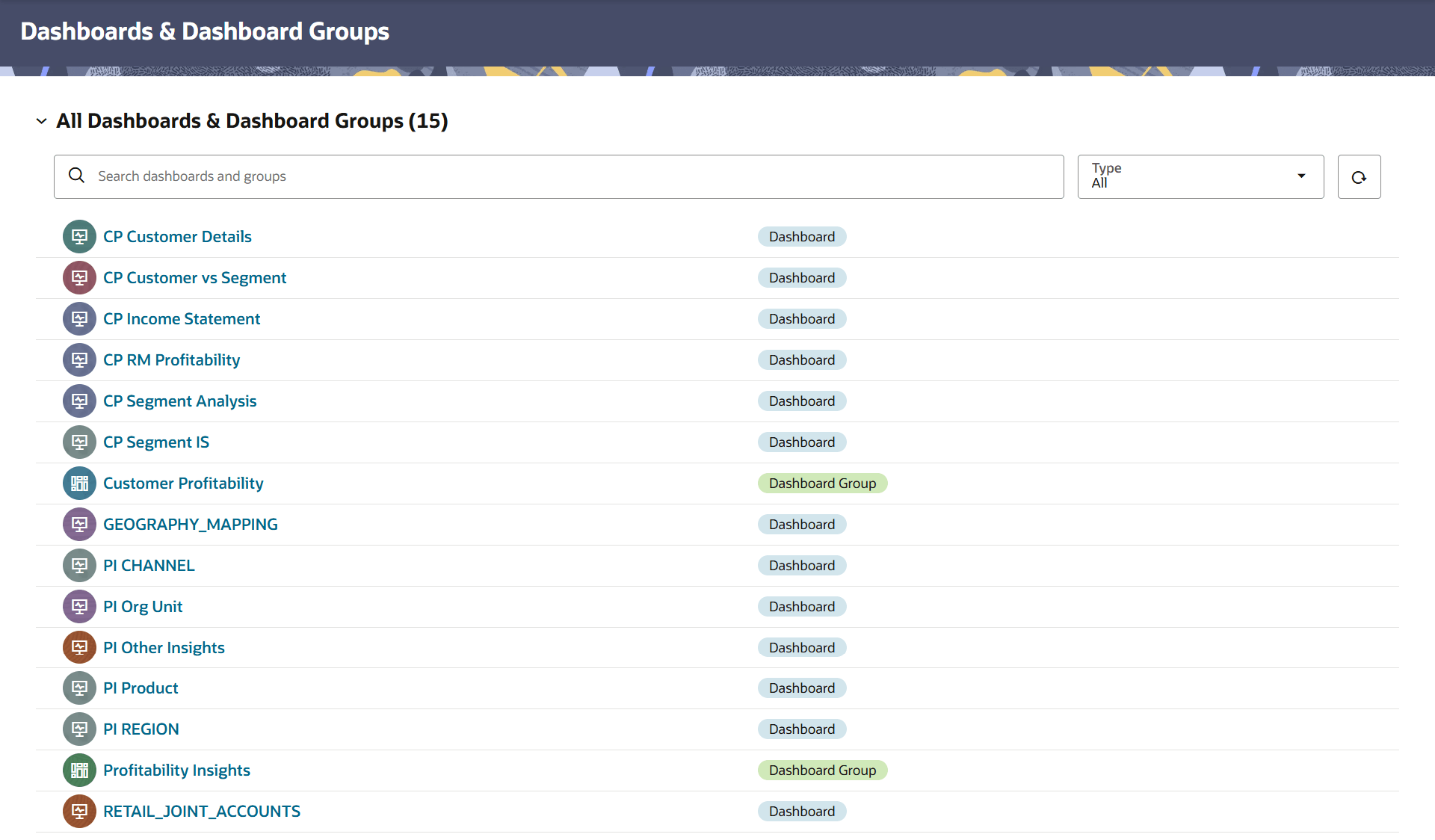
Figure 9-2 Dashboards and Dashboard Groups
Use the following controls to locate and access dashboards:
- Search dashboards and groups:Search for a dashboard or dashboard group by name.
- Type:Filter the list by dashboard or dashboard group.
- Refresh:Refresh the displayed list.
Parent topic: Analytics