9.7.1.3 Customer Details Canvas
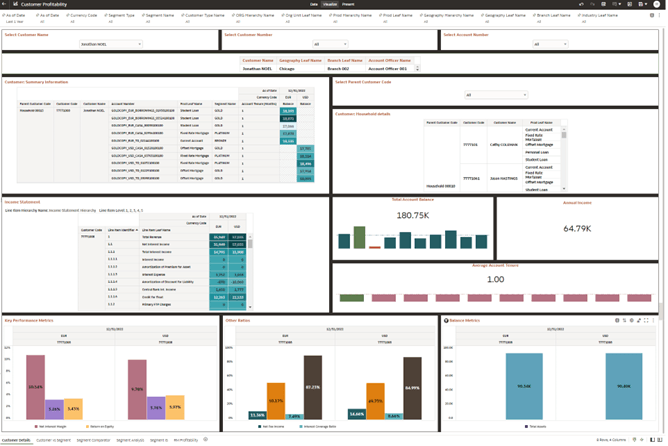
The customer profitability analysis detailed summary displays differents perspectives of customer and household data.
You can select, a customer name, customer number, or account number. This helps in navigating to the profile belonging to the customer.
To review customer details in the application, open In App Dashboards, select Customer Profitability, and then select CP Customer Details.
- As-of date:Select the reporting date.
- Segment Types:Select the required segmentation type.
- Segment Name:Select the customer segment.
- Customer Code:Select the customer whose details you want to review.
For example, Select a specific customer as Jonathan Noel.
Figure 9-156 Canvas Customer Detail
The customer summary information report shows the following details that are of interest to a front office persona:
- Product Holding
- Tenure of the products
- Account Balance
- Segment Information
Figure 9-157 Report - Customer : Summary Information
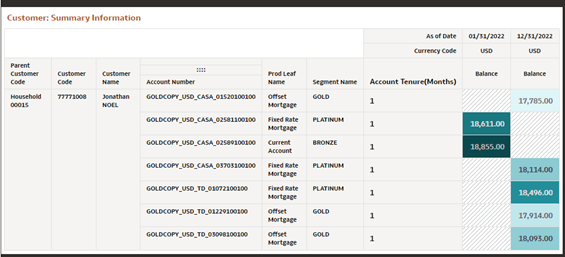
Figure 9-158 Report - Customer: Household Details
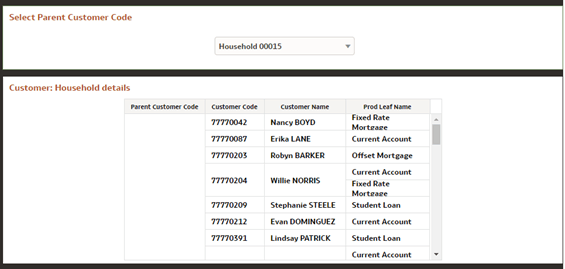
Figure 9-159 Report Income Statement Details
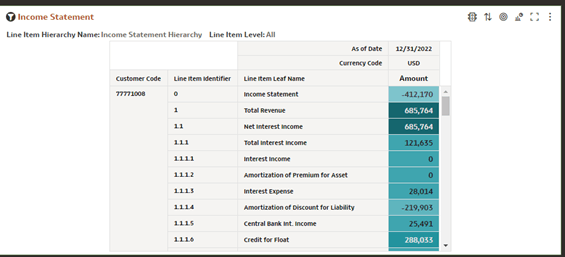
Figure 9-160 Tile - Total Account Balance
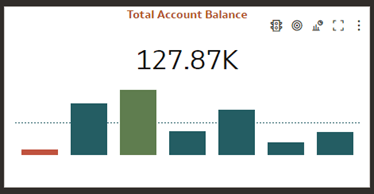
Figure 9-161 Tile - Annual Income
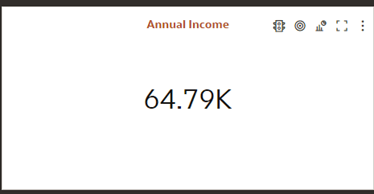
Figure 9-162 Tile - Average Account Tenure
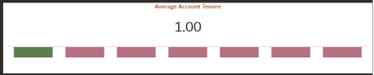
Figure 9-163 Report Key Performance Metrics
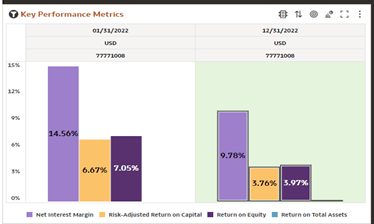
Figure 9-164 Report - Other Ratios
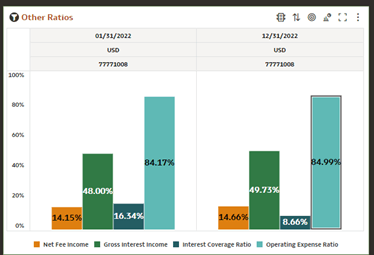
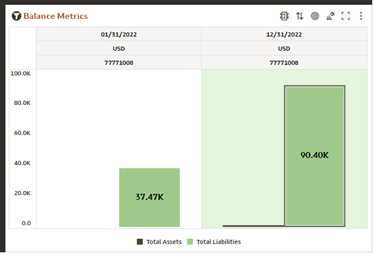
Figure 9-165 Report - Balance Metrics
Parent topic: Instrument Level Aggregation and Insights