6.3.2.1 Detail Screen

Click Add from the Title bar of summary screen or Edit/View an allocation model from summary to launch into the Allocation Model Detail screen.

Navigation within the Detail Screen

When you Add, Edit, or View an Allocation Model, the Allocation Model Definition screen is displayed with the following panes:

  • Allocation Model Details
  • Allocation Model Type
  • Allocation Model Container

Figure 6-49 Allocation Models - Detail Screen


Allocation Models - Detail Screen

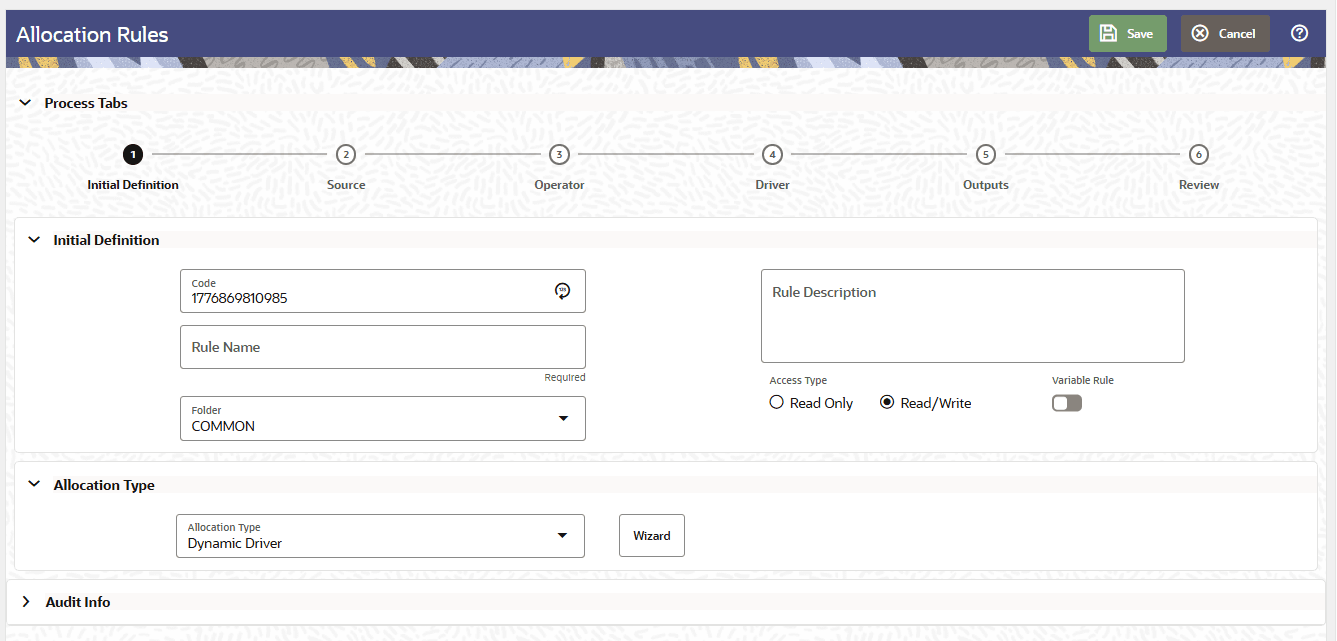
The Allocation Model Details opens up as a drawer on the right hand side of the screen and allows you to specify an allocation model's Code, Name, Description, Folder and the Access Type. The drawer window is shown in the above figure.

Note:

In the Code field, the code is auto-generated. You can also manually enter a numeric code. Only numerical values are allowed; special characters are not permitted.

Allocation Model Type Pane

The Allocation Model Type pane allows you to specify the type of the model you want to construct.

The appearance of the Allocation Model Type pane depends on whether you are building a Standard Model or a Circular Model.

  • Standard Model: To construct a Standard Allocation Model, select Standard from the Model Type drop-down list box.
  • Circular Model: To construct a Circular Allocation Model, select Circular from the Model Type drop-down list. By default the screen is launched with the allocation model type selected as ‘Standard’.

By default the screen is launched with the allocation model type selected as ‘Standard’.

Figure 6-50 Allocation Model Type Pane – ‘Standard’ is selected as default


The Allocation Model Type pane allows you to specify the type of the model you want to construct. This field is auto defaulted as ‘Standard’.

To build a Circular Model, the user needs to select the value as Circular in the Allocation Model Type drop-down. The user then needs to specify the number of iterations or cycles the user wants the circular part of the Allocation Model to execute, in text field “Number of Cycles”. The user needs to input positive integer values as the number of cycles.

Figure 6-51 Allocation Model Type Pane with Type selected as ‘Circular’


Allocation Model Type Pane with Type selected as ‘Circular’

There is however, a maximum limit set for the number of cycles the user can input.

Maximum Circular Allocation Iterations: To omit an infinite loop of allocation rules, Allocation Models are governed by an overall limit on the maximum number of iterations or cycles that can be run before the circular part of a model completes. This maximum number of iterations is set in the User Preferences for Profitability Management.

Figure 6-52 User Preferences


User Preferences

Allocation Model Undo

The Allocation Model Detail screen also provides the ability to undo a previously executed Allocation Model. The Allocation Model Undo component allows you to reverse the results of one or all executions of a selected Allocation Model.

To perform an Allocation Model Undo, specify the following parameters:

  • Allocation Model Name: Select from a list of all previously executed Allocation Models.
  • Execution: Select from two options in the dropdown:
    • All (Default): Undoes all executions of the selected Allocation Model — that is, reverses all identity codes corresponding to all rule executions across all Model executions.
    • Latest: Undoes only the most recent execution of the selected Allocation Model — that is, reverses all identity codes corresponding to all rule executions that were part of the latest Model execution. The latest execution of the model is identified through the maximum value of the Model_seq_number column in Fsi_data_identity.

Note:

  • The As-of-Date is a run-time parameter and is not hardwired inside the Undo component. It is passed from the calling function at runtime — via MISDATE when triggered through the Scheduler service, or through the Batch Execution API when triggered from an external batch scheduler.
  • The Identity Code is handled internally by the engine and is not required as a manual input. Unlike on-premise deployments where Identity Codes are static and can be referenced directly, Identity Codes in the Cloud version are dynamically generated for every execution. The Undo engine uses the Identity Code internally to identify and reverse the correct execution records without requiring the user to input them manually.