9.1 Access Business Intelligence (BI) Reports
This section describes the steps to access the Business Intelligence (BI) Reports.
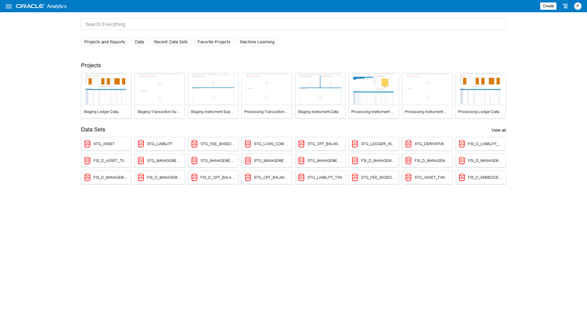
To access the Oracle Financial Services Profitability Management Cloud Service BI Reports, from the LHS Menu, select Analytics, and then select Home Page.
Open In App Dashboards. Open the required dashboard group and select a dashboard tab, or open an individual dashboard. Use the available filters to select the reporting date and the information to review.
Figure 9-1 Analytics Home Page