7.4 Executing Batch

Use this section to execute newly created batches for the first time.

To execute the batch, follow these steps:
  1. Log into the application as Admin user. Select Common Task.
  2. Click Operation and then Batch Execution. The Batch Execution page is displayed.
  3. For the first time, select Batch Mode as Run. Select required Batch Number
  4. Click Execute Batch.
    For more information on how to create and execute Fire Runs, see Operation section in OFS AAI User Guide.

    Figure 7-3 Executing Batch
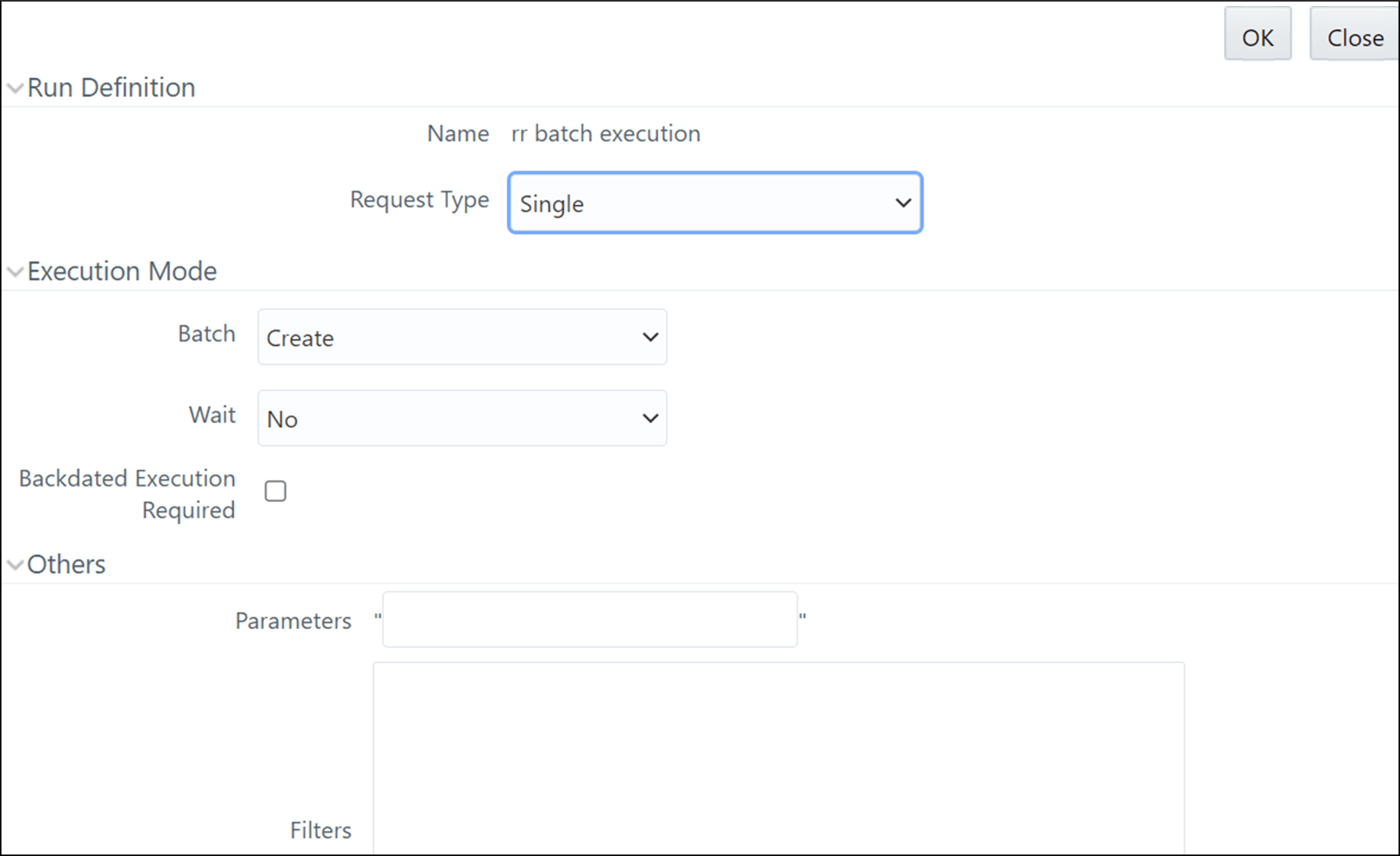

    Executing Batches

  5. Select Create and Execute from the Batch drop-down.
  6. Set the MIS date and click OK. A confirmation message is displayed. A batch is created and executed for the first time.