5.1.4.5 Seeding the Application Menu
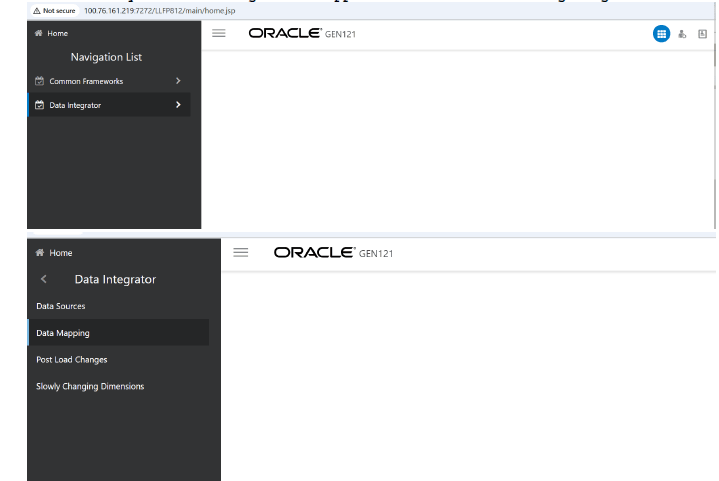
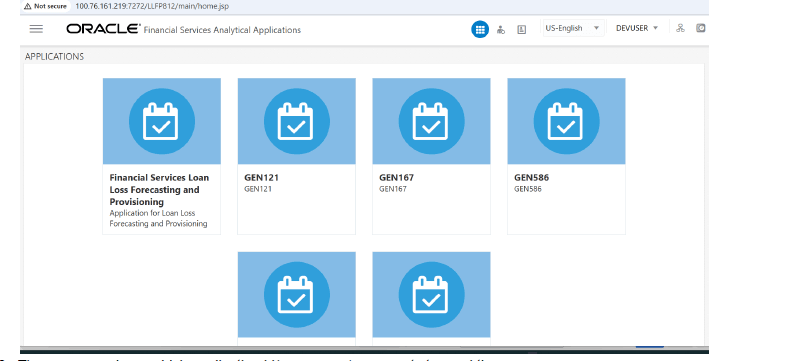
Perform the following steps to seed the application menu into the sandbox environment:
- Log in to the OFSAA application: http://100.76.161.219:7272/LLFP812/.
Figure 5-1 LLFP Log In Screen
- Insert the prepared menu mappings into the AAI_MENU_TREE table for the selected V_APP_ID.
Figure 5-2 AAI_MENU_TREE

- Log out and log in again to refresh the application.
Figure 5-3 LLFP ReLogin