Installing the Power USB Module
The Workstation 625/655 supports an optional power USB module.
The hex key is required for installation.
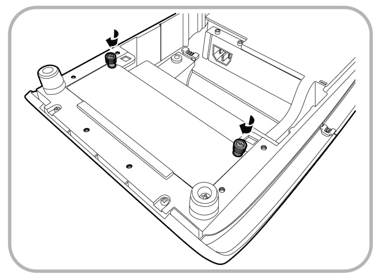
- Unscrew the two hex screws by turning the hex key counter
clockwise to release the USB cable from the USB cover.
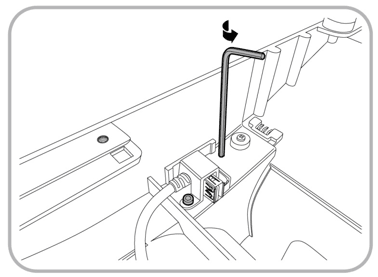
- Insert the USB cable into the USB connector on the left
side of the power USB module.
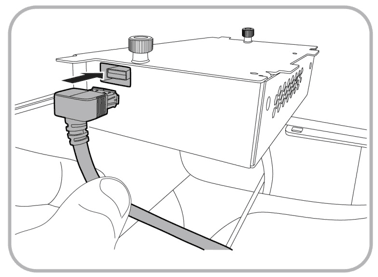
- Insert the power cable connector into the power supply
inlet on the right side of the power USB module.
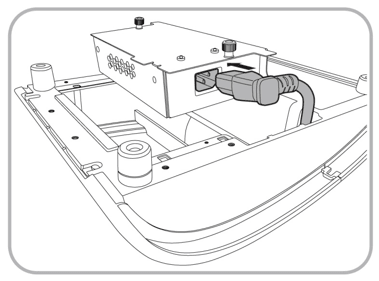
- Place the power USB module vertically down into the base
unit compartment, and then slide it forward all the way to the edge.
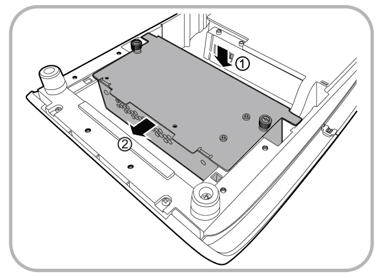
- Tighten both thumbscrews by turning them clockwise to secure
the power USB module to the Workstation 6 Adjustable Stand.